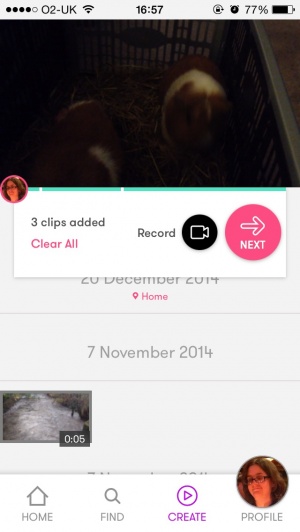
VideoGrade Review
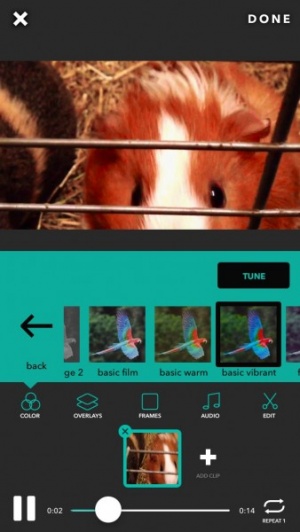
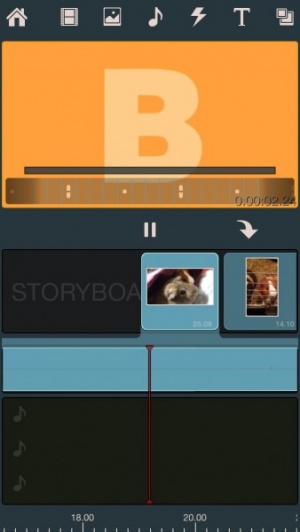
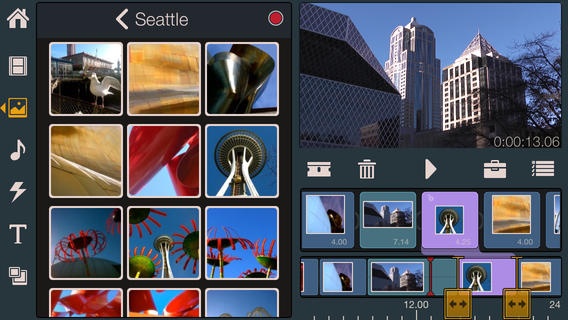
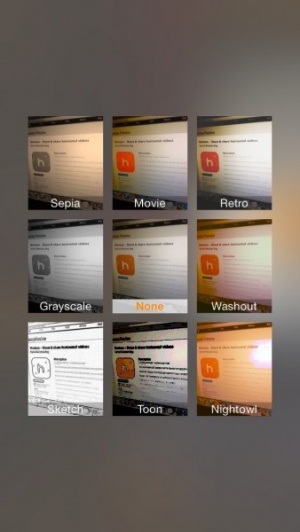
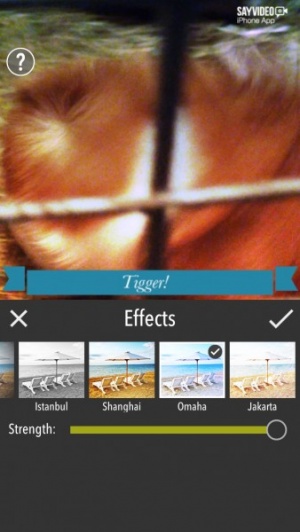
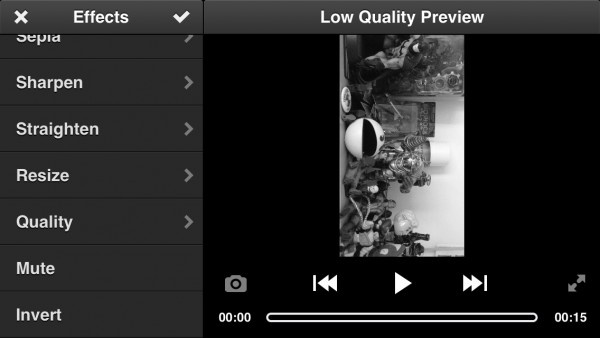
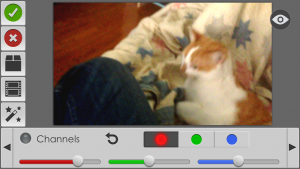
+ Universal App - Designed for iPhone and iPadVideoGrade isn't necessarily the most perfect iOS video editing app, but it's definitely got a fair amount of options and sports a very easy-to-use interface.
Read The Full Review »
Posts Tagged video editingVideoGrade Review+ Universal App - Designed for iPhone and iPadVideoGrade isn't necessarily the most perfect iOS video editing app, but it's definitely got a fair amount of options and sports a very easy-to-use interface. Read The Full Review » Mobli ReviewiPhone App - Designed for the iPhone, compatible with the iPadWith some rather cool video features in particular, Mobli is a photo and video social networking app that deserves to be noticed. Read The Full Review » Loop Raccord ReviewiPad Only App - Designed for the iPadA video editing-based puzzle game? Yes, really. Loop Raccord is original, challenging and pretty cool. Read The Full Review » Cinefy – Special FX Studio ReviewiPhone App - Designed for the iPhone, compatible with the iPadCinefy is a mobile video special effects app that needs polished more before users take it seriously. Read The Full Review »
That’s also exactly what Video Camera offers. Besides many other great features, it lets the user connect and simultaneously record from up to eight devices, all linked across Wi-Fi. For the aspiring film director, this is a great way of capturing all the action from numerous different angles. Film students will love this but so will people that just want to capture every adorable moment of their wedding or holiday. It’s impressive stuff. Video Camera doesn’t lack other great features either, offering high resolution video recording and plenty of import/export options for the experienced video editing. Pretty much everything that needs to be done with video editing can be done via the app. It’s clever stuff from Video Camera and the best part is that it’s currently free! Its normal price is $7.99, an ideal price for such a feature rich app. $19.99 ![]() + Universal App - Designed for iPhone and iPad Released: 2012-01-25 :: Category: Photography
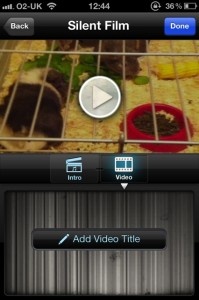
Creative types inspired by The Artist now have the perfect opportunity to demonstrate what wonders they can create with Silent Film Director, thanks to the launch of the iPhone Silent Film Festival. Shoot a video through the app, submit it to the contest and possibly win an iPad or one of numerous other prizes. It’s as simple as that. For further inspiration, check out Silent Film Director’s YouTube channel, offering plenty of examples and contributions. Below is one of our favorites. Participants have until May 28 to get their entries in. Full details regarding the Contest are available on developers MacPhun’s site. Good luck! Vibop ReviewiPhone App - Designed for the iPhone, compatible with the iPadAdd themes and effects to video creations easily and effectively. Read The Full Review » Frames ReviewiPhone App - Designed for the iPhone, compatible with the iPadStylish to look at, simple to use, and produces some great time-lapse and stop motion videos. Read The Full Review »
NewBlue Inc. a video technology company, re-launched an app that, if it works as well as it shows in the demo video, will allow users to get some amazing looking video editing results with no special skills. Vibop 2.0, a complete reimagining of the now defunct first version, hopes to do for for iPhone videographers what Instagram has for iOS photographers. That is, make adding really neat effects effortless and incorporate social network sharing to the utmost. Using existing footage or that shot for a Vibop project on the fly, users can add professional-grade sounds, intros and mix and match any of the nine included themes: Silent Film, Super 8, Comic Book, Love Note, Tech Talk, Beatz, Postcard, and one theme that makes the app a potential standout, the custom Twitter theme. This feature uses a company’s (or person’s) personalized Twitter profile to create a unique branded video. Additional effects will be available for in-app purchase. Once the project is completed the social networking component kicks in with integrated one-tap posting to YouTube of course, along with Facebook and Twitter. The templates and examples suggest the app is not intended for making full-length movies, but rather sending video postcards with some Hollywood flair. A direct-to-YouTube desktop version of Vibop is also available. In their press release announcing the new app, NewBlue co-founder, Todor Fay explains “anyone can capture and share video – but the magic is what happens in between. The Vibop 2.0 app allows people to showcase their creativity and make a statement, democratizing mobile video with fun and easy-to-use tools.” We can’t wait to give this a test-drive but if you get to it first, be sure to tell us what you think in the comments.
$9.99 ![]() iPhone App - Designed for the iPhone, compatible with the iPad Released: 2011-07-13 :: Category: Photography
“We’ve seen mobile traffic triple since we launched our original iPhone app in early 2011,” Joseph Schmitt, lead mobile developer at Vimeo told VentureBeat. “Now, we’ve taken what we learned while creating our previous apps and applied it to the updated iOS to improve overall design and usability. We’re especially pleased with the awesome iPad user interface, which the Vimeo community has eagerly awaited.” In addition to iPad support, the app will allow users to browse other videos while watching, as well as including a video editor and the ability to incorporate licensed music from the Vimeo Music Store into your videos right on your iOS device. The app is free and the new update is available right now. Enjoy! Avid Studio ReviewiPad Only App - Designed for the iPadA powerful app for editing videos while on the move. Read The Full Review » We were pretty impressed by Camera Plus Pro when it was reviewed last summer. Clearly developers, Global Delight, didn’t want to rest on their impressive laurels as version 4.0 of Camera Plus Pro, released today, promises to the bring the best out of the iPhone camera in terms of photography and performance. Some of these changes are simple such as the fact that the app is now 30x faster, others are much more complex such as the UI makeover, new capture engine and a plethora of different filters. The main thing to take from all this is that Camera Plus Pro is all the more essential a purchase for anyone keen to use the camera functionality regularly.
9 Live Video Filters have been added for those creating videos with the app. The new Smooth Video Zoom functionality boosts video recording too thanks to its jerk-free promise. With the capture engine being so much faster than before, instant saving is possible with the ability to capture 40 back-to-back photos at full resolution. Re-adjusting images, rotating or cropping photos is just as simple with one single motion doing everything. It’s impressive stuff for an already excellent photography app. Camera Plus Pro is regularly priced at $2.99 but to celebrate the latest release, it’s priced at a mere $0.99 for the next week. An ideal time to check it out then. $1.99 ![]() iPhone App - Designed for the iPhone, compatible with the iPad Released: 2009-12-17 :: Category: Photography Need a royalty free stock video clip fast? Willing to pay a small in-app purchase price for it? Then ViDEO CLiPS is the ideal app for such a purpose!
The app works two ways – offering users a chance to download such clips but also enabling others to upload their own clips to be purchased by others. All work is converted automatically by the app so all potential contributors need to do is just shoot and upload. Hopefully it’s then just a matter of time till money comes in. ViDEO CLiPS sounds like a very useful idea to me. It’s out now for the iPad and it’s free to download. FREE! ![]() + Universal App - Designed for iPhone and iPad Released: 2011-09-16 :: Category: Photography Video editing is a fun task indeed when doing so on an iOS device. It’s amazing the results you can come up with depending on the subject matter. I should know thanks to having an iPhone positively overflowing with videos of my cousins as they grow up. It’s nice to be able to add some funky effects easily though which is precisely where Cartoonatic from MacPhun comes into the equation.
Users will be able to create their own cartoon style videos with the ability to use one of nine video effects, each created by cartoon artists, as well as add music from 5 built-in soundtracks or from the user’s iPod collection. Users can also speed up the videos for more humorous results. There’s real-time previewing for all effects ensuring it’s easy to see exactly what works and when. As the app proudly announces, it’s able to make its users feel like leading stars of A-Ha’s Take on Me music video, which will hopefully ring a bell with many readers. Cartoonatic is a free app for all iOS devices but users can opt to purchase Cartoonatic Premium which unlocks another 3 video effects as well as the possibility to take pictures with cartoon effects. As is customary with apps of this kind, all results can be shared either via YouTube, Facebook, Twitter or e-mail, as well as saved back to the device’s camera roll. Cartoonatic looks set to be a great app to make funny videos of pretty much everything imaginable. Check out the demonstration video below to see exactly how Cartoonatic works. Cartoonatic is out now for all iOS devices and it’s a free download with an in-app purchase available. FREE! ![]() iPhone App - Designed for the iPhone, compatible with the iPad Released: 2011-04-06 :: Category: Entertainment It still amazes me a little that only a few years ago, things like video editing on a phone or any portable device seemed like very distant technology indeed. Nowadays it’s common place of course. So common place that you can do it for free with apps like Videolicious.
Users can do all sorts of things to ensure that the video is just how they want it. They can add theme music either from the selection provided by the app or from the user’s iPod collection. A video commentary can be given via either the front facing camera or the rear camera. This allows users to further add a backstory to the film. For those looking for some inspiration, Videolicious also comes with extensive video ideas and instructions of how to create some masterpieces. These inspirations cover everything possible from a thank you note to a trip documentary, birthday party videos and even a resume or blog entry. They make for great templates to quickly create a visual feast. Videolicious then simplifies the sharing process by making it easy to share on Facebook or YouTube at the tap of a couple of buttons. Users can also submit their videos to the likes of Lucky Magazine, Martha Stewart Living, SELF Magazine and ReadyMade directly from within the app. Conveniently, Videolicious is also very quick to use no matter what needs doing or where it’s submitted, making it an ideal app to whip up something impressive in no time. Videolicious is available now for the iPhone 4, iPod Touch 4th Generation and iPad 2. FREE! ![]() + Universal App - Designed for iPhone and iPad Released: 2011-05-02 :: Category: Photography Silent Film Director ReviewiPhone App - Designed for the iPhone, compatible with the iPadSilent Film Director enables you to relive your film director dreams and creates some cool results. Read The Full Review » A huge announcement last week brought the Vimeo iPhone App into the spotlight as it debuted on the App Store. One of the first companies to start reencoding their online videos as HTML for iOS users, Vimeo has gone one step further and created an Official iPhone app.
You will also have the ability to monitor the statistics of your existing or any new videos. Checking the views, ratings and all other important information you’ll want about your Vimeo content. A simple and elegant user interface makes it easier to browse comments, search videos and find exactly what you’re looking for on Vimeo.com What’s more the Vimeo iPhone app plans to rival iMovie with its video editing functionality, Vimeo is one of the first free professional video apps that offers transitions, titles, music, volume control and other effects to be added to your video before uploading to your Vimeo account, sharing otherwise, or even saving directly on your device. There is a host of social media integration options within Vimeos app, as well. You can share with your friends on Twitter, Facebook, Tumblr, send via SMS, Email or even upload to WordPress. Bringing the user experience of Vimeo directly to the iPhone was of utmost importance to the development team at Vimeo, who want to offer the functionality to existing users, as well as ease of use to new ones. They’ve created what is likely to be known as one of the most functional and well designed video apps available for iOS. It works on all post-4.0 devices, but is specifically designed to work best with the iPhone. Read more on the Vimeo Press Page. TiltShift Video ReviewiPhone App - Designed for the iPhone, compatible with the iPadApply TiltShift effect, time-lapse, and color grading to your iPhone videos for a unique miniaturized looking video. Read The Full Review »
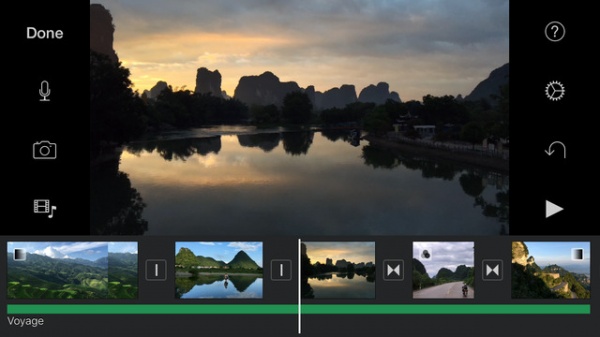
In his introduction of the app, Apple’s Steve Jobs said, “[the app] is not a toy; you can really edit a movie on this thing.” Randy Ubilios, Apple’s chief artichect for video applications, then went on to present iMovie for iOS. The application functions more like a fully-loaded video editing program than it does a lightweight app. iMovie for iOS will offer many of the advanced features found in the Mac version of iMovie. Just some of its features include a precision editor, multitrack audio recording, waveform audio editing, full high-definition video support, AirPlay support, multitouch gestures, iPad microphone support and direct video import via your device. The app will even be able to publish directly to social networks, such as YouTube, FaceBook, Vimeo, CNN iReport and iTunes, giving users plenty of options for distributing their content. There are also other little extras in the universl version to boot, such as three new themes, three background audio tracks and fifty sound effects. From the looks of it, you will in fact be able to actually edit a full-length film on the iPad 2 using the software. What’s more, the ease-of-use a touchscreen brings to the film-editing process is exciting for anyone who’s dabbled in any film-editing software before. Oh – and imagine hooking your iPad 2 up to your HDTV via HDMI. I can’t help but be excited about the idea of using the iPad to edit video. iMovie for iOS will be available March 11 for $4.99 and will be supported by iPhone 4, the 4th-gen iPod Touch and iPad 2. |