
What's New
iCloud Drive
• Store your projects on iCloud Drive, thanks to Unsung's amazing work. You can select a location when creating a new project or move existing projects to iCloud with a long press and select "Move to iCloud." Now you can have all your projects on all your devices, wherever you are
Air Code
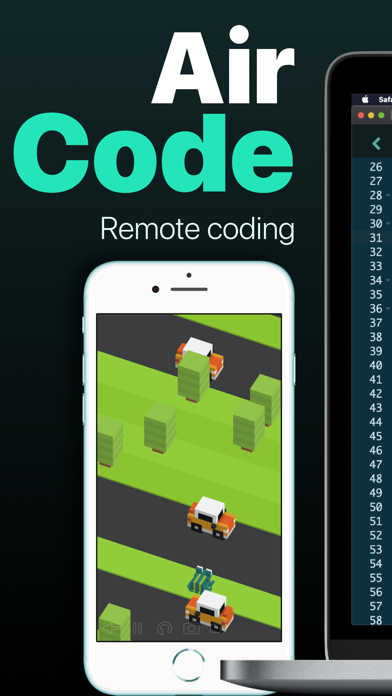
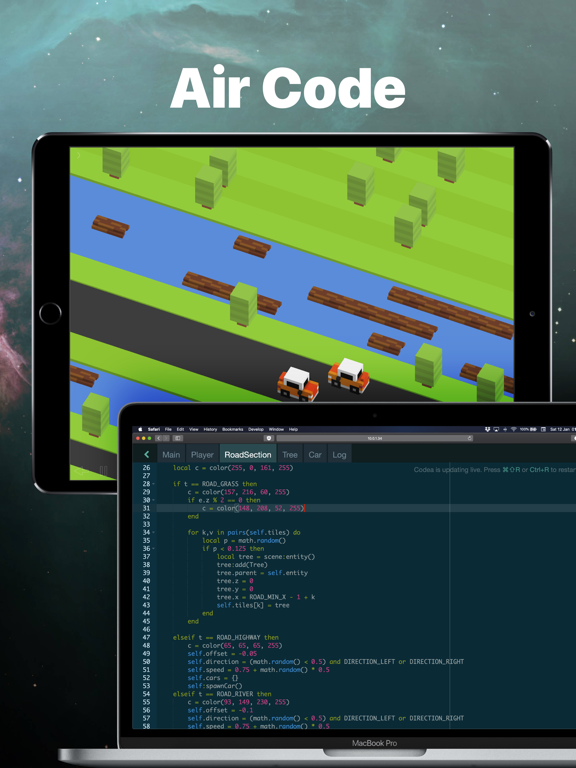
• Devices running Codea will appear directly in VS Code, making Air Code easier than ever to use. Plus, we've introduced log points for evaluating expressions during debugging. All thanks to the tireless efforts of Jean-François
Accessibility
• Thanks to our newest team member, Ari, the main project browser is now more accessible, and is now navigatable via VoiceOver
Collaboration via iCloud
• Work on projects with friends by sharing through iCloud. Simply long-press a project in iCloud, choose "Share Project" and select "Collaboration" to get started
UI Enhancements
• The create project screen has been completely re-written. Set custom tint colors for your projects to personalize your workspace
Editor
• We've made code editing smoother with improvements in tokenization and keyboard navigation
Modern Renderer
• The modern renderer has received a host of improvements and fixes. Now, you can set colorspace, utilize clipping, and more. We're actively working on this, so let us know what you think
Fixes
• Numerous bug fixes and minor improvements, including performance issues when using asset keys
Thank You
• A big thank you to everyone who contributed to this release, especially our new team members!
App Description
"It’s kind of like the Garage Band of coding." – Wired
"Codea for iPad is a super slick way to write and run programs on your iPad." – Gizmodo
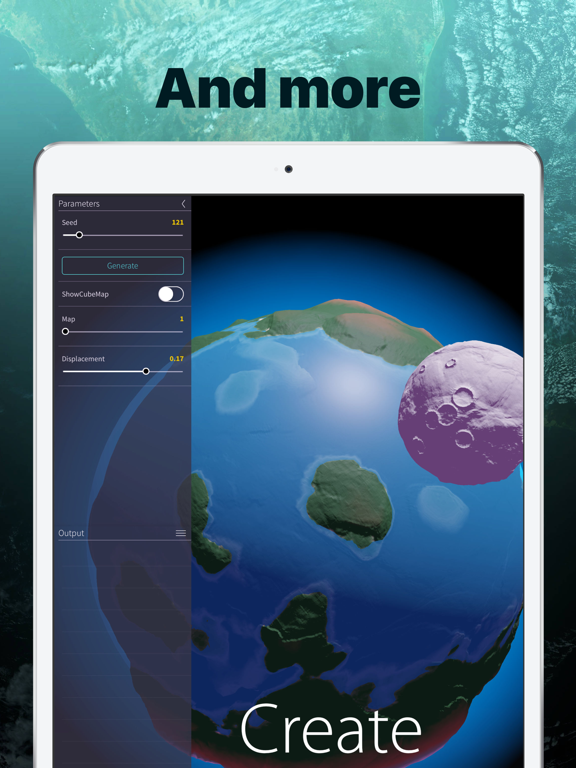
Codea lets you create games and simulations — or just about any visual idea you have. Turn your thoughts into interactive creations that make use of iPad features like Multi-Touch and the accelerometer.
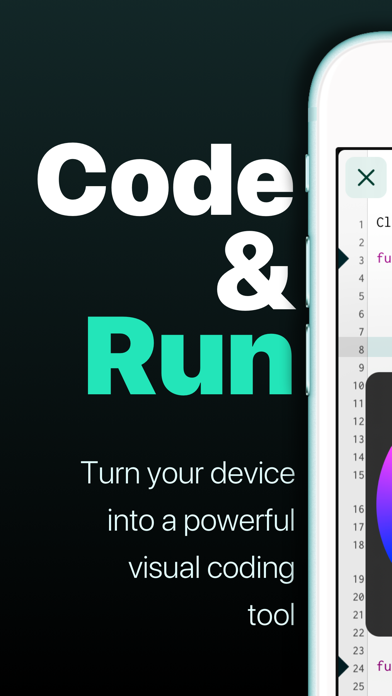
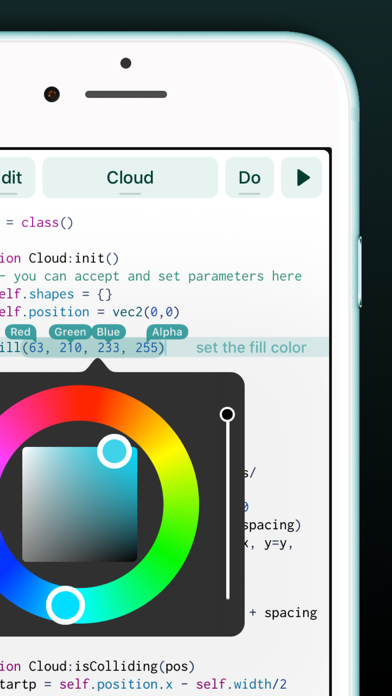
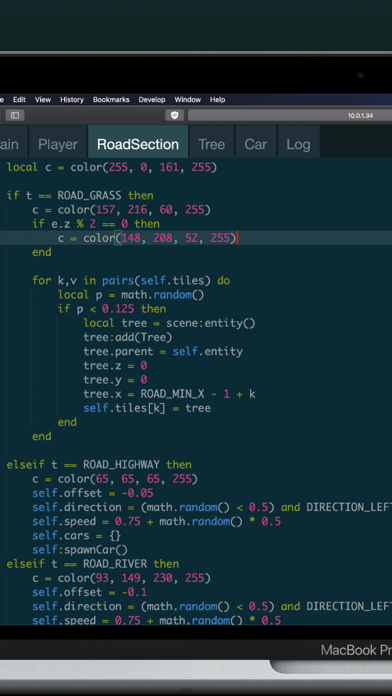
We think Codea is the most beautiful code editor you'll use, and it's easy. Codea is designed to let you touch your code. Want to change a color, or an image? Tapping will bring up visual editors that let you choose exactly what you want.
Codea is built on the Lua programming language. A simple, elegant language that doesn't rely too much on symbols — a perfect match for iPad.
Here's how you use it: type your code. Press play to watch it run. Interact with it. Get creative.
FEATURES
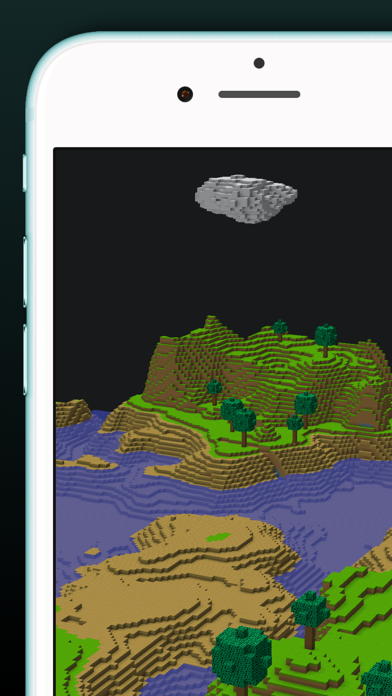
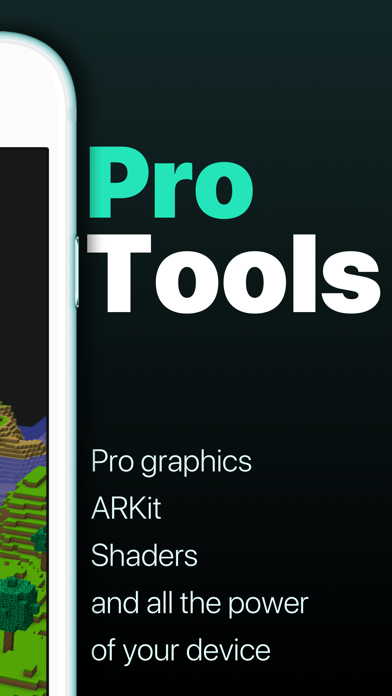
• A fully featured 2D and 3D renderer
• Lots of great example projects to learn from, including games
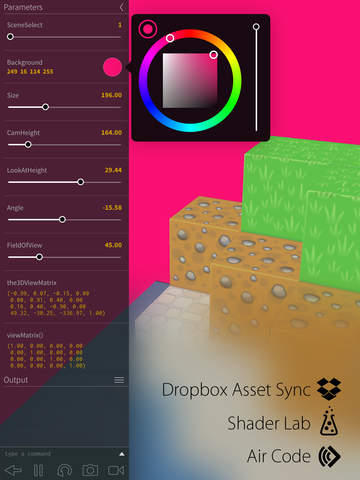
• Touch your code: tap colors, images and sounds to adjust them
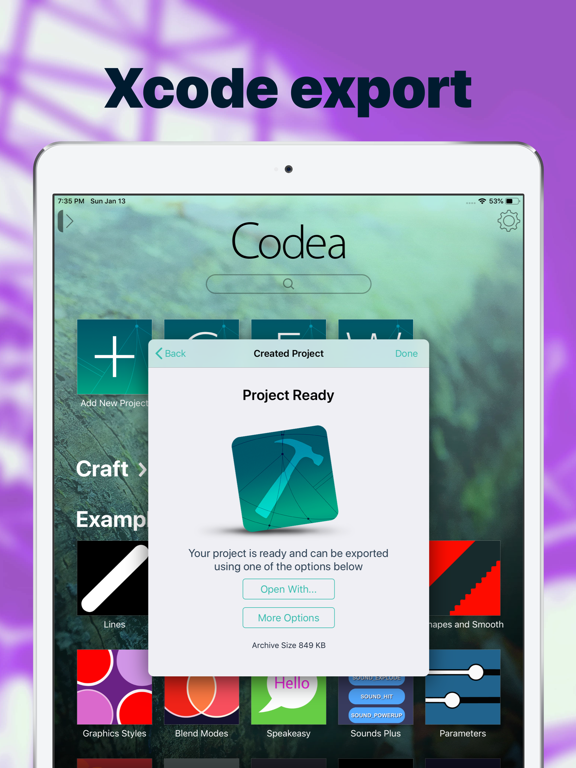
• Export your finished projects to Xcode to produce real apps
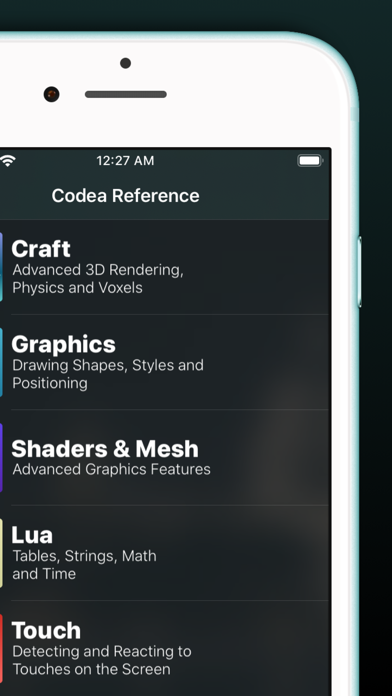
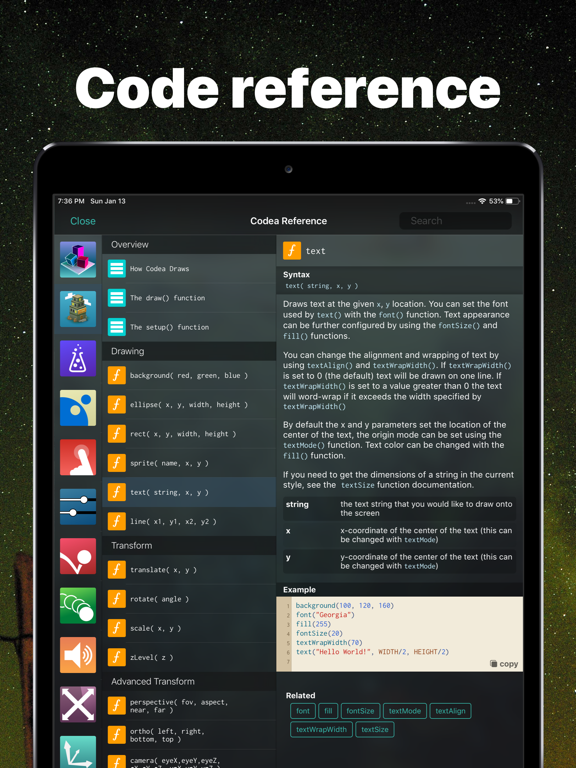
• Complete in-line reference documentation accessible from keyboard
• Intelligent syntax highlighting and auto-completing code editor
• Import your own assets from Dropbox
• Full 2D and 3D physics engines for complex motion
• Add parameters so you can tweak variables at runtime
• Interact with accelerometer and multi-touch on your device
• Generate retro-game sound effects
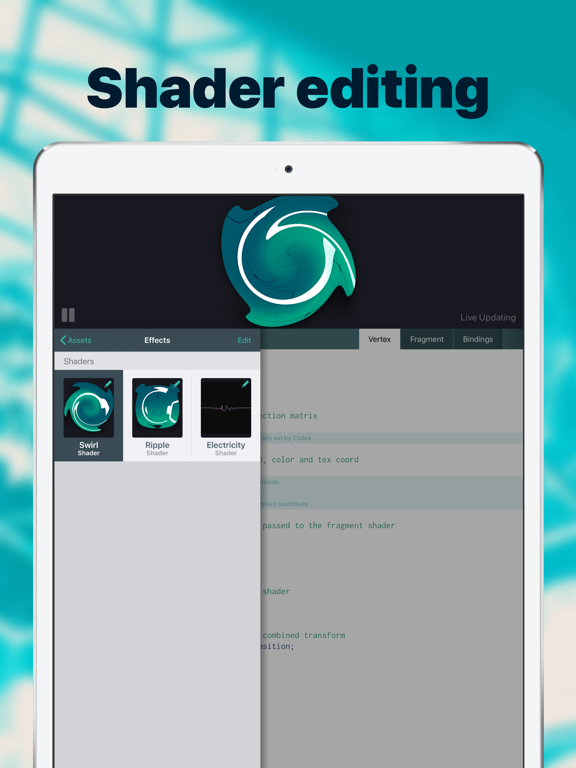
• GLSL Shader Language support with live shader editor
• Bluetooth keyboard support and keyboard shortcuts
• Air Code: code live from your PC using WiFi
• Much, much more
IMPORTANT INFORMATION
• Join the forums at https://talk.codea.io to ask questions, share ideas and get help when you need it
• If you need help or wish to get in contact with us, please use the support link on this page
iPhone Screenshots
(click to enlarge)

iPad Screenshots
(click to enlarge)



App Changes
- April 24, 2012 Initial release
- May 26, 2012 New version 1.4
- June 23, 2012 New version 1.4.1
- July 25, 2012 New version 1.4.3
- August 16, 2012 New version 1.4.4
- September 02, 2012 New version 1.4.5
- September 21, 2012 New version 1.4.6
- February 16, 2013 New version 1.5
- February 16, 2013 Price decrease: $9.99 -> $4.99
- February 18, 2013 Price increase: $4.99 -> $9.99
- March 02, 2013 New version 1.5.1
- April 20, 2013 New version 1.5.2
- June 30, 2013 New version 1.5.3
- July 15, 2013 New version 1.5.4
- September 10, 2013 New version 1.5.5
- March 31, 2014 New version 2.0
- December 08, 2014 New version 2.1
- February 03, 2015 New version 2.1.1
- February 26, 2015 New version 2.2
- March 17, 2015 Price increase: $9.99 -> $14.99
- March 21, 2015 New version 2.3
- April 27, 2015 New version 2.3.1
- December 05, 2015 New version 2.3.2
- June 13, 2019 New version 2.7.6
- June 19, 2019 New version 2.8
- August 16, 2019 New version 2.8.1
- September 24, 2019 New version 3.0
- January 07, 2020 New version 3.0.1
- July 15, 2020 New version 3.2.4
- October 27, 2020 New version 3.2.6
- December 10, 2020 New version 3.2.8
- August 06, 2021 New version 3.4.2
- September 16, 2023 New version 3.8
- November 15, 2023 New version 3.9
- April 25, 2024 New version 3.11
Other Apps From Two Lives Left