

What's New
New features:
- Outlook calendar: you can finally connect your Microsoft Outlook calendar account to Evernote
Fixes:
- Performance improvements and miscellaneous bug fixes
App Description
Capture ideas when inspiration strikes. Bring your notes, to-dos, and schedule together to tame life’s distractions and accomplish more—at work, at home, and everywhere in between.
Evernote syncs to all your devices, so you can stay productive on the go. Tackle your to-do list with Tasks, connect your Google Calendar to stay on top of your schedule, and see your most relevant information quickly with a customizable Home dashboard.
---
“Use Evernote as the place you put everything… Don’t ask yourself which device it’s on—it’s in Evernote” – The New York Times
“When it comes to taking all manner of notes and getting work done, Evernote is an indispensable tool.” – PC Mag
---
CAPTURE IDEAS
• Write, collect, and capture ideas as searchable notes, notebooks, and to-do lists.
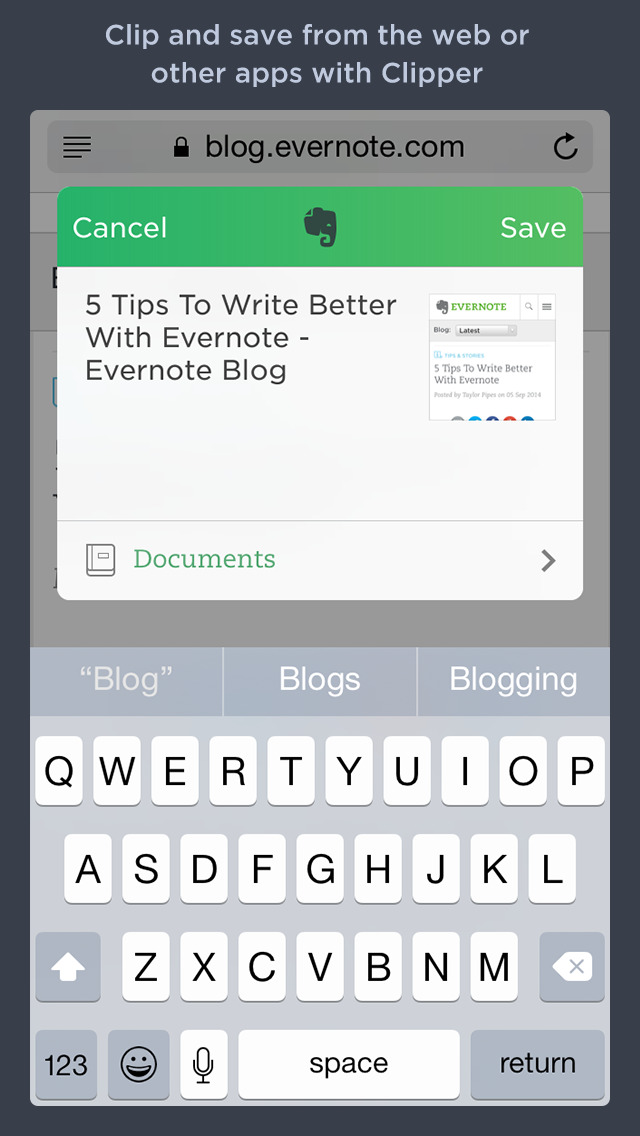
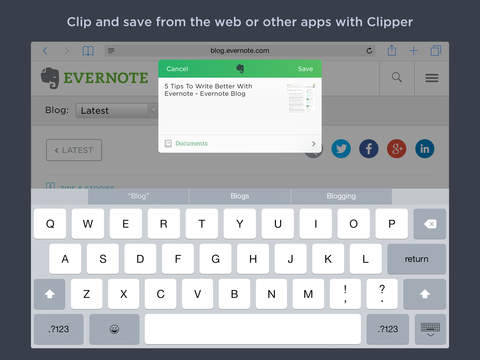
• Clip interesting articles and web pages to read or use later.
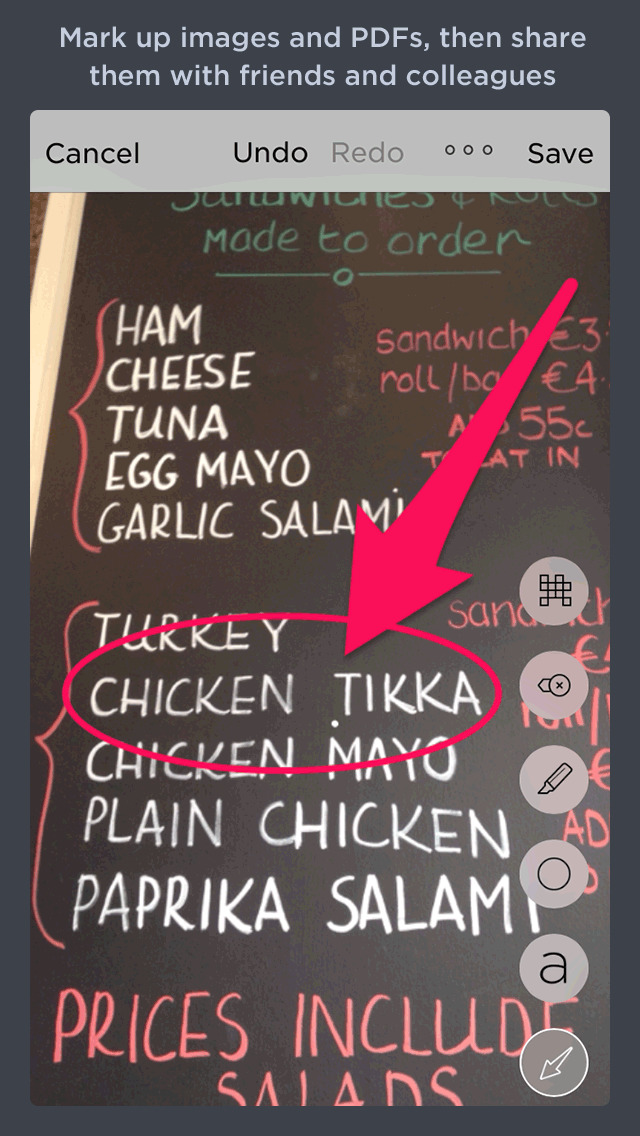
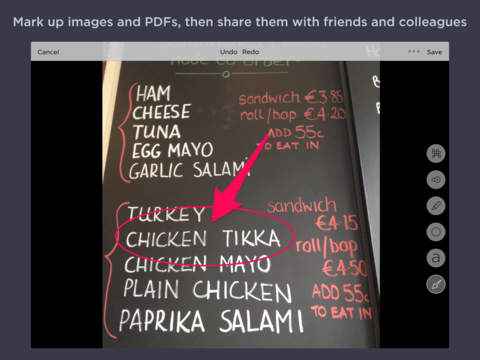
• Add different types of content to your notes: text, docs, PDFs, sketches, photos, audio, web clippings, and more.
• Use your camera to scan and organize paper documents, business cards, whiteboards, and handwritten notes.
GET ORGANIZED
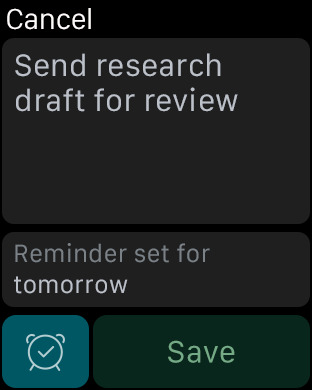
• Manage your to-do list with Tasks—set due dates and reminders, so you never miss a deadline.
• Connect Evernote and Google Calendar to bring your schedule and your notes together.
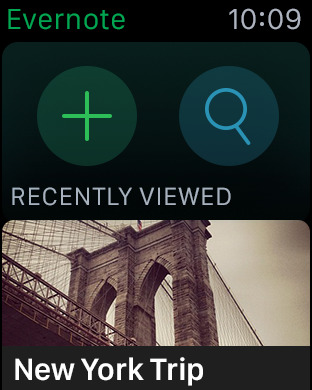
• See your most relevant information instantly on the Home dashboard.
• Create separate notebooks to organize receipts, bills, and invoices.
• Find anything fast—Evernote's powerful search can even find text in images and handwritten notes.
ACCESS ANYWHERE
• Sync your notes and notebooks automatically across any computer, phone, or tablet.
• Start work on one device and continue on another without missing a beat.
EVERNOTE IN EVERYDAY LIFE
• Keep a journal to keep your thoughts organized.
• Go paperless by scanning receipts and important documents.
EVERNOTE IN BUSINESS
• Keep everyone up to date by capturing meeting notes and sharing notebooks with your team.
• Bring people, projects, and ideas together with shared Spaces.
EVERNOTE IN EDUCATION
• Keep track of lecture notes, exams, and assignments so you don’t miss important details.
• Create notebooks for each class and keep everything organized.
---
Also available from Evernote:
EVERNOTE PERSONAL
• 10 GB of new uploads each month
• Unlimited number of devices
• Create and manage tasks
• Connect one Google Calendar account
• Access your notes and notebooks offline
EVERNOTE PROFESSIONAL
• 20 GB of new uploads each month
• Unlimited number of devices
• Create, manage, and assign tasks
• Connect multiple Google Calendar accounts
• Access your notes and notebooks offline
• Home dashboard - Full customization
--
Price may vary by location. Subscriptions will be charged to your credit card through your iTunes account. Where applicable, your subscription will automatically renew unless canceled at least 24 hours before the end of the current period. Subscriptions may not be cancelled for refund except as provided in Evernote's Commercial Terms. Manage your subscriptions in Account Settings after purchase.
---
Privacy Policy: https://evernote.com/legal/privacy.php
Terms of Service: https://evernote.com/legal/tos.php
Commercial terms: https://evernote.com/legal/commercial-terms
iPhone Screenshots
(click to enlarge)



iPad Screenshots
(click to enlarge)



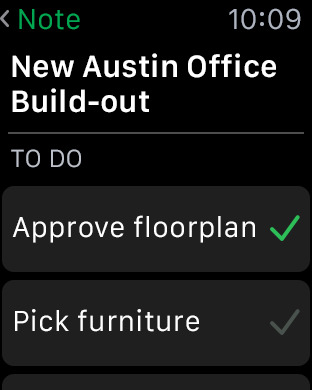
Apple Watch Screenshots
(click to enlarge)


App Changes
- June 11, 2011 New version 4.0.4
- May 04, 2011 New version 4.0.3
- April 06, 2011 New version 4.0.2
- March 22, 2011 New version 4.0.1
- March 01, 2011 New version 4.0
- January 13, 2011 New version 3.4.2
- December 23, 2010 New version 3.4.1
- November 12, 2010 New version 3.4.0
- September 25, 2010 New version 3.3.10
- August 31, 2010 New version 3.3.9
- August 10, 2010 New version 3.3.8
- July 23, 2010 New version 3.3.7
- July 20, 2010 New version 3.3.6
- June 18, 2010 New version 3.3.5
- May 19, 2010 New version 3.3.4
- April 14, 2010 New version 3.3.2
- April 05, 2010 New version 3.3.1
- April 02, 2010 New version 3.3.0
- March 02, 2010 New version 3.2.3
- January 21, 2010 New version 3.2.2
- December 31, 2009 New version 3.2.1
- December 23, 2009 New version 3.2.0
- November 28, 2009 New version 3.1.2
- October 08, 2009 New version 3.1.1
- August 25, 2009 New version 3.1.0
- July 19, 2009 New version 3.0.2
- July 04, 2009 New version 3.0.1
- June 18, 2009 New version 3.0
- March 31, 2009 New version 2.0
- December 02, 2008 New version 1.5.1
- November 14, 2008 New version 1.5
- October 27, 2008 New version 1.4
- September 08, 2008 New version 1.3
- June 23, 2011 New version 4.0.4
- August 22, 2011 New version 4.1.0
- August 27, 2011 New version 4.1.1
- October 04, 2011 New version 4.1.2
- October 07, 2011 New version 4.1.3
- October 23, 2011 New version 4.1.4
- November 18, 2011 New version 4.1.5
- November 23, 2011 New version 4.1.6
- December 21, 2011 New version 4.1.7
- February 08, 2012 New version 4.1.8
- March 16, 2012 New version 4.1.9
- May 09, 2012 New version 4.2.0
- May 26, 2012 New version 4.2.1
- June 23, 2012 New version 4.2.2
- August 07, 2012 New version 4.3
- August 09, 2012 New version 4.3.1
- August 25, 2012 New version 4.4
- September 20, 2012 New version 4.4.1
- November 08, 2012 New version 5.0
- December 06, 2012 New version 5.1
- December 20, 2012 New version 5.1.1
- December 22, 2012 New version 5.1.2
- March 01, 2013 New version 5.2
- March 02, 2013 New version 5.2.1
- March 03, 2013 New version 5.2.2
- March 07, 2013 New version 5.2.3
- May 24, 2013 New version 5.3
- May 25, 2013 New version 5.3.1
- June 21, 2013 New version 5.3.2
- July 19, 2013 New version 5.4
- July 28, 2013 New version 5.4.1
- August 06, 2013 New version 5.4.2
- August 16, 2013 New version 5.4.3
- September 19, 2013 New version 7.0
- September 26, 2013 New version 7.0.1
- September 27, 2013 New version 7.0.2
- October 09, 2013 New version 7.0.3
- October 23, 2013 New version 7.1
- November 02, 2013 New version 7.1.1
- November 14, 2013 New version 7.1.2
- December 13, 2013 New version 7.2.0
- December 19, 2013 New version 7.2.1
- January 31, 2014 New version 7.3.0
- February 25, 2014 New version 7.3.1
- March 21, 2014 New version 7.3.2
- April 05, 2014 New version 7.3.3
- May 07, 2014 New version 7.3.4
- May 10, 2014 New version 7.3.5
- June 07, 2014 New version 7.4.0
- June 29, 2014 New version 7.4.1
- July 22, 2014 New version 7.4.2
- September 17, 2014 New version 7.5.0
- September 30, 2014 New version 7.5.1
- October 31, 2014 New version 7.6.0
- November 11, 2014 New version 7.6.1
- November 20, 2014 New version 7.6.2
- December 17, 2014 New version 7.6.3
- January 21, 2015 New version 7.6.4
- February 27, 2015 New version 7.6.5
- March 26, 2015 New version 7.6.6
- April 13, 2015 New version 7.7.1
- April 29, 2015 New version 7.7.2
- May 01, 2015 New version 7.7.3
- May 02, 2015 New version 7.7.4
- May 06, 2015 New version 7.7.5
- May 28, 2015 New version 7.7.6
- June 13, 2015 New version 7.7.7
- July 02, 2015 New version 7.7.8
- July 22, 2015 New version 7.7.9
- August 17, 2015 New version 7.7.10
- September 01, 2015 New version 7.7.11
- September 27, 2015 New version 7.8
- October 20, 2015 New version 7.8.1
- November 05, 2015 New version 7.9
- November 23, 2015 New version 7.9.1
- December 14, 2015 New version 7.9.2
- January 26, 2016 New version 7.10
- February 23, 2016 New version 7.11
- February 27, 2016 New version 7.11.1
- March 21, 2016 New version 7.12
- June 30, 2016 New version 7.15
- November 06, 2016 New version 7.18.1
- June 14, 2019 New version 8.21
- June 25, 2019 New version 8.22
- August 28, 2019 New version 8.23
- September 24, 2019 New version 8.24
- October 15, 2019 New version 8.24.1
- November 11, 2019 New version 8.24.2
- December 24, 2019 New version 8.24.3
- July 15, 2020 New version 8.24.6
- October 23, 2020 New version 10.0.4
- November 12, 2020 New version 10.1
- December 10, 2020 New version 10.2
- August 06, 2021 New version 10.14
- September 16, 2023 New version 10.54
- October 04, 2023 New version 10.55.1
- November 03, 2023 New version 10.58.0
- November 15, 2023 New version 10.58.1
- March 19, 2024 New version 10.80.0
- March 26, 2024 New version 10.81.0
Other Apps From Evernote Corporation