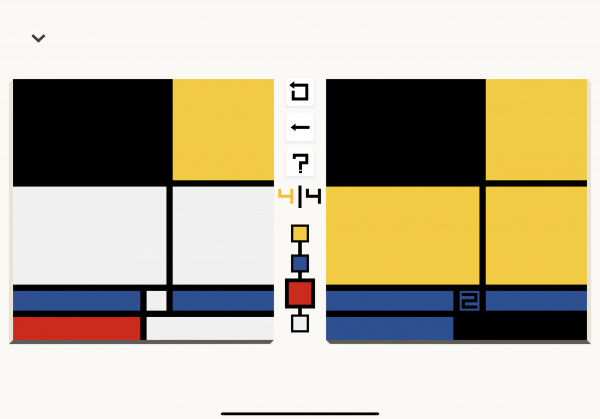
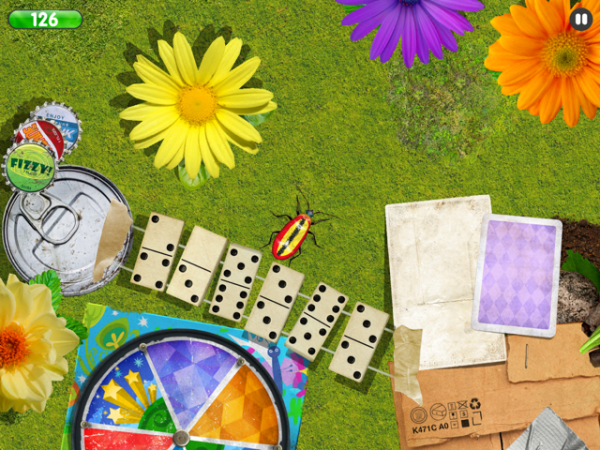
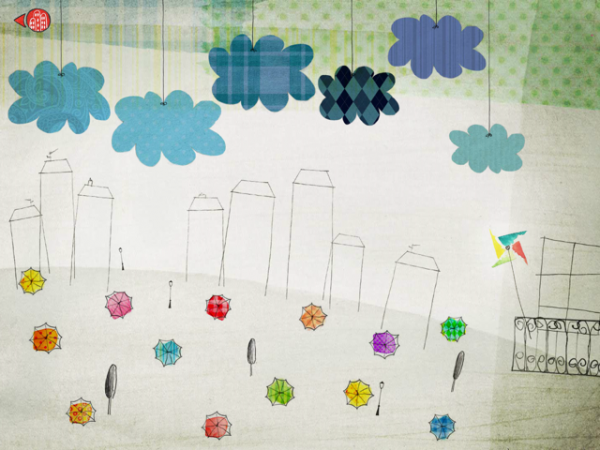
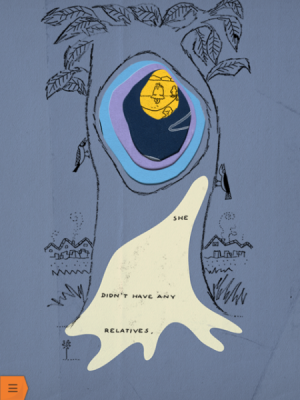
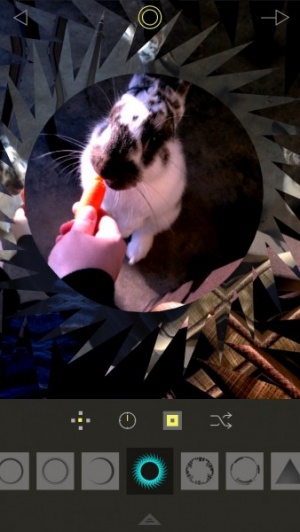
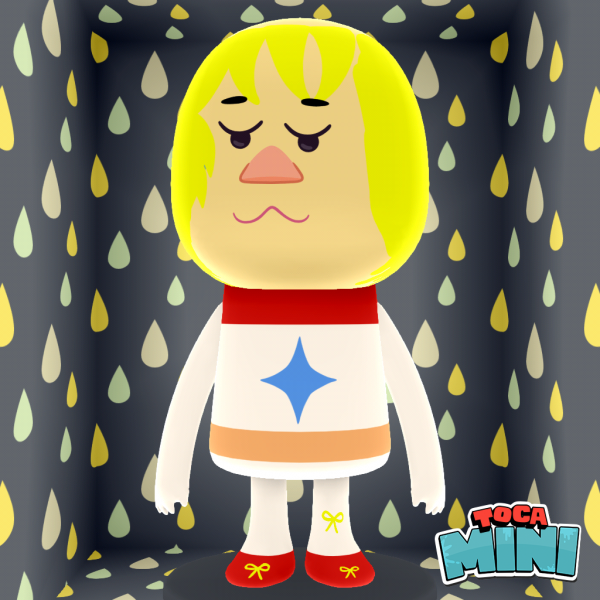
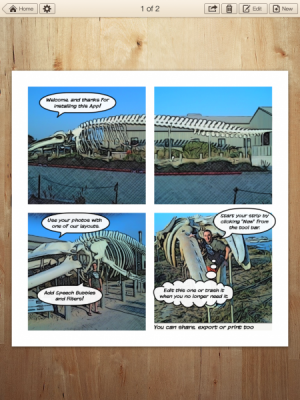
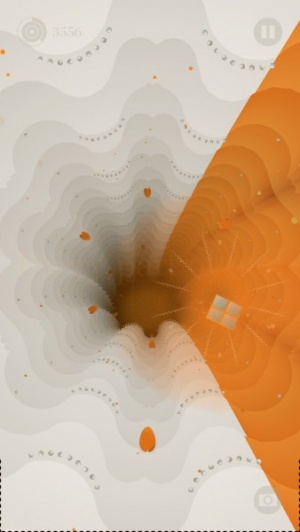
Tate Gallery, developers of Tate Trumps, has released Race Against Time for iOS. The game features the evil Dr. Greyscale who has stolen the world’s color. Yes, it’s basically the end for us in 2012, especially without our colorful colors. But fear not as gamers can guide a quirky little chameleon throughout the game to stop the evil Dr. Greyscale from turning the world into a lifeless monochrome void.
The user plays as the chameleon, traveling through the history of modern art in order to defeat evil Dr Greyscale’s plan to remove all the color from the world. As the gamer races through time from 1890 back to the present day, the background, platforms and enemies change to reflect major art movements and works from the last 121 years of modern art. The company’s aim is to introduce the iOS crowds to new ways of discovering art. Race Against Time is one of a series of apps that Britain’s most famous art institution has commissioned and will be releasing over the next few months.
This week at 148Apps.com, writer Carter Dotson reviewed one of the most anticipated iOS games in recent memory – Infinity Blade II. Dotson writes, “Most of what is new here is a modified and extended progression structure. Instead of one path leading to a final boss, where failure means starting over, there are now several of them, with more branching paths to explore. There are 3 different weapon types now: the traditional swords, slow and heavy axes that deal more damage, and speedy dual swords that deal less base damage, but can do double damage once combos are started. The story is more fleshed out, with actual speaking dialogue from characters besides the God King.”
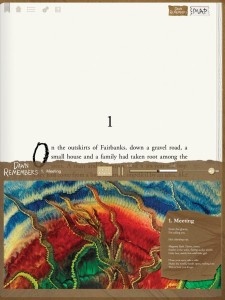
Meanwhile, our attention was turned to more artistic matters at GiggleApps, as Amy Solomon reviewed Auryn – Van Gogh and the Sunflowers. Solomon says, “The look of this app is terrific, with illustrations evoking the style that Van Gogh is known for, complete with bold color choices and noticeable use of brush strokes, but maintains a childlike quality that fits well within this storybook. The jazzy music used is also wonderful, relaxing as well as engaging and very enjoyable to listen to even for long periods of time. The narration used here is also quite good. Parents will also like that each spoken word is highlighted red to aid the young children new to the world of reading.”
iPad Only App - Designed for the iPad
Released: 2011-10-21 :: Category: Books
Finally, 148Apps.biz site editor Rob Lefebvre reported on tablet users and their media consumption. LeFebvre writes, “In a study put out by comScore and reported by Fierce Mobile Content and the appside, interested parties can see that the number one use of tablet devices is games, with 67% of surveyed tablet users saying they’ve played a game at least once in the past month, as compared to 49% of smartphone users surveyed. 23% of those surveyed said they’d played a game on their tablet EVERY DAY. That’s a good number.”
That’s our wrap-up for this week. While you’re out getting all of your holiday shopping done, don’t forget to check us out on our Facebook and Twitter feeds to find out the latest and greatest news, reviews and contests. Feliz Navidad!
This week at 148Apps.com, site founder Jeff Scott welcomed the Kindle Fire into the tablet fold with an overview of his impressions of the device. Scott says, “…while the Kindle Fire is around 40 percent the cost of a base level iPad, it’s capabilities are even less. It just so happens that those capabilities match up well with what a typical consumer uses a tablet device for. Because of that, the Kindle Fire will be a strong competitive device to the iPad. When it comes down to it, it’s the cost that matters to a very large portion of the buying public, not the capabilities.”
Meanwhile, our sister site, GiggleApps, took a closer look at a new educational app for children, iLuv Drawing Animals. Reviewer Amy Solomon writes, “iLuv Drawing Animals is a nice choice for kids who are interested in learning the very basics of drawing cartoony animals that are cute and relatively easy to draw. I like how these illustrations are broken down into smaller shapes that kids will easily understand and have had experience with, and the narration is pleasant and easy to follow.”
iPad Only App - Designed for the iPad
Released: 2011-10-10 :: Category: Education
Finally, on AndroidRundown, Carter Dotson announced the public availability of Google Music, an interesting development for all music lovers, no matter the device. Dotson writes, “Most importantly, this means that Google is now in the business of one of the big pillars of media, and it addresses a gaping hole in the Android Market. With videos and books already addressed, now the store is complete with music to go along with apps. Google is directly putting themselves in competition with iTunes, and they are making their operating system much closer in terms of features to iOS devices. This was a necessary move for Google.”
As we head into the week of Thanksgiving here in the US, remember that you can still enter to win an iPhone 4S, courtesy of 148Apps and Gameloft. To enter, just become a 148Apps and Gameloft Facebook fan – www.facebook.com/gameloft and www.facebook.com/148apps.
Or you can follow both of us on Twitter as well at www.twitter.com/148apps and www.twitter.com/gameloft. Then, write the following public tweet: “Upgrade to a 4S yet? Follow @Gameloft & @148Apps & RT for a chance to win an iPhone 4S! Gameloft gaming on the 4S: http://glft.co/uIR3Y1″
See you next week, true believers! Start thawing that turkey!
Banksy is a mysterious soul indeed. A British graffiti artist and political activist, he travels around creating street art that’s frequently dark and satirical. It’s admired by many, considered as vandalism by few, but ultimately it’s very memorable. Banksy himself is memorable by name and reputation but he’s also an enigma as no one knows his true identity. That’s boosted his career a fair bit however with books of his artwork selling well (I have one on my coffee table as I write this) and his first film Exit Through the Gift Shop also proving very successful.
While fans can always consult his work online or through his book, a much more satisfying way of doing so is to go to the artwork itself. A new app by the name of Banksy-Locations sets out to make that all the simpler by offering a personal tour of all the street art. The app allows users to find Banksy locations via dropping a pin on a map, looking up via the user’s current location or by searching through images in a gallery or by name. It’s pretty acurate stuff too and certainly saves a lot of aggravation.
For users who would rather stay at home, there’s always the option of viewing videos by and about Banksy as well as the image gallery that offers photos of his street pieces as well as installations. Banksy news is regularly kept up to date too with presumably new artwork kept track of once he devises some.
Throughout the app maintains an appearance that is bound to appeal to the minimalist nature of Banksy style art with a great gritty edge. Banksy-Locations is a pretty comprehensive app for the graffiti or Banksy fan and looks set to be a great way of discovering new art.
Create A Monster HD is a very creative app for iPad allowing players to create the monster of their dreams with some unique and very helpful features not typically included in apps such as this.
The app offers many different choices including head shape as well the basic eyes, nose, mouth and ears choices, with these choices typically including a monster slant to them, such as bloodshot eyes, single eyeball, and varied fang choices included with the mouths. There are many odd selections available for great interesting details like horns, scars, and antennae, as well as some quirky choices like hair pieces and eyeglasses, plus much more.
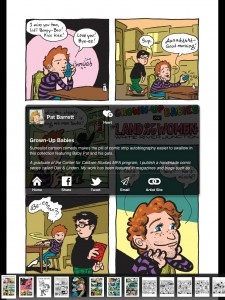
Who doesn’t want to be inside a comic book? Exactly. While ComicBook! doesn’t exactly enable this, it does at least ensure that its users can pretend to feature in a comic book.
In case it isn’t already obvious, ComicBook! is a comic book creation app enabling users to star in their own adventures with the ability to add realistic comic styling, captions, graphics and multi-panel page layouts. Finally, everyone can kapow their way out of trouble.
Options are pretty varied with a whole plethora of different graphics and layouts to use. There are 55 comic book style illustrations alone that can be included in a composition. It’s simple enough to add photos and it’s even simpler to go onto share such creations via Facebook, Twitter or email. Users can even print out their creations from within the app if they so choose to. The only real limitation is the depth of the user’s imagination which can certainly be inspired by this app.
ComicBook! looks set to be a very entertaining app for young and old alike. It’s available now as an universal app and priced at only $0.99 for a limited time.
As the advert loves to state, Red Bull gives you wings. It also now gives you a global sports, cultural and lifestyle magazine by the name of The Red Bulletin.
This new app for the iPad promises high end magazine content with up to an hour of video and animation throughout. It features numerous interviews with artists and athletes such as baseball star Tim Lincecum as well as features on the likes of art work from Banksy. Other subjects such as base jumping and formula 1 motor racing also feature.
It’s a new venture for the drinks company and it certainly makes for a pretty impressive looking magazine with the issue designed specially for iPad owners, taking advantage of the technology behind the device.
The Red Bulletin app also gives access to the international issue which contains a feast of the best stories from all the print editions as well as the exclusive content.
Best of all, it’s a free app for iPad owners enabling them to gain a free issue for the month of June.
It’s that time of year again, WWDC is rapidly approaching. While we the rumors are that we won’t see a new iPhone this year, nothing is official yet. What we hope we’ll see is a major technological leap in iOS 5. Personally I’m expecting it to be the biggest new OS, feature wise, we’ve ever seen for iOS.
Will Steve Jobs give the keynote? Will there even be a keynote? We’ll know all, or at least most of this, in just a little over a week.
Meet with 148Apps
But if you are a developer and you are at WWDC and have a new iOS game or app you’d like to show off, we’d love to see it. To schedule a meeting, just send a message to me at jeff.scott at this domain and we can set something up.
Parties!
Parties are always big at WWDC. This year looks to be no exception. One plus we have this year is JDMdesign have created an iOS application to track all of the parties during the week. Grab it to keep track of the parties each night.
iPhone App - Designed for the iPhone, compatible with the iPad
Released: 2011-05-13 :: Category: Utilities
Future / Canvas
Also starting the week of WWDC is the second Future/Canvas iPad art exhibit. This fantastic exhibit of iPad created art and generative art applications was a smash hit last year. This year it looks to be greatly expanded. Starting with the opening night party on June 6th, through 23rd of June. This is absolutely not to be missed!
Creating artwork from sand seems to be the new big craze in the arts and crafts world. It’s not surprising really as the results are frequently rather beautiful. For those not wanting to dabble with actual sand (which loves to get everywhere in an insidious, never ending kind of way), Sand Pictures enables iPad owners to create their own beautiful landscapes without going anywhere near the real thing.
Sand Pictures promises to offer a realistic simulation of falling sand with nearly 100,000 different particles of sand, all responding to the user’s interaction and the power of gravity. Different colored sand grains exist on screen with darker grains falling faster, thus allowing users to create layers within the sand. Different color gradients are also possible with 50 built in choices that can be simply adjusted with the tap of a couple of fingers.
The effects are pretty astonishingly beautiful, immediately making for an app that’s ideal for young and old, with only the need for creativity to divide anyone.
Users can push the various sand grains around with their fingers or they can pop bubbles with a simple tap. Bubbles can be further added by holding a finger down in one spot. The aforementioned power of gravity also plays an important role here as users can turn their iPad around, thus adjusting the directions in which the sand fall.
Sand Pictures offers 20 different background landscapes for users to create their own image in front of, and there’s always the option of using an image from the user’s photo library.
Once the user has created their picture, they can then share these images via Twitter or Facebook, or simply save it to the photo library for future reference.
Sand Pictures is available now for the iPad and it’s currently on sale for a limited time, priced at $0.99.
Art and math are two very distinct things – art being a typically right-brained activity, and math being very much a left-brained activity, and never the twain shall meet. However, developer John Miller has brought the two together, with his app Geom-e-Tree. A universal app for iPhone and iPad, you use the multitouch interface to change the angle and number of branches on the tree you’re given to create increasingly complex trees and designs. Reading the in-game help screen or watching the tutorial video embedded below are a huge help for understanding how the app works beyond just creating crazy geometric designs. You could just randomly move fingers around and hope to get crazy designs, or you could follow the instructions, use the techniques provided to create something a bit less nonsensical than random pinching and dragging will get you. If you get a design that you like, you can save it to your arboretum to call it back up, email it to someone, or save it to your Photo Library. As well as the $1.99 Geom-e-Tree app, there’s a simpler version for kids entitled Geom-e-Twee, that’s currently available for free.
Posted February 7th, 2011 by Brian Hudson Our Rating: :: GENERALIST
Art Studio for iPad is a nice generalist art program that will probably have the most appeal for younger artists or those just learning the craft. It's got a ton of features, but a couple of performance and interface issues.
If you love to knit and regularly cruise the internet, odds are you’ve stumbled over or become a regular reader of Knitting Daily, Interweave’s site centered around yarn, needles and whatever surrounds them. Interweave is the masthead of a network of craft related magazines, web sites, books, television shows and communities. It’s massive. I don’t even knit and I know about this conglomerate and their products. Perhaps that just means I’m a bit more nerdy than I like to admit.
Knitting Daily is now available as an app for the iOS. However, don’t just expect to download it and boot up a simple regurgitation of the web site you tend to frequent. This app is a collection, updated weekly, of the latest knitting videos and blog posts. The good folks at Interweave explain that users can expect to regularly learn new tips and tricks from knitting experts as they keep this mobile collection with them at all times.
Those that download the app will also be informed of new, free knitting patterns and catch exclusive expert interviews. Users will be kept abreast to information from Knitscene and Interweave Knits (magazines from the publisher). There’s even a handy glossary of knitting terms for people that may fall into the beginner or intermediate categories.
This app has been designed for the iPhone and iPod. It’s free and available as of January 11, 2011.
This less-than-novice knitter discovered something completely wonderful while reading up on this old craft: Yarn bombing. The act of surprise knitting objects in an urban environment is nothing short of legendary, and it explains the sweater wearing bull statue in New York on Wall Street. For some examples of yarn bombing, or guerrilla knitting, hit the Googles. Otherwise, get out your needles and this new app, and start a new project, why don’t ya?
Posted November 2nd, 2010 by Brian Hudson Our Rating: :: SOLID TOOL
Graphic artists and designers looking for a vector-based drawing solution for their iPads might want to take a look at iDraw, a solid vector-based drawing app that lets anyone create good-looking designs.
Posted July 28th, 2010 by Ryan Wood Our Rating: :: PROCEDURAL ART
OmniSketch is a powerful procedural art tool that provides a lot of bang for the $1.99 price tag. Even the untrained artist can find some enjoyable features in OmniSketch.
Before it’s release, one of the areas mentioned that the iPad had huge potential was in the arts. The question was how would artists take to it or would they? The iPad has now been out for less than a month and we’re already seeing a great uptake from a wide variety of artists. Here are a few short videos that show more.
The First iPad DJ
Rana Sobhany gave an early preview of her DJ project, Destroy The Silence this past weekend at iPadDevCamp. The plan is to become a DJ using nothing but 2 iPads, music apps, and a mixer. Here’s a short interview and demo done with Rana by Robert Scoble earlier this week.
yoshitoshi ABe, manga artist has posted a short video showing the use of an iPad app called Live Sketch HD. He quickly draws a beautiful sketch of a character called Ain.
Flight of the Bumblebees — one handed?
Pianist Lang Lang played a little joke during an encore recently, using his iPad and the music app Magic Piano from Smule. One of the features of Magic Piano is that it allows you to play the piano just by playing the tempo, it will play the correct notes for you. In this video, Lang Lang plays the very difficult Flight of the Bumblebees very nonchalantly with just one hand.
This week at 148Apps, Tweetbot was on a roll, a new storybook app joined the fold, and - oops - apps broke the Super Bowl. There's more to read, so get to it!