
App Description
CREATE STUNNING PHOTOS AND MANAGE THEM LIGHTROOM 4
=======================================
Fantastic App / Training Videos *****
========================
- I am new to photo editing and Lightroom 4. This set of training videos is perfect for a beginner and the content covers the majority of the features of LR4. It goes for a couple of hours. Thank you and well done!
It's of great help - *****
================
I couldn't stop viewing it. It's very well explained, very esasy to follow through.
Learn how to import, retouch, GPS tag, create a book, print, create slideshows, create web galleries and print with all the module of Lightroom 4
NO technical jargon used without a simple explanation. More importantly get straight to work doing stunning landscapes.
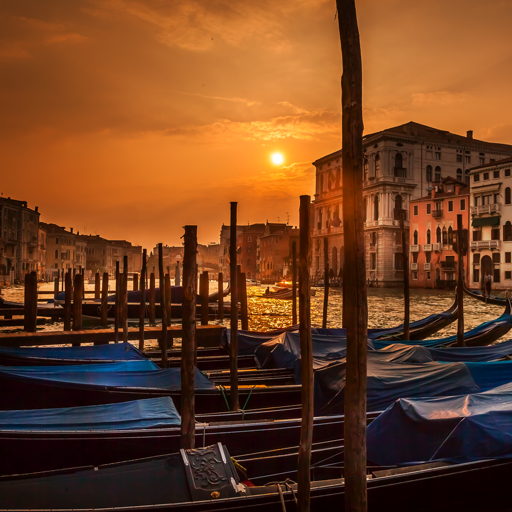
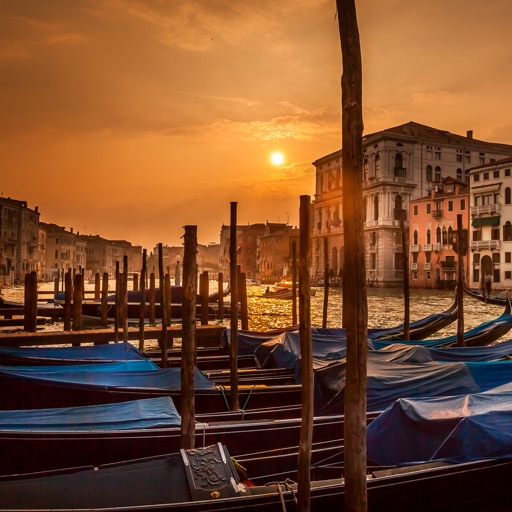
FREE with the app: Access to amazing high-res pictures (raw files), so you can follow along the retouch process and get the same results !
- Are you tired of all the theory and technical jargon you have to wade through before getting to the point?
- Do you want to master the industry-leading digital darkroom in no time ?
- Do you want to see the full workflow of a pro photographer who is specialized in landscapes ?
- Do you want tutorials that are easy to understand and fun ?
This tutorial is probably what you are looking for.
Serge Ramelli a French photographer who specialized in urban/landscapes photography over the last 6 years and is known for his very simple way of teaching.
You will find various unique tips and tricks to get the most out of your photos.
Serge is a known for his very unique way of teaching, with 2 main rules :
1. No technical terms explained with technical words, but with simple English.
2. No theory, practical and visual examples only.
Chapters summary :
=============
Introduction :
Let's go over what we are going to do in this training videos. 4 min
Chapter one : Import module
Let's see how to import photos into Lightroom 4. 10 min
Chapter two : Retouching Module Part 1
Let's see what are the retouching features of Lightroom 4. 36 min
Chapter three : Retouching Module Part 2
Let's go see some other examples of photos to be retouched. 25 min
Chapter four : Export and collections
Let's see how to export photos out of Lightroom 4 and how collections work. 11 min
Chapter five : Map module
Let's explore the new map module. 5 min
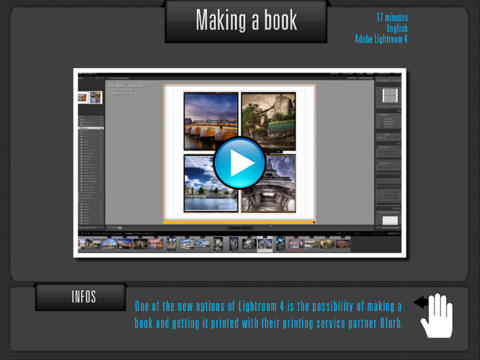
Chapter six : Book module
Let's do a book with Lightroom 4. 17 min
Chapter seven : Slideshows module
Let's do a slide show with music. 11 min
Chapter Eight : Print module
Let's see what options do we have for printing from Lightroom 4. 16 min
Chapter Nine : Web module
Let's see how we can do a web galleries to share our photos with friends and customers. 15 min
iPad Screenshots
(click to enlarge)


App Changes
- February 19, 2013 Initial release
- April 22, 2013 Price decrease: $5.99 -> FREE!
- April 24, 2013 Price increase: FREE! -> $5.99
Other Apps From Serge Ramelli