
What's New
Maintenance update.
App Description
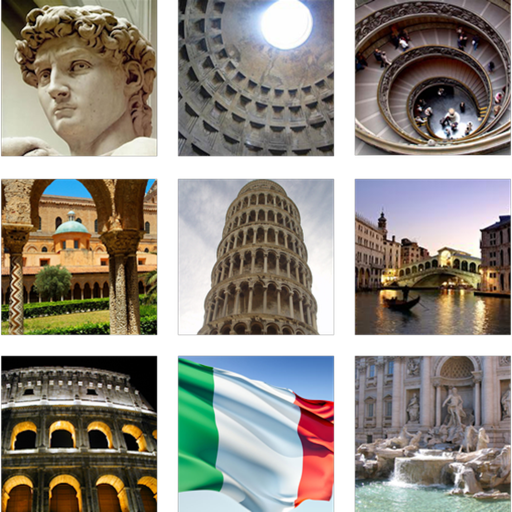
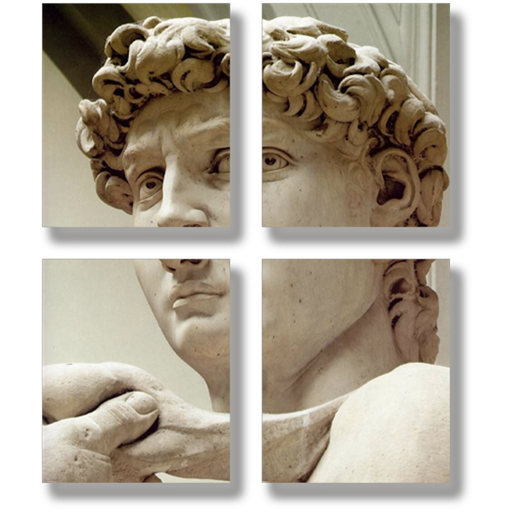
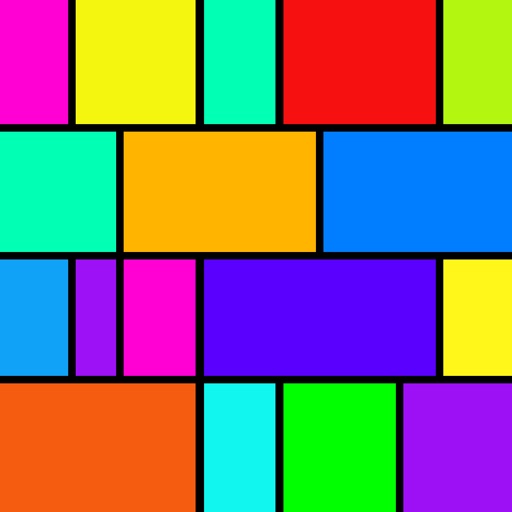
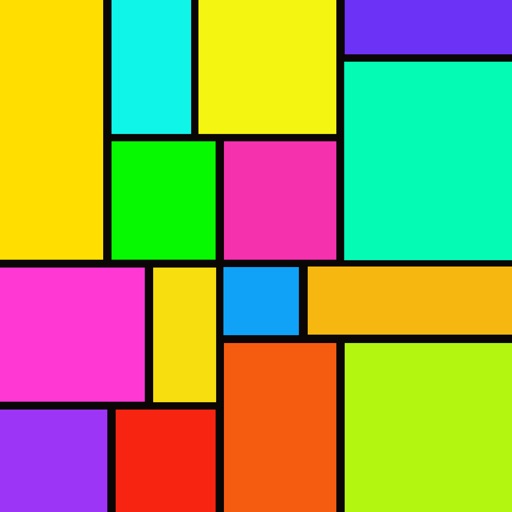
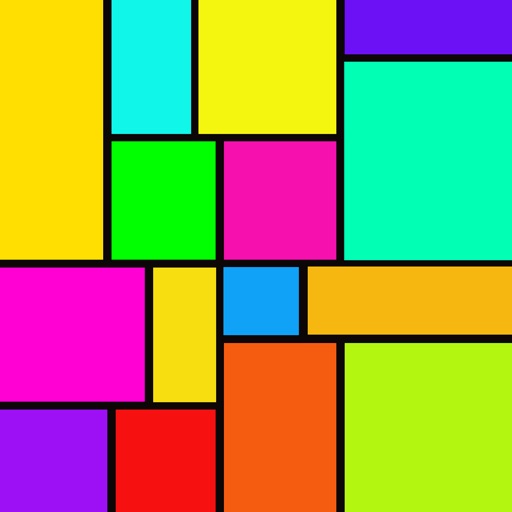
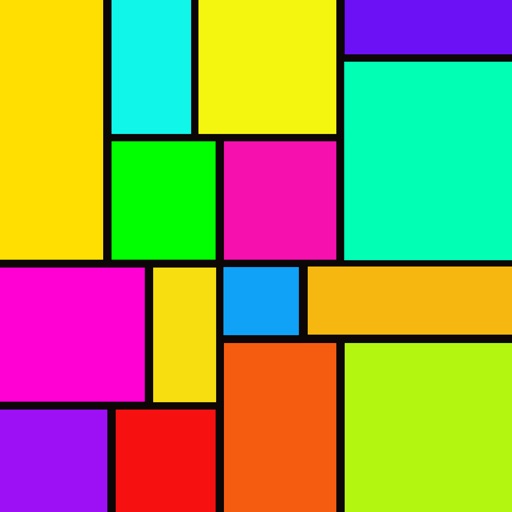
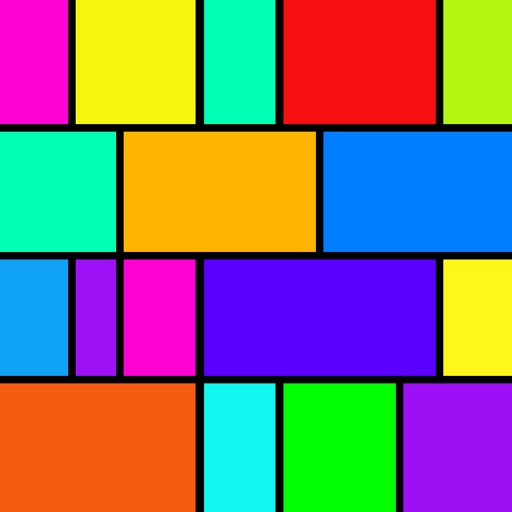
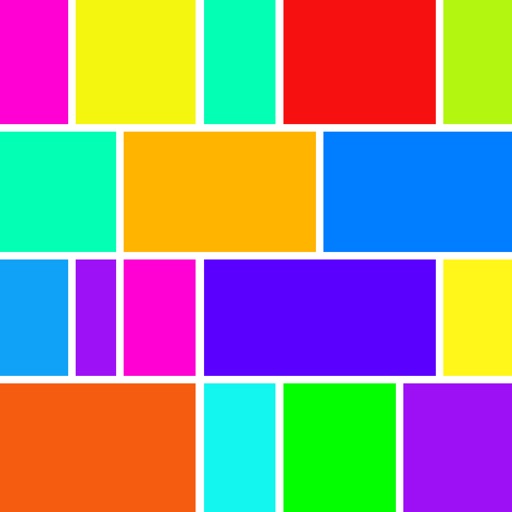
Photo Collage performs justification of media in a sequential layout including photos, animated gifs, live photos and videos, creating justified
media paragraphs.
In typesetting, justified text is the setting of text in a column so that the start and end of each line of text, but the last, meets both the left and right edge. Photo Collage similarly does this for photos and video.
In this way you can easily create beautiful rectangular collages of any number of photos and video automatically.
Generally any chronologically ordered photo and video set is a good application of a justified layout.
Photo Collage can be used to create pictorial food recipes, a chronological overview of your vacation, or summary trailer collage of a video.
Collage dimensions are altered by the incremental width and height sliders.
Use the height slider to alter the height, use the width slider to alter it's width. By changing the slider mode, you can also set the border width. Note: sliders snap back to “zero” each time they are applied. This way they can be applied successively.
Tap a photo in the collage to open its actions menu:
There is a built-in photo editor. You can crop, rotate, add text and more.
You can modify the border width of the photos, and make this border transparent, colored or a tiling of the clipboard image. (Search online for "tiled backgrounds" to get started. Then copy tiles out of your browser into Photo Collage on the "Border Color" pane. )
For best results use mixed photo and video sizes so that the width of the photos in the collage vary. For example, if using your camera to add photos, try mixing portrait, landscape, square & panorama modes.
Highlights
• Import photos and videos from your Photos library, including those stored in iCloud, or the clipboard, or take photos from within the app.
• The rendered photo collage will always be output in maximal size, based on the available free memory. Video collages are always sized appropriately for video displays.
• Use the width and height sliders to reshape collage.
• Layout is automatic based on collage dimensions, so each row of photos fits the width of the collage as you like.
• The collage is always scaled to fit on the screen so it is easy to reshape it as desired.
• Use preview from the Share menu to view the photo collage full size, or the video in a video player.
• Drag any photo or video onto another to swap them.
• Reorder and remove photos and videos in the list editor.
• Border's can be transparent, colored or a tiling of the clipboard image.
• Set sliders mode to alter collage border width or collage dimensions.
• Message, email, copy, print or save collage to camera roll.
iPhone Screenshots
(click to enlarge)


iPad Screenshots
(click to enlarge)


App Changes
- June 09, 2014 Initial release
- June 12, 2014 New version 1.2.1
- March 01, 2015 New version 1.2.3
- June 16, 2015 New version 1.3
- November 07, 2016 New version 1.3.2
- June 13, 2019 New version 1.4
- September 04, 2019 New version 1.4.1
- September 11, 2019 New version 1.4.2
- October 15, 2019 New version 2.0.2
- October 28, 2019 New version 2.0.3
- November 11, 2019 New version 2.0.4
- November 18, 2019 New version 2.0.5
- December 02, 2019 New version 2.0.6
- December 24, 2019 New version 2.0.7
- December 30, 2019 New version 2.0.8
- October 27, 2020 New version 2.0.9
- August 05, 2021 New version 2.1.1
- September 16, 2023 New version 2.1.2
Other Apps From Limit Point Software