

What's New
- Corrected an issue with importing student lists
App Description
GroupMaker is the best app for quickly creating diverse groups. Organize groups based on gender, performance level, or ethnicity. You can also just randomly mix everyone up into groups of 1-20 depending on your needs.
Video Demo: https://www.youtube.com/watch?v=78LubBHbxLo
You can organize students by ethnicity, gender, or misc. The misc category can be used to sort by mastery, partial mastery, or non-mastery of contents, or anything else along those lines. The misc category is intended be flexible and opaque in the event it is seen by students.
GroupMaker is a tool to help teachers organize their classes into diverse heterogenous groups. We'd like to thank Krissie Littman, Julie Wray, and Jonathan Wray for contributing to its development.
Easy-to-Use-Steps
To get started in GroupMaker follow these quick steps:
1. Tap on New Class to create a class.
2. Select the Class from the grid.
3. Tap on Show Settings + in the upper right hand corner of the screen.
4. Tap Add Member + from the settings view.
5. Select a Member to change their settings.
6. Tap Add Groups + from the settings view.
7. Select a Group to change its settings.
Import Class List
To import a class list:
1. Create a text file with txt as the extension (i.e. class.txt).
2. Put each class member in the list last name, first name.
3. Email class.txt to yourself.
4. Open the email on iPad and then Hold down on class.txt in the email.
5. Open the file in GroupMaker.
Features
Here are some key features:
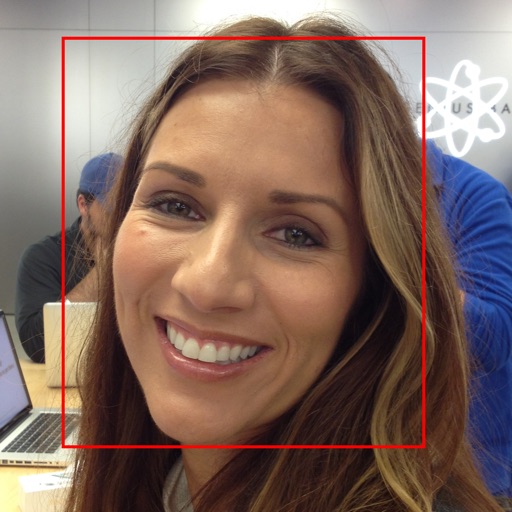
- Face Detection for fast class member importing from a a single class photo.
- Attendance Mode: Toggle which class members are present or absent to better manage the groups.
- Groupings: Create any number of groupings per class.
- Members: Add any number of members per class.
- Drag-and-Drop: Drag members between groups.
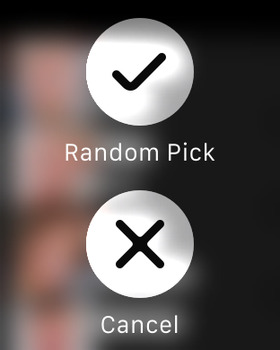
- Picker: Easily pick a student or group using the built-in picker tool.
iPhone Screenshots
(click to enlarge)


iPad Screenshots
(click to enlarge)


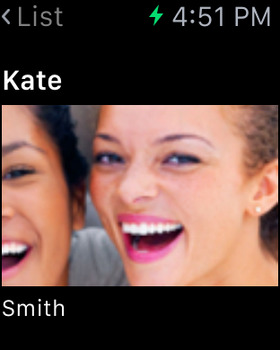
Apple Watch Screenshots
(click to enlarge)



App Changes
- June 11, 2014 Initial release
- October 19, 2014 New version 1.1.2
- November 03, 2014 New version 1.1.4
- November 21, 2014 Price increase: FREE! -> $0.99
- May 27, 2015 New version 1.1.5
- June 11, 2015 New version 1.1.6
- December 09, 2015 New version 1.1.7
- December 12, 2015 Price increase: $0.99 -> $1.99
Other Apps From Richard de los Santos