

What's New
Support dark mode, please modify the theme manually
App Description
This is an ios lua5.1.4 app,you can learn,run,share lua5.1.4 script.
Features :
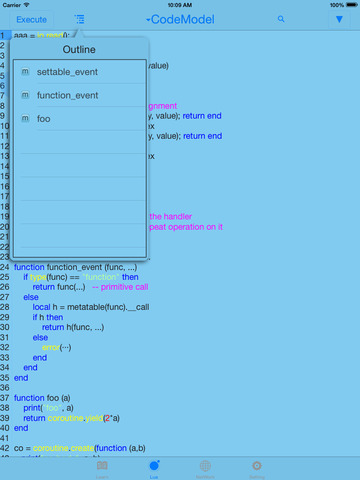
Autocomplate.
Auto Indent.
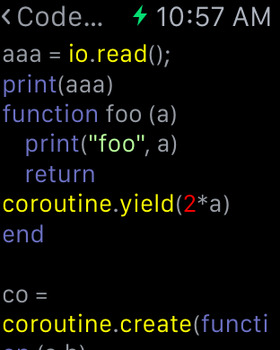
Code color.
In(the built-in browser or the txt editor),Select the text to run.
Horizontal screen development.
Code templates,the contents of the new file is copy from contents of the template file.
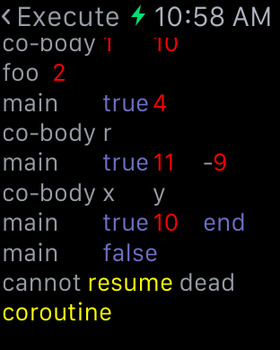
*You can enter lua code by keyboard, then you can execut the lua code,support the io.read() function.
*You can use the file system to supports txt, pdf, chm, mp3,m4v,zip, gif, png, html, lua ,doc...
*You can adjust the code color and font size , and support to move the cursor left and right and up and down , easy to read and write.
*You can find learning materials by the built-in browser .
*You can save lua code and learning materials, and can be modified to the save file and delete the save file .
*You can control the background image and color, and execution voice , background animation, text color and shadow, switch interface animation , the number and the order of the main interface of the tab bar to create your learning software.
*You can Learn lua knowledge , the system provides some basic learning materials .
*You can use lua code or learning materials to generate two-dimensional code , for easy sharing .
*You can share code by Email,Weibo,Twitter,Facebook.
*You can use the counter,light in the Setting tab.
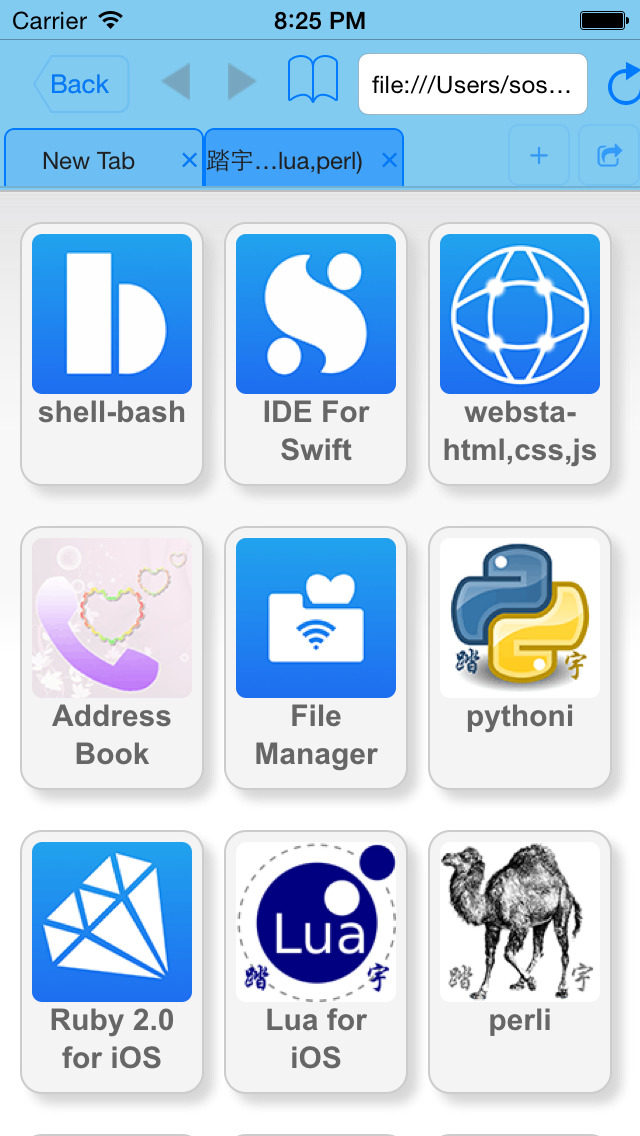
iPhone Screenshots
(click to enlarge)




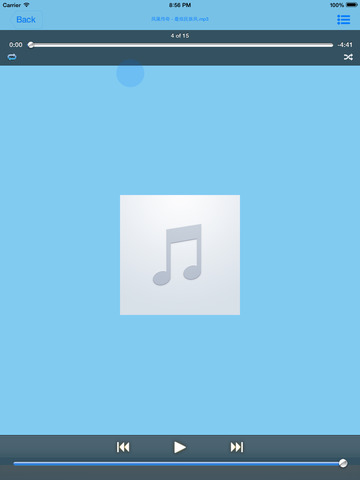
iPad Screenshots
(click to enlarge)


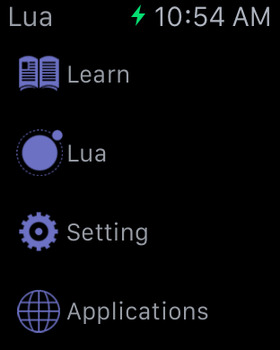
Apple Watch Screenshots
(click to enlarge)


App Changes
- June 11, 2014 Initial release
- July 24, 2014 New version 2.0
- September 25, 2014 New version 2.1
- October 17, 2014 New version 2.2
- January 01, 2015 New version 2.3
- September 15, 2015 New version 2.4
- October 04, 2015 New version 2.5
- July 05, 2016 New version 2.6
- November 07, 2016 New version 2.7
- June 13, 2019 New version 2.8
- September 24, 2019 New version 2.9
- October 27, 2020 New version 3.0
Other Apps From 小文 黄