
What's New
This app has been updated by Apple to display the Apple Watch app icon.
> Revised privacy policies due to regulatory changes. While we were at it - we've made some gameplay improvements and bug fixes. Have fun!
App Description
~~~ A unique, educational and fun Memory Match adventure ~~~
~~~ 130+ items in 7 preschool categories with HD graphics and sounds ~~~
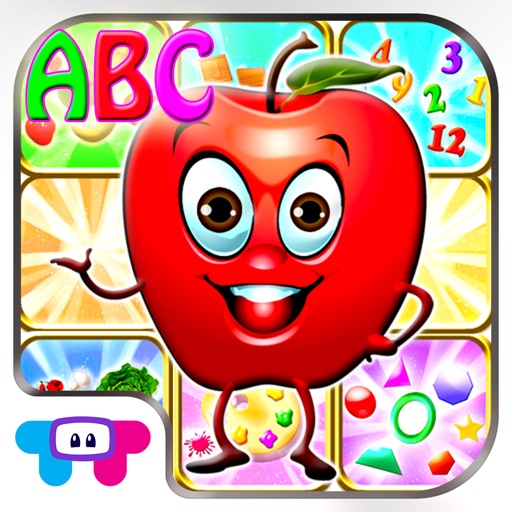
Memory Match is a comprehensive preschool activity of memory matching games. With over 130 colorful, vivid items in 7 major preschool categories, your children will improve their concentration, memory and motor skills while playing this rich and fun game!
- - - 7 Educational categories - - -
+ Colors + Shapes
+ Numbers + Fruits
+ ABC’s + Vegetables
+ Nature
- - - Features inside - - -
+ Adaptive game levels system that gets harder as you improve
+ Learn names, spelling and vocabulary of 120+ first words
+ Intuitive auto complete to help solve the puzzles
+ Highly configurable game settings
+ 20+ different puzzle modes
+ Multi touch support
Note: The free version comes with first 3 game stages completely free with ads at the lower part of screen. Purchasing full version (with all 130+ first words, all game stages and with no ads) is available with easy to use in-app purchase inside the app.
ABOUT TabTale
With over 1.5 billion downloads and growing, TabTale has established itself as the creator of pioneering virtual adventures that kids and parents love. TabTale’s apps spark children’s imaginations and inspire them to think creatively while having fun!
Visit us: http://www.tabtale.com/
Like us: http://www.facebook.com/TabTale
Follow us:@TabTale
Watch us: http://www.youtube.com/Tabtale
CONTACT US
Let us know what you think! Questions? Suggestions? Technical Support? Contact us 24/7 at [email protected].
FOR PARENTS
The app is free to play but certain in-game items may require payment. You may restrict in-app purchases by disabling them on this device. The app may include advertising for TabTale and certain third parties which will redirect users to our sites, apps or third-party sites.
Your privacy matters. The app may enable collection of limited user data by TabTale or its carefully selected providers (e.g. ad networks and analytics) for limited purposes described in our Privacy Policy (e.g. respond to support queries; enable, analyze and improve the app’s features and services; serve contextual ads and measure their performance). For more information (notably on the providers), please read our Privacy Policy: https://tabtale.com/privacy-policy/ . By downloading, updating or using the app you consent (in your personal capacity and for other users of your device) to this collection and use of limited device information for ad display and reporting purposes and you accept our Terms of Use: https://tabtale.com/terms-of-use/.
iPhone Screenshots
(click to enlarge)


iPad Screenshots
(click to enlarge)


App Changes
- June 15, 2014 Initial release
- October 10, 2014 New version 2.5
- December 01, 2014 New version 2.6
- May 04, 2015 New version 2.7
- August 13, 2015 New version 2.8
- November 08, 2016 New version 3.1
- June 14, 2019 New version 3.6
Other Apps From TabTale LTD