
What's New
Added 2 new effects in a new "TouchUps" category
Red Eye Removal
Spot Blur
Changed effects table to always show the available effect layer options (e.g. Delete, Clear, Show Mask)
App Description
TouchUp brings creative photo editing to iPad, enabling anyone to make common adjustments and create captivating art with their photos. TouchUp has over a dozen effects which can be applied in nearly unlimited layers to your photos.
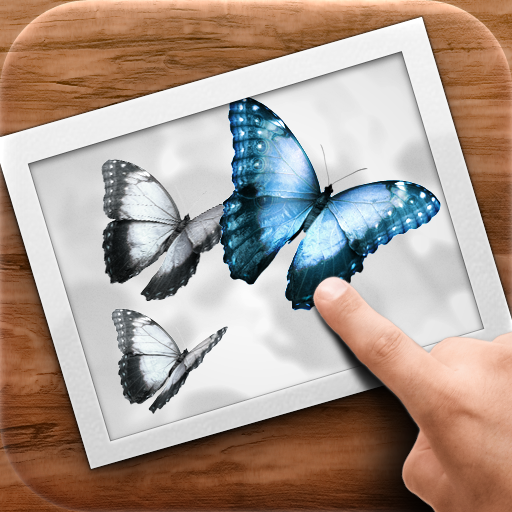
Any effect in TouchUp can be brushed off or on with a tap and slide of your finger. By painting effects on your photos you can express your creative side or make fine-tuned modifications for the perfect look. Until you try it, you won't believe how much fun it is to brush directly on your photos.
You don't have to be a pro to make something beautiful with TouchUp. If you are a pro, we still have you covered with advanced effects like Dodge and Burn.
TouchUp lets you import any photo from your Photo Library on iPad. TouchUp works with Apple's Camera Connection Kit. You can also grab your photos from Flickr or browse their photo stream. When you are ready to share, you can send your masterpieces quickly by mail, Facebook, Twitter, Flickr or print using AirPrint.
Effects :
• Remove Red Eye
• Black and White
• Sepia
• Blur
• Contrast
• Brightness
• Temperature
• Saturation
• Tint
• Hue Shift
• Dodge
• Burn
• Color Paint Brush
• Tint Paint Brush
• Sharpen
• Pixelate
• Cross Process
• Redscale
• Vignette
WATCH OUR TUTORIAL VIDEOS AND SEE MORE SAMPLES AT : http://www.roguesheep.com/touchUp.html
FOLLOW US ON TWITTER : @roguesheep
iPad Screenshots
(click to enlarge)


App Changes
- April 29, 2011 Price increase: $4.99 -> $9.99
- April 29, 2011 New version 1.2
- March 26, 2011 Price increase: $2.99 -> $4.99
- February 01, 2011 New version 6
- January 22, 2011 New version 5
- November 01, 2010 New version 4
- October 21, 2010 New version 3
- October 20, 2010 New version 2
- June 24, 2011 New version 1.2
- August 31, 2011 New version 1.2.1
Other Apps From RogueSheep