

What's New
Revised some app translations.
App Description
Lynda.com is now LinkedIn Learning! If you’re a new user, you can access the full library of Lynda.com courses over on the LinkedIn Learning app for a more personalized learning experience. Download the LinkedIn Learning app here: https://itunes.apple.com/us/app/linkedin-learning/id1084807225?mt=8. For current Lynda subscribers, you can still access your account on the Lynda.com app, so please download today!
Learn technology, creative and business skills, on the go, with the Lynda.com iOS app.
Get the training you need to succeed in your current job or start a new career.
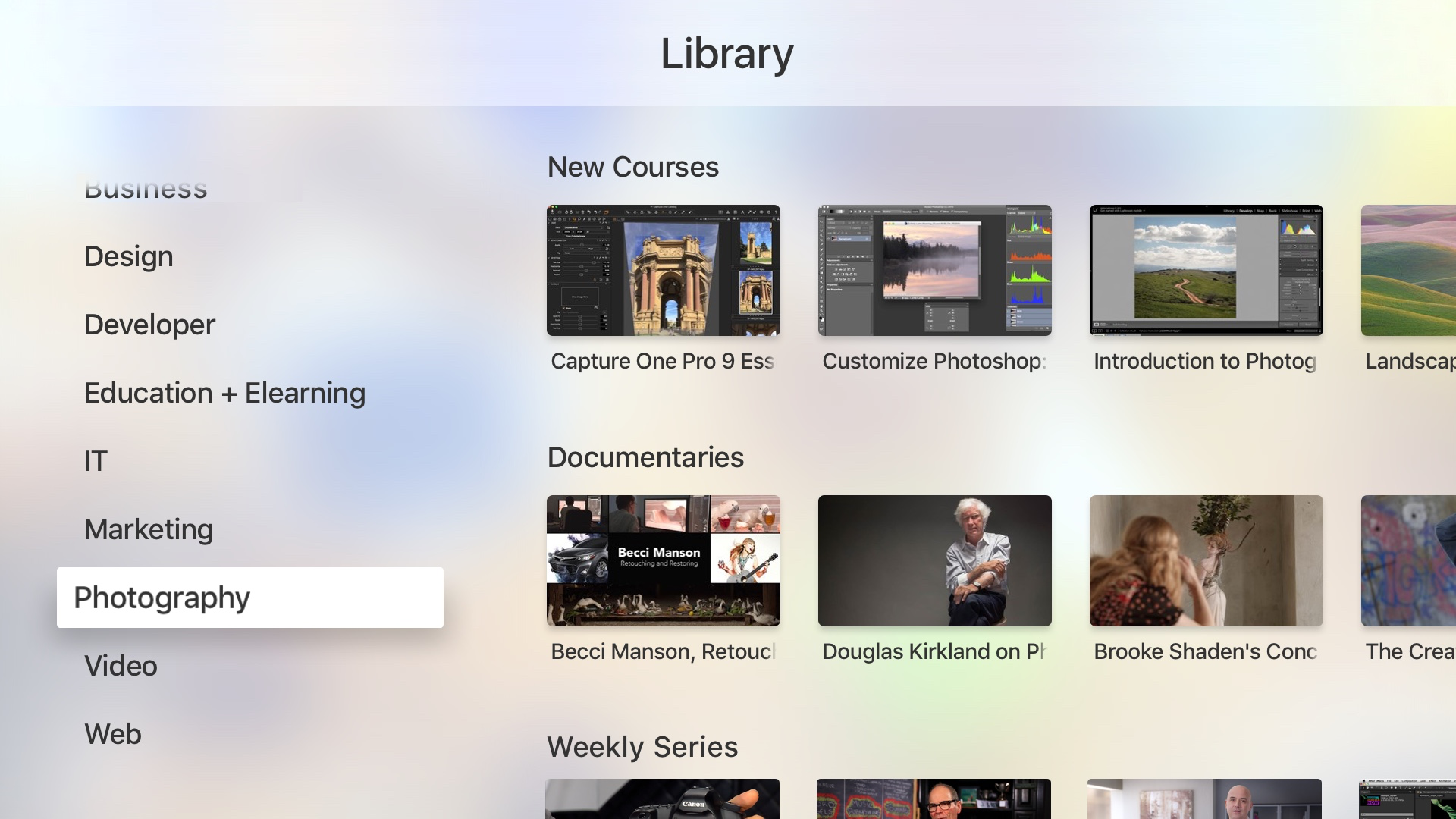
Access all courses from the subscription library
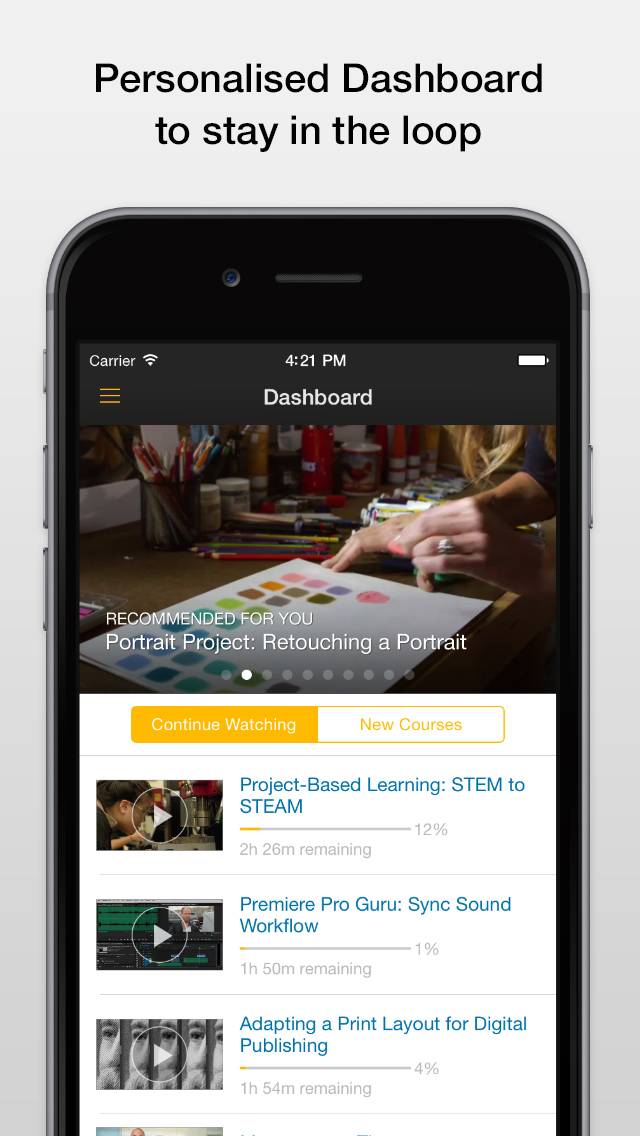
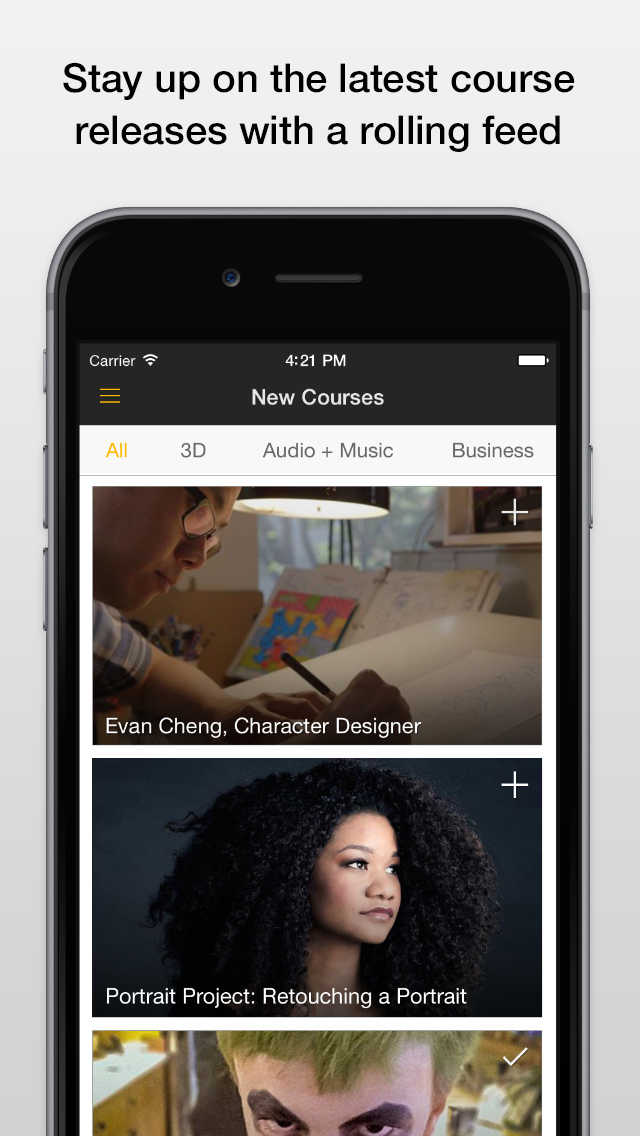
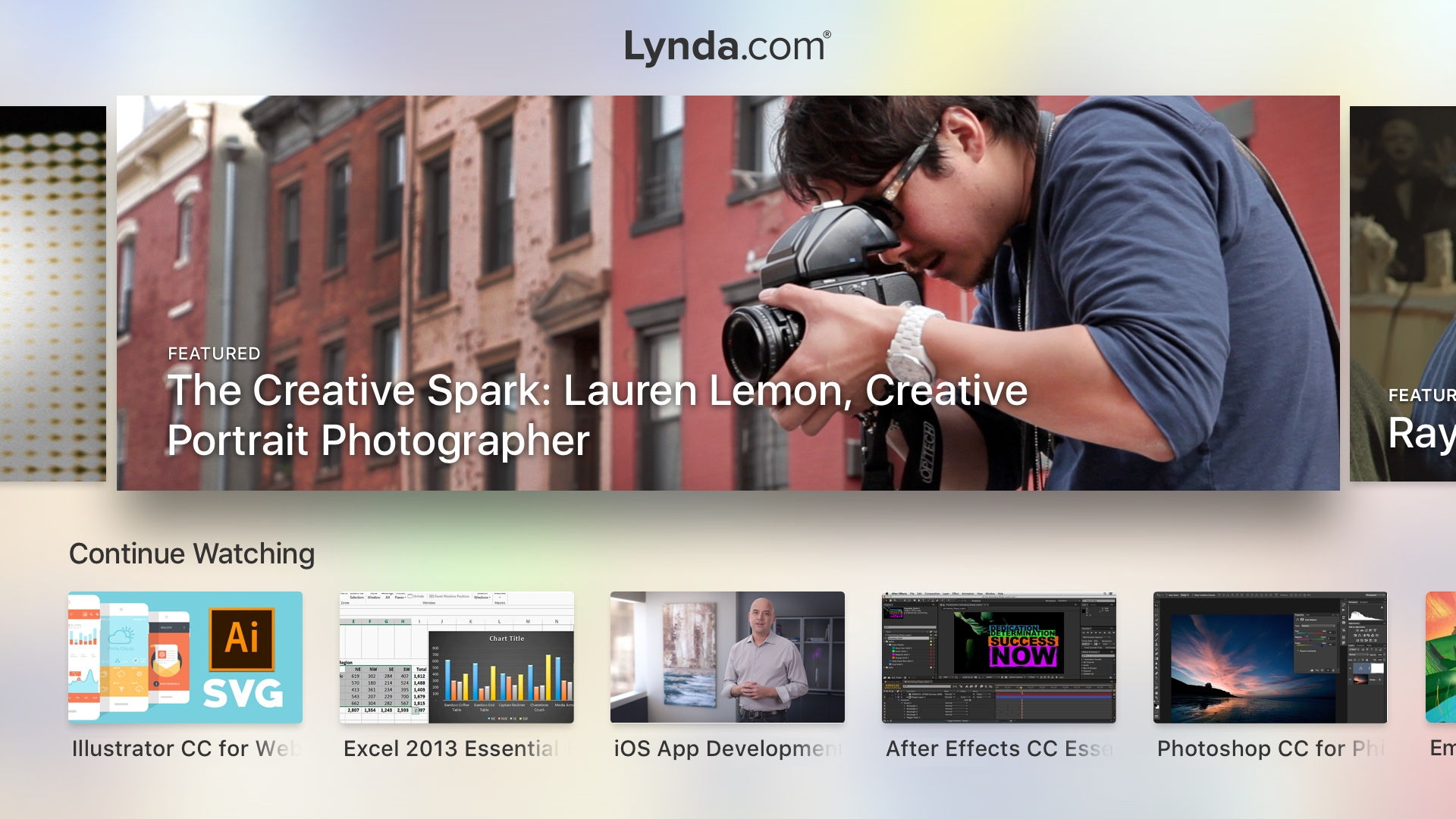
Get personalized course recommendations
Download courses for offline viewing
Stream training videos to your TV via Airplay
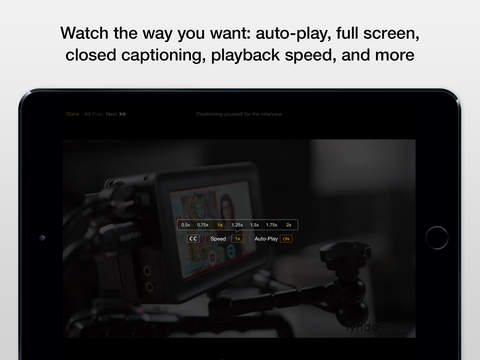
Auto-play courses or watch individual videos
Share courses across social network apps
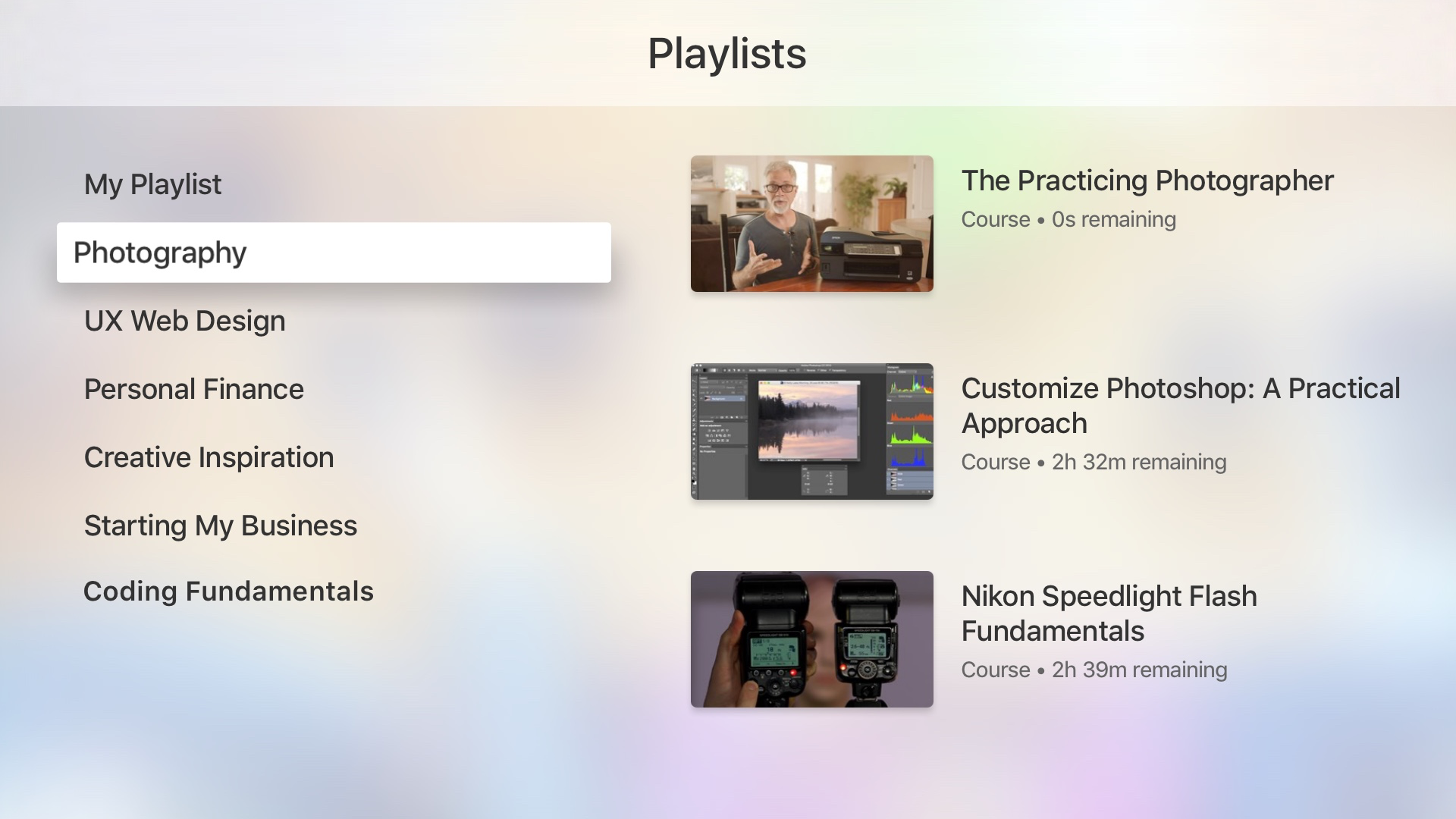
View and edit playlists
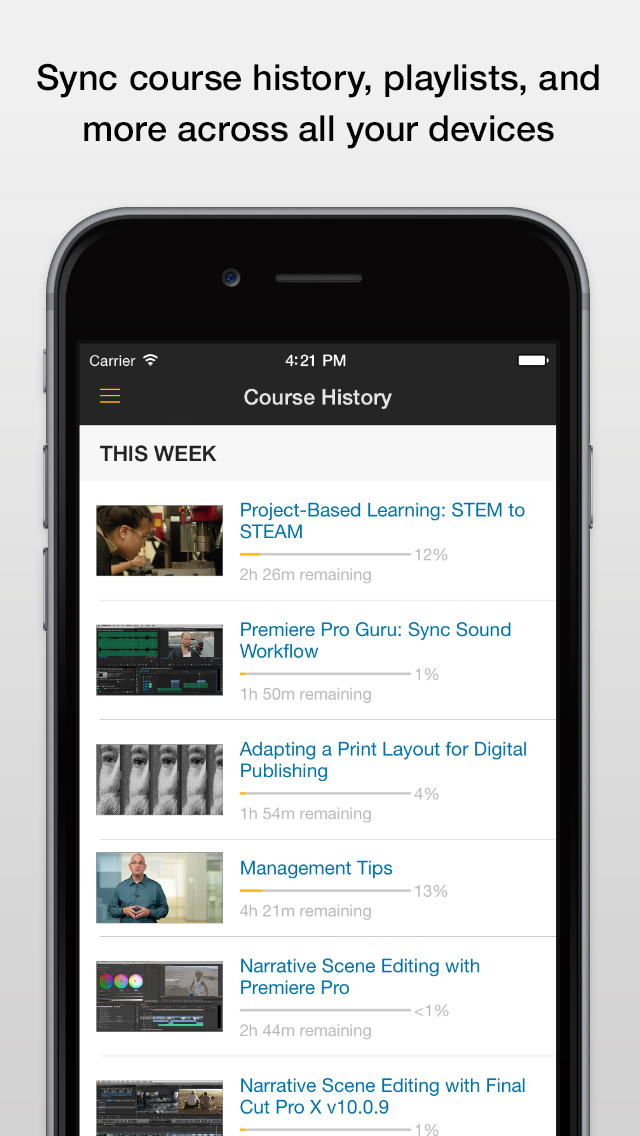
Sync course history and pick up where you left off for a continuous learning experience across all devices
Requirements
• iPhone 4 GSM or later; iPod touch 5th generation or later; iPad 2 or later.
• iOS 7.0 or later
• Connection to 3G, 4G, or WiFi network
Privacy Policy: http://www.lynda.com/aboutus/otl-privacy.aspx
Terms of Service: http://www.lynda.com/aboutus/lotterms.aspx
iPhone Screenshots
(click to enlarge)


iPad Screenshots
(click to enlarge)



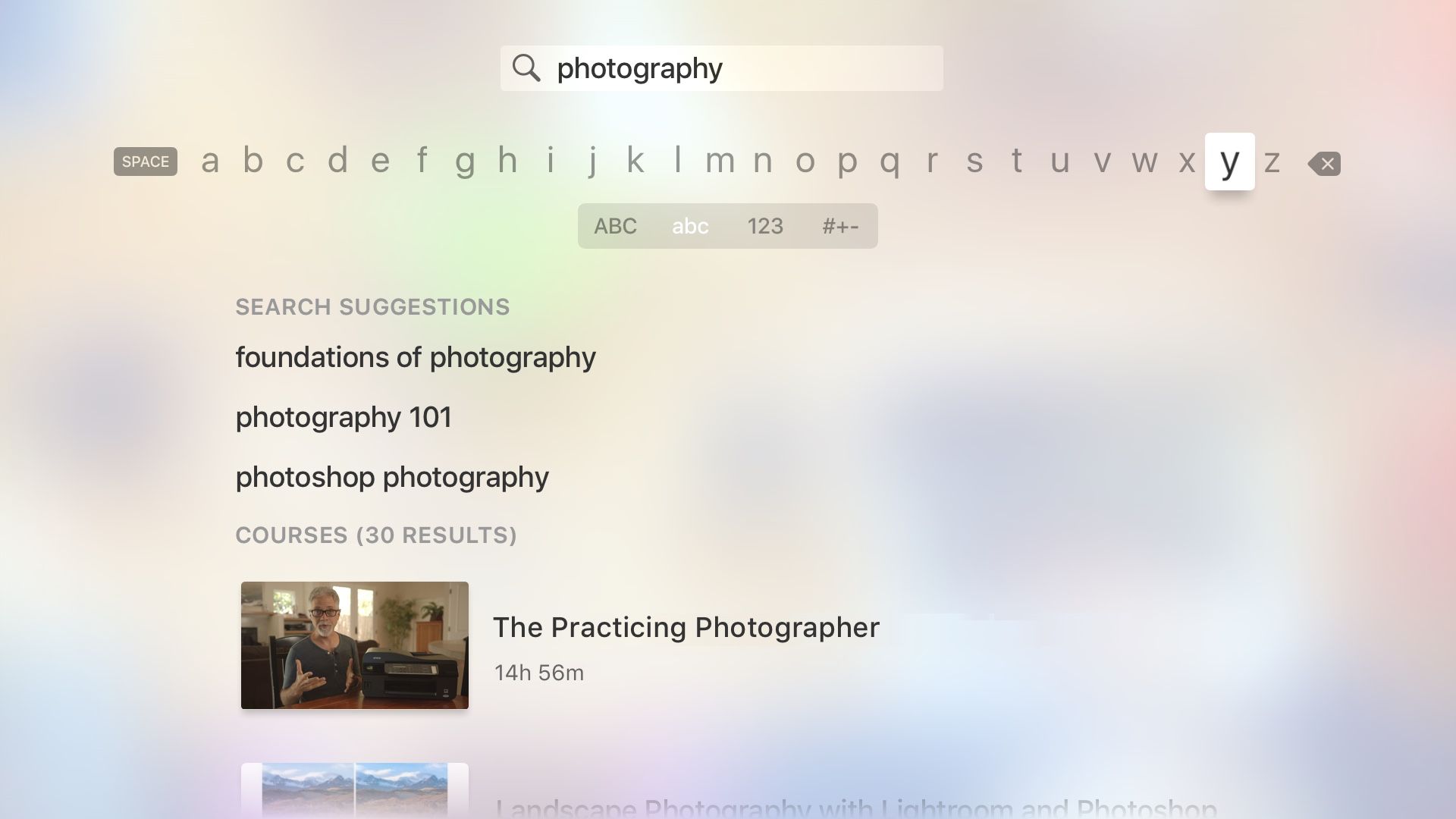
Apple TV Screenshots
(click to enlarge)

App Changes
- August 25, 2011 New version 1.4
- July 11, 2012 New version 2.0.0
- September 05, 2012 New version 2.0.1
- October 30, 2012 New version 2.0.2
- January 22, 2013 New version 2.0.3
- February 20, 2013 New version 2.0.4
- March 21, 2013 New version 2.0.5
- April 11, 2013 New version 2.0.6
- April 26, 2013 New version 2.1.0
- May 30, 2013 New version 2.1.1
- June 13, 2013 New version 2.1.2
- September 12, 2013 New version 3.0.0
- October 01, 2013 New version 3.0.1
- November 15, 2013 New version 3.0.2
- November 22, 2013 New version 3.0.3
- January 16, 2014 New version 3.0.4
- June 21, 2014 New version 4.0
- July 02, 2014 New version 4.0.1
- July 11, 2014 New version 4.0.2
- September 11, 2014 New version 4.1
- September 18, 2014 New version 4.1.1
- November 27, 2014 New version 4.1.4
- January 29, 2015 New version 4.2
- March 24, 2015 New version 4.2.1
- April 14, 2015 New version 4.2.2
- June 25, 2015 New version 4.3
- July 02, 2015 New version 4.3.1
- July 04, 2015 New version 4.3.2
- July 25, 2015 New version 4.3.3
- August 04, 2015 New version 4.3.4
- September 03, 2015 New version 4.3.5
- September 16, 2015 New version 4.3.6
- November 28, 2015 New version 4.5
- January 06, 2016 New version 4.5.1
- January 19, 2016 New version 4.6
- March 14, 2016 New version 4.6.1
- June 22, 2016 New version 4.8.1
- August 02, 2016 New version 4.8.2
- June 14, 2019 New version 4.9.8
Other Apps From LinkedIn Corporation