
What's New
-Supported iOS 7.
App Description
"Sketcher" is a easy to use drawing application.
[Features]
-Four types of drawing tools
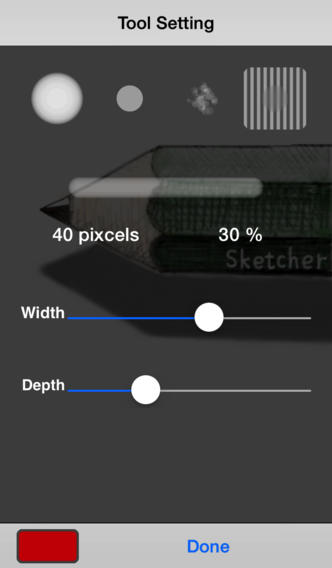
You can adjust the color and line thickness for all tools.
-Pen
-Solid Pen
-Brush
-Blur tool
-Color Pallet
You can save created color to pallet with Drag & Drop
-HSB(hue, saturation, brightness) base color creating
-RGB(red, green, blue) base color creating
-Mixing two colors
-Color pick from canvas
You can get color from canvas.
Press and hold canvas to start color picking. If you hold while picking color, canvas will be zoom.
-Sets
You can use 4 sets of tool and color. For example, set 1 for thin pen, set2 for thick pen and set 3 for eraser. You can swtch tools quickly.
-Scroll
-Zoom and Move with 2 finger drag
-Double tap to zoom in.
-2 finger tap to zoom out.
-10 times undo
-Copy and scaling
-Import picture from camera or picture library
-Save picture to camera roll
-Layer feature is not provided
iPhone Screenshots
(click to enlarge)



App Changes
- October 15, 2013 New version 1.3
Other Apps From MASANORI SHIBUYA