
What's New
fix gif comics
App Description
Download and read, STOP! EASY and FREE!
Comic reader for true fans.
•In-Browser
• FTP
• WI-Fi MAC\PC
• Drop Box, Google Drive
• Google Drive
• One Drive
• Web Server / WebDav
• iTunes
• Gif
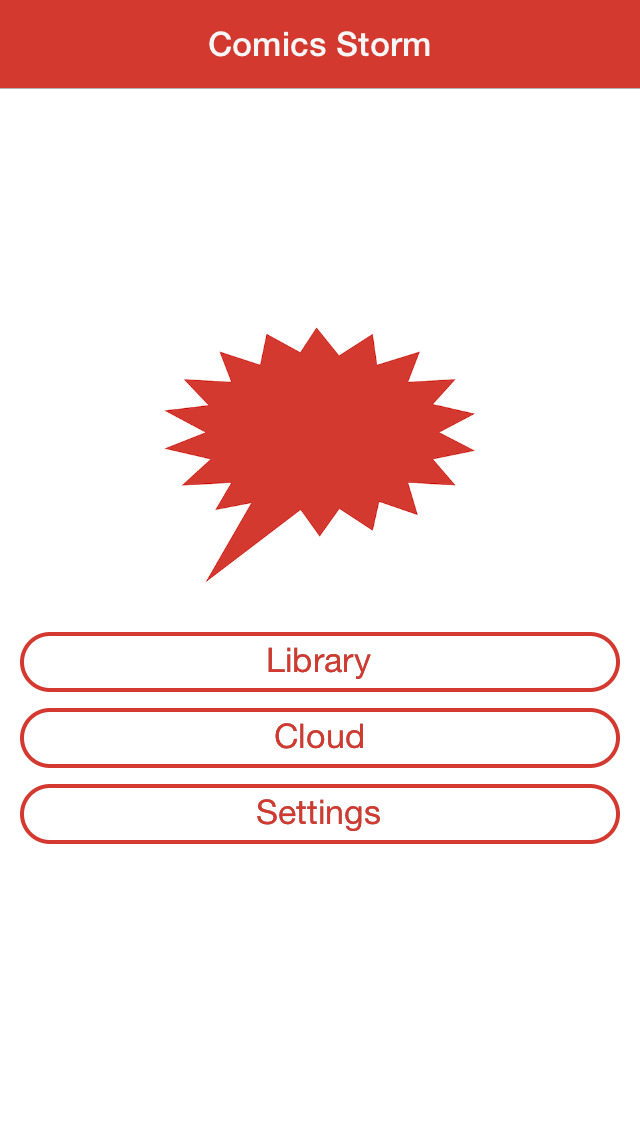
iPhone Screenshots
(click to enlarge)



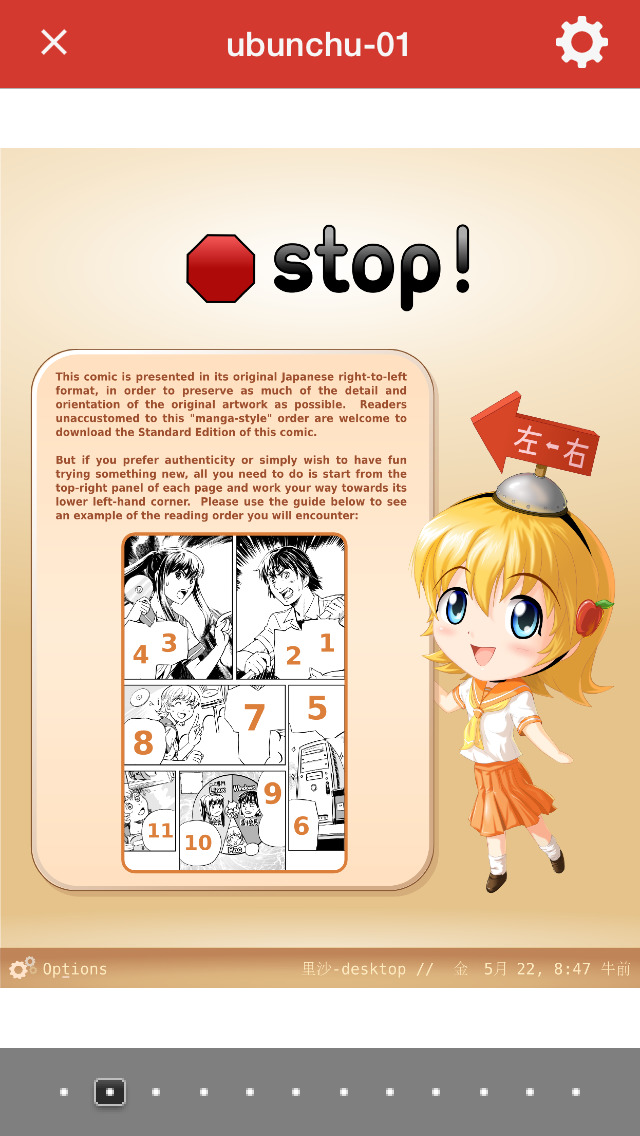
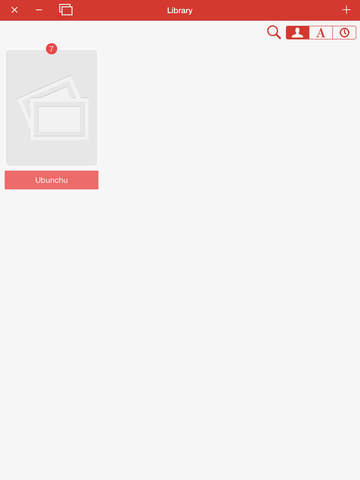
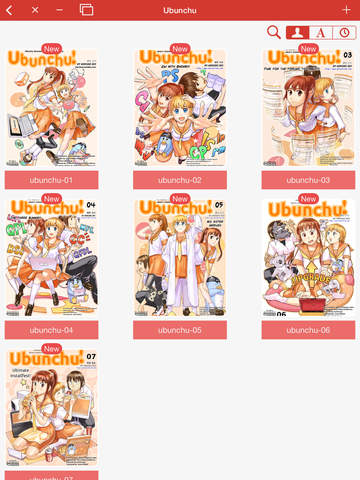
iPad Screenshots
(click to enlarge)



App Changes
- May 12, 2012 Initial release
- May 19, 2012 New version 1.0.1
- September 14, 2012 New version 1.1
- December 04, 2012 New version 1.2
- December 18, 2012 New version 1.3
- January 09, 2013 New version 1.4
- January 19, 2013 New version 1.5
- March 18, 2013 New version 1.6
- May 27, 2013 New version 1.7
- August 04, 2013 New version 1.8.1
- September 16, 2013 New version 1.9
- October 08, 2013 New version 1.9.2
- November 02, 2013 New version 1.9.5
- February 22, 2014 New version 1.9.7
- March 01, 2014 New version 1.9.8
- March 13, 2014 New version 1.9.81
- October 05, 2014 New version 1.9.83
- October 25, 2014 New version 1.9.84
- December 18, 2014 New version 2.0.0
- June 25, 2015 New version 2.1.0
- September 30, 2015 New version 2.2.1
- October 20, 2015 New version 2.3.0
- November 19, 2015 New version 2.4.0
- December 07, 2015 New version 2.5.0
- July 11, 2016 New version 2.7.1
- August 05, 2016 New version 2.8.0
- December 10, 2016 New version 2.9
- January 03, 2017 New version 2.9.2
- June 14, 2019 New version 4.1.0
- July 15, 2020 New version 4.3.2
- November 12, 2020 New version 4.4.0
Other Apps From Nabil Chatbi