
What's New
- Update for iOS 6.0
- iPhone 5 support for larger screen
App Description
[NEWS]
Watch Spawn on the big screen! Spawn HD now supports TV Out for iPod 4G, iPhone 4 and iPad. For best results use the VGA connector (720p). Component and Composite cables work as well (480p).
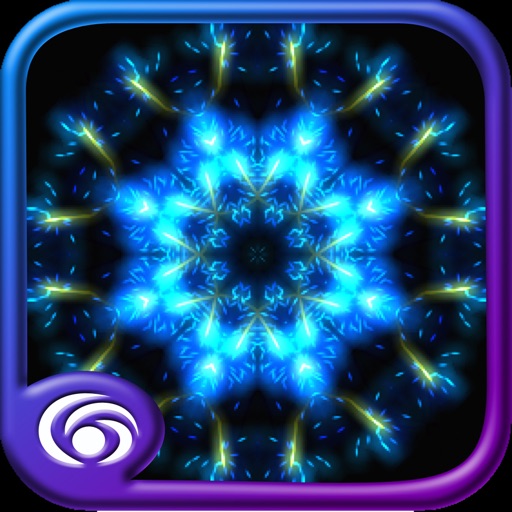
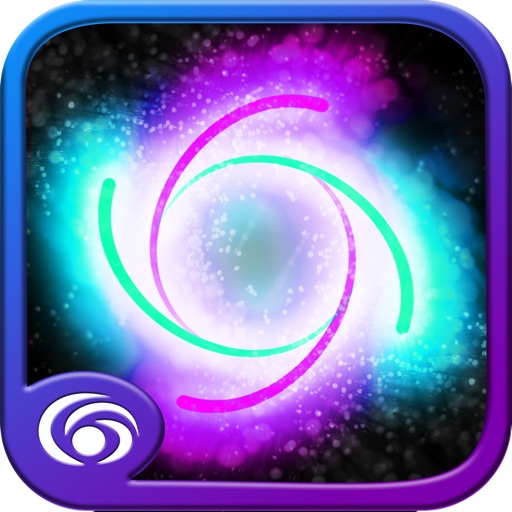
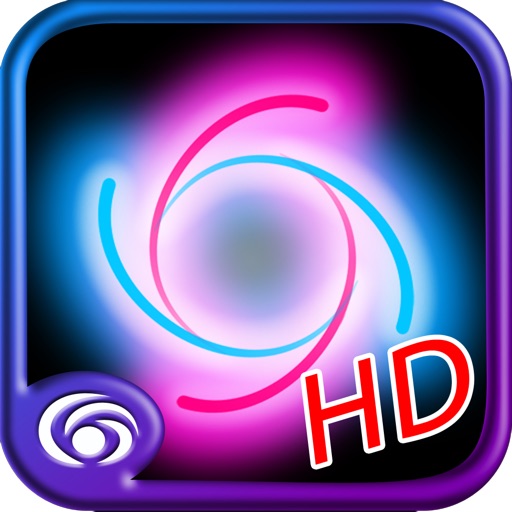
Spawn HD is the best Wallpaper app period! A swarm of colored lights dance across the screen that you can completely control with your fingers. Create the most amazing masterpieces with a touch of your imagination. It's that easy. With this version, you can control the size, shape, color and number of Spawn particles … even enable the microphone to further make the light show pulsate in rythm! This latest version also includes the wildly popular Symmetry and Glow app, at no extra charge! With Symmetry, you'll easily turn your design into a true masterpiece.
[INSIDER TRICKS]
- Three fingers on the screens bring up the menu wheel
-> Select a play or pinch/spread mode
-> Select ok (middle of the menu)
-> Once the menu is gone pinch or spread your fingers on the screen and see how it affects the show.
- When mic input is enabled, particles fly slower (and screen pulses). To turn off the pulsing and make the particles fast again enable mic zoom speed and pinch until particles are faster again. Particles will still react to sound.
- To reset all settings tap on the circle with the x inside and hit ok.
- To take a screenshot press the home button and the lock button at the same time.
- When you double tap the particles instantly, they explode creating a firework in your hand.
- Go to facebook.com/spawnapp and upload your own Spawn HD creation to our image gallery. If you get selected, and with your permission, we will use YOUR image as demo screen in the iTunes store!
[OTHER APPS]
Our new spawn-based game, Genesis, which adds puzzle solving to your experience, is now available in the app store. Think you got what it takes to navigate through all the levels? Good luck! ;)
[STAY IN TOUCH]
Follow us on http://twitter.com/eodsoft
Become a fan on facebook and upload your creations here: http://www.facebook.com/SpawnApp
Post your screens to http://flickr.com/groups/spawn/ or go there to see what others have submitted.
[ABOUT]
With nearly 20 years of computer graphics engineering under the belt and a passion for artistic expression, EODSoft, has launched an amazing series of interactive light show and game revolution for the device. Check them all out in the app store!
iPhone Screenshots
(click to enlarge)


iPad Screenshots
(click to enlarge)


App Changes
- July 13, 2011 Price decrease: $0.99 -> FREE!
- July 16, 2011 Price increase: FREE! -> $0.99
- July 24, 2012 Price increase: $0.99 -> $1.99
- November 28, 2012 New version 3.1
- November 28, 2012 Price decrease: $1.99 -> $0.99
- December 04, 2012 Price increase: $0.99 -> $1.99
- January 04, 2013 Price decrease: $1.99 -> $0.99
- January 09, 2013 Price increase: $0.99 -> $2.99
- January 04, 2015 Price decrease: $2.99 -> $0.99
Other Apps From Elements of Design LLC