
What's New
Thank you very much for using LCD Clock!
LCD Clock, released in 2008, has provided free support for numerous iOS major updates for 16 years.
These updates also come at a cost, making it difficult to maintain releases.
Therefore, as a request to everyone, we have prepared a development support function (donation).
If you like the app and have been using it for a long time, we would appreciate it if you could [support the development costs] so that we can continue to release it in the future.
Please do so!
-Updated holidays and Rokuyo for 2024
App Description
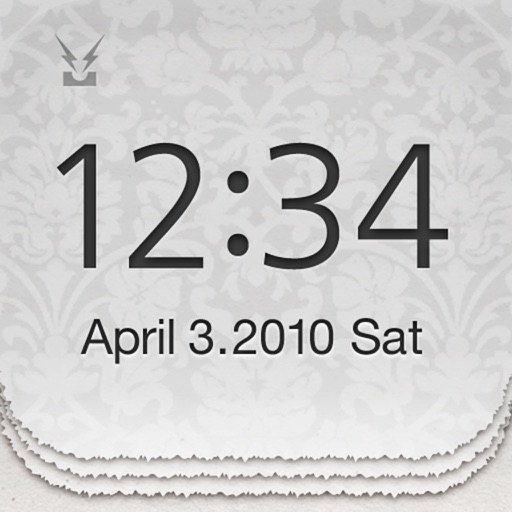
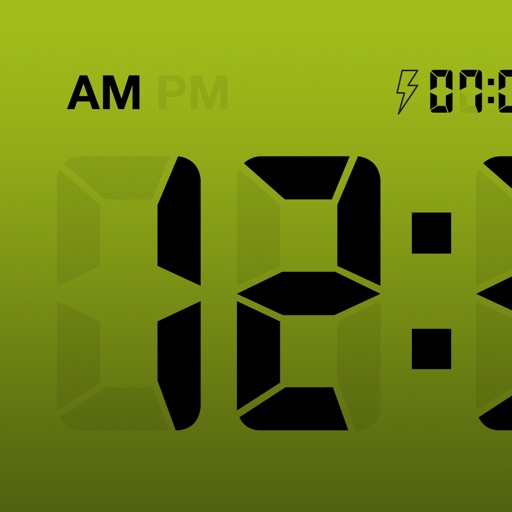
Now there is no need to purchase an expensive LCD clock or desk calendar!
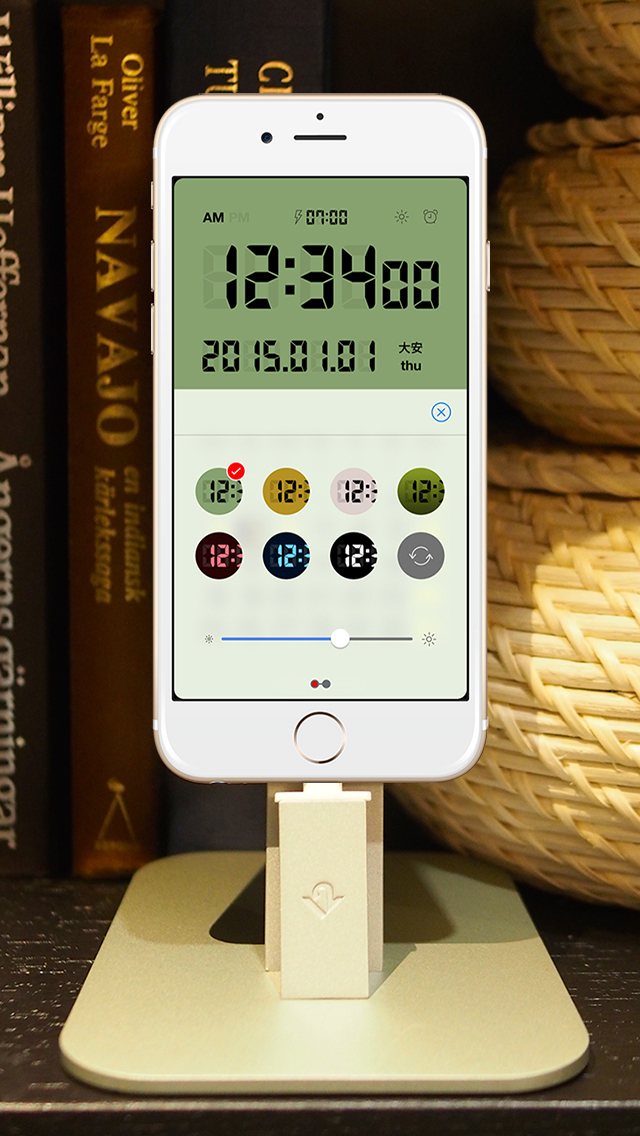
A variety of settings and color themes are available, so it can be personalized for your use.
*Main Features
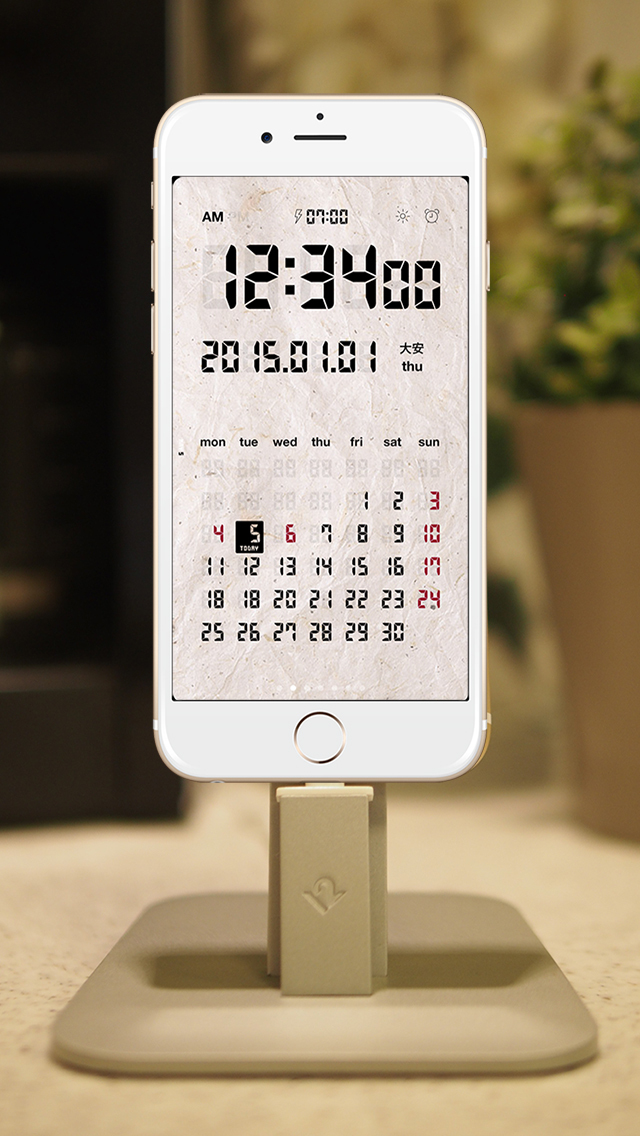
*Seven color themes (double-tap the screen to display settings)
*Set screen brightness (double-tap the screen to display settings)
*Set to standard or military time (tap the clock section to switch back and forth)
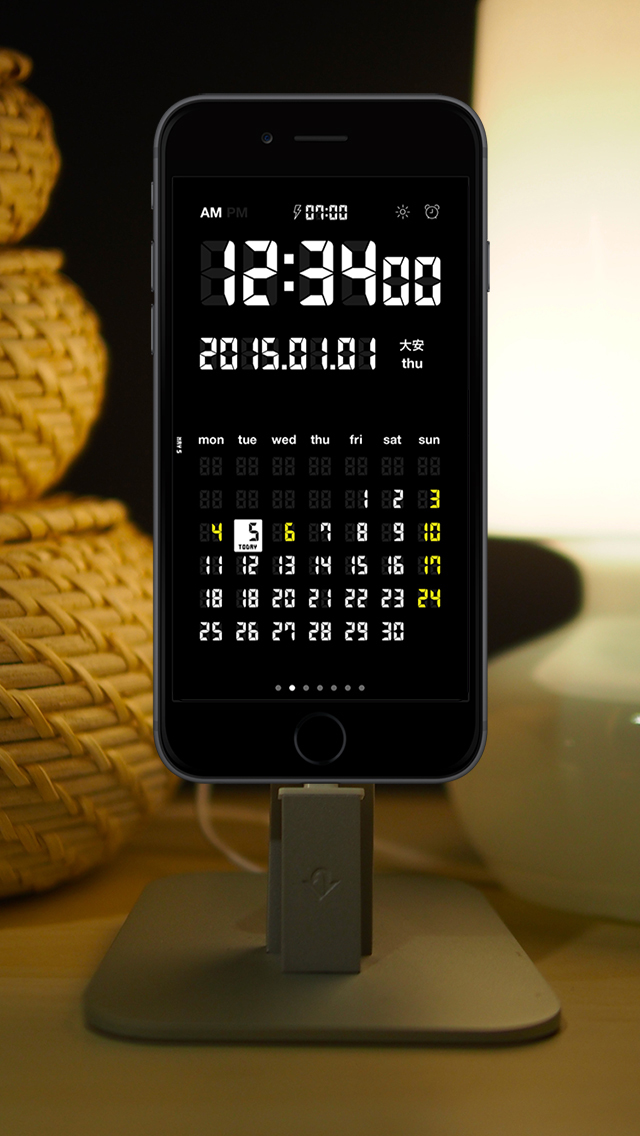
*Flick calendar left or right to change months (displays up to five months in advance)
*Set week start to Sunday or Monday
*Handles horizontal display (for larger time display)
*Displays national holidays (Japan, US, France, Germany, England, custom)
*Alarm Function (Set by pressing clock icon)
*Tap date to return to calendar for current month
*Turn second display on or off
*Status bar display for reception and battery condition can be turned ON or OFF.
*Backlight function (Turns on when shaken)
*Cautions
*Each setting can be modified by pressing "settings" on the home screen. LCD Clock items have been added for customization. Please confirm.
*Extended use will speed up the exhaustion of the battery. It is best to use while placed upright in the dock.
*If the iPhone X OLED screen displays the same content for an extended amount of time then the image may become "baked in." Such problems are outside of the scope of application support.
*The alarm function is a sub-function. It will only work when the application is operating. (Please refrain from complaints that the alarm does not function properly.)
*The alarm will not sound when phone is set to silent mode.
*Review/Support
If you have any suggestions or would like to share your experience using this application then please leave a review. We will consider feature requests for our next update. Please access the support site if you require support. E-mail support.
iPhone Screenshots
(click to enlarge)


App Changes
- June 25, 2011 New version 4.0.2
- October 22, 2011 New version 4.0.3
- October 28, 2011 New version 4.0.4
- December 29, 2011 New version 4.0.5
- January 11, 2012 New version 4.0.6
- October 15, 2012 New version 4.1
- October 28, 2012 New version 4.1.1
- November 08, 2012 New version 4.1.2
- December 08, 2012 New version 5.0
- December 16, 2012 New version 5.0.1
- April 10, 2013 New version 5.0.2
- October 08, 2013 New version 5.0.3
- October 12, 2013 New version 5.0.4
- November 26, 2014 New version 6.0.0
- March 05, 2015 New version 6.0.1
- December 19, 2015 New version 7.0.0
- July 05, 2016 New version 7.0.1
- December 19, 2016 New version 8.0.0
- June 15, 2019 New version 19.1.0
- June 15, 2019 Price increase: $0.99 -> $1.99
- June 16, 2019 Price increase: $0.99 -> $1.99
- January 21, 2020 New version 20.0.0
- December 09, 2020 New version 21.0.0
- September 16, 2023 New version 23.0.0
- September 16, 2023 Price decrease: $1.99 -> FREE!
- November 03, 2023 New version 24.0.0
- November 03, 2023 Price increase: FREE! -> $1.99
Other Apps From forYou inc.