
What's New
Support for 64 bits devices
App Description
"Signer" is an application which displays a message on a screen.
Your iPad is utilizable as signage!
If you set your Twitter account to iOS, you will be able to view the message as a timeline of Twitter.
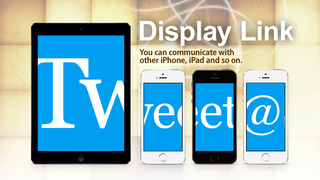
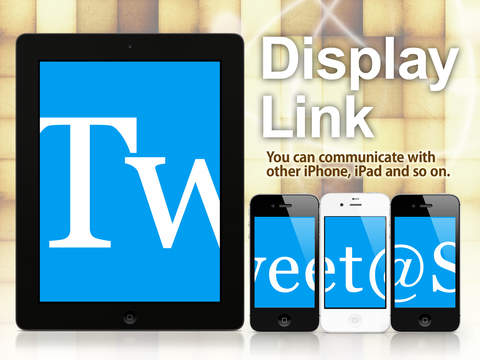
"Signer" can be merged one display of two or more iPhones screen.
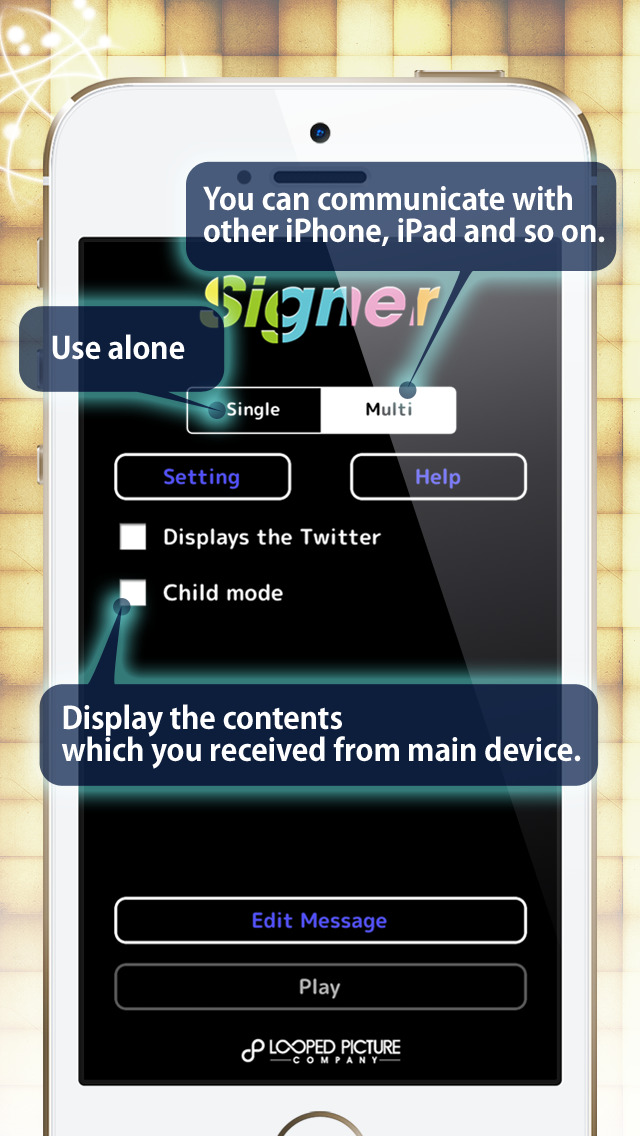
There are two modes in "Signer".
-- Sigle Mode --
"Signer" operates with one iPhone/iPad.
You can view the message you set or tweet.
-- Multi Mode --
"Signer" operates with one or more iPhones/iPads which made Bluetooth connection.
If it is used by "child mode", it will operate as a cordless handset.
-- Basic Setting --
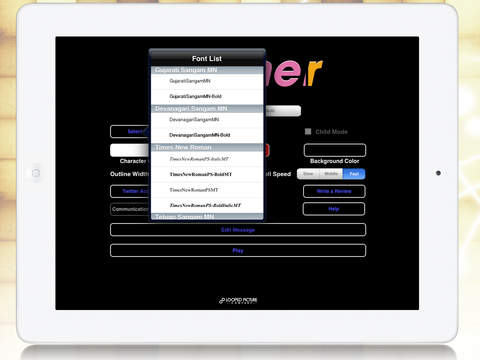
- Selecting the display font.
- Color settings (text, outline, background)
- Setting the width of the outline
- Scroll speed (Slow, Middle, High)
- Message Editing (Add,Edit,Delete,Sort)
- Display Link (Only "Multi Mode") *1
- Channel Number (Only "Multi Mode". For Bluetooth connection)
*1
The screen of two or more iPhones/iPads is packed into one, and is displayed.
iPhone/iPad screen orientation is determined automatically.
*The LITE version with ads.
*The LITE version can connect to One iPhone / iPad .
**** Attention ****
- "Signer" to communicate with BlueTooth (including connections to Wi-Fi).
- In multiple mode, please enable Bluetooth on iPhone / iPad.
By turning off the Wi-Fi, may be stable.
- In the "single" mode, shown in frames 1/30 sec.
- In the "Multi" mode, shown in frames 1/15 sec.
- Demo Movie on YouTube.(Appears when you tap the "Signer" Support link.)
http://www.youtube.com/watch?v=1kJkWE-H_Zg
iPhone Screenshots
(click to enlarge)



iPad Screenshots
(click to enlarge)


App Changes
- December 10, 2012 Initial release
- September 09, 2013 New version 1.3
- September 17, 2013 New version 1.3.1
- January 22, 2014 New version 1.3.2
- February 28, 2014 New version 1.3.3
- June 27, 2014 New version 1.3.4
- January 27, 2015 New version 1.3.5
Other Apps From Looped Picture Company