
What's New
This app has been updated by Apple to display the Apple Watch app icon.
> Revised privacy policies due to regulatory changes. While we were at it - we've made some gameplay improvements and bug fixes. Have fun!
App Description
> Interactive illustrated Coloring & Painting games for kids
> 120+ coloring screens in 7 unique, educational games
> More than 1,000,000 Downloads! Selected New & Noteworthy by Apple
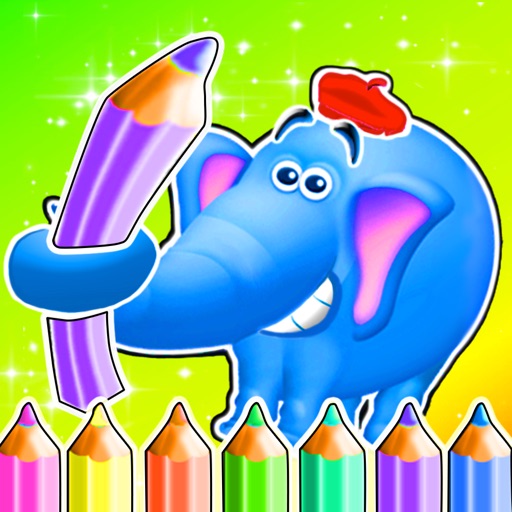
Enjoy an animated and interactive drawing experience with 7 unique games inside. In this app your kids will meet 40 animals in more than 120 screens. Learn animal names, sounds and vocabulary while enjoying a magical painting experience.
~~ Magic Draw ~~
Slide your finger on the drawing area to magically color the drawing and watch the drawing come to life.
> Magic Draw activity
> Surprising animations
> Learn animal names, sounds and vocabulary
> Save drawing to gallery
~~ Coloring Book ~~
Finger paint or fill areas with colors to complete lovely coloring pages of animals in their natural habitat.
> New fun color slider with 20 colors
> Zoom In/Out and Pan - pinch two fingers together in order to zoom in and out and pan.
> Fill Area Bucket - Fill complete area with colors
> Brush - swipe your finger on screen to draw in colors
> Save drawing to gallery
~~ Puzzle Fun ~~
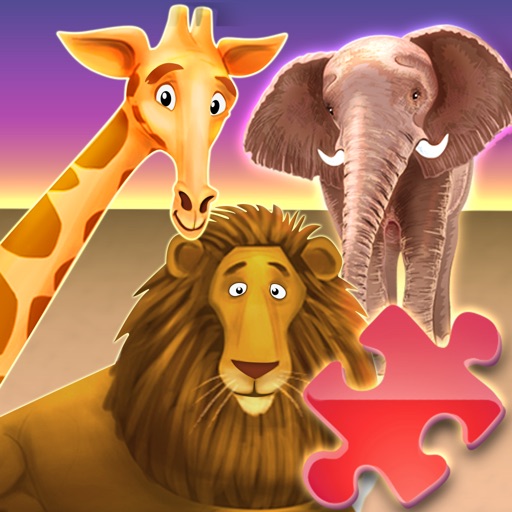
Enjoy 40+ colorful, intuitive animal shaped puzzles. Learn about the animals’ different shapes, colors, builds and sizes with these educational treats.
> 40+ adorable animal puzzles
> A special hint button
> Helps develop memory, concentration and fine motor skills
~~ Jungle Run ~~
Join Franky the Fox- on his adventure. Help him collect all the boxes and find out which cute animal is hiding behind them.
~~ Magic Maze ~~
Magic Maze is an interactive intuitive drawing puzzle. Help the animals find their way across the puzzle to reach their shining star. Draw a line from one side of the maze to the shining star, overcome obstacles along the way and solve the puzzle:
> Puzzle Painting activity
> Interactive animations
> Increasing difficulty levels
> Improve concentration & motor skills
~~ Mix and Match ~~
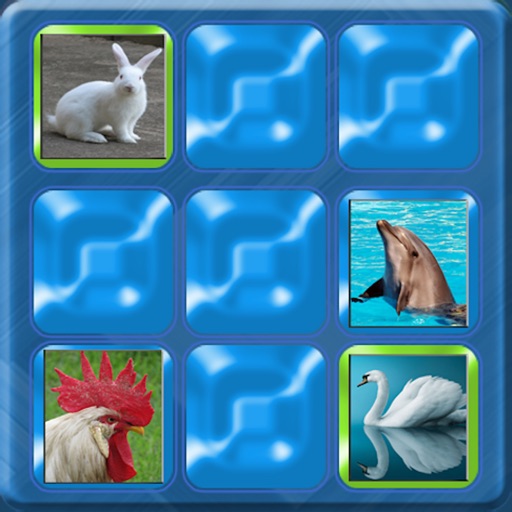
The animals got all mixed up, help match the parts and put the colorful animals back together. This game helps children develop their memory and logic skills. Here children can use their imagination in order to put together their favorite animals and even create hilarious new animals by mixing their features.
~~ Interactive Sticker Book ~~
Interact with the HD illustrated animals on screen while you can finger paint with colors and fill area with paint buckets. Find 50+ stickers at the upper and lower bars, add as many as you like.
Note: First 10 animal coloring page are completely free. All 40+ animal and 100+ screens are available with easy to use in-app purchase inside the application. Purchasing full version also removes all ads.
No Sound?
Try Increasing the volume and check that your device is not set to “Mute”. The Mute button is located next to the volume buttons on the side of the device.
CONTACT US
Let us know what you think! Questions? Suggestions? Technical Support? Contact us 24/7 at [email protected].
FOR PARENTS
The app is free to play but certain in-game items may require payment. You may restrict in-app purchases by disabling them on this device. The app may include advertising for TabTale and certain third parties which will redirect users to our sites, apps or third-party sites.
Your privacy matters. The app may enable collection of limited user data by TabTale or its carefully selected providers (e.g. ad networks and analytics) for limited purposes described in our Privacy Policy (e.g. respond to support queries; enable, analyze and improve the app’s features and services; serve contextual ads and measure their performance). For more information (notably on the providers), please read our Privacy Policy: https://tabtale.com/privacy-policy/ . By downloading, updating or using the app you consent (in your personal capacity and for other users of your device) to this collection and use of limited device information for ad display and reporting purposes and you accept our Terms of Use: https://tabtale.com/terms-of-use/.
iPhone Screenshots
(click to enlarge)


iPad Screenshots
(click to enlarge)


App Changes
- August 26, 2012 Initial release
- December 07, 2012 New version 7.1
- December 28, 2013 New version 7.2
- November 13, 2014 New version 7.3
- November 05, 2016 New version 7.4
- June 13, 2019 New version 7.5
Other Apps From KID BABY TODDLER LTD.