
What's New
Prevents a possible crash on iOS 17 when using the app from an export in the Photo app.
App Description
Video 2 Photo - HD allows you to export one or more high quality photos from your videos (and Live Photos) in a quick, fun and original way.
Why would you do that?
• Sometimes you hesitate between taking a photo or a video. Take a video! thanks to 'Video 2 Photo' you can now extract from your video as many images as you like!
• Taking 'The' good picture of an object, animal or person that moves is almost impossible. With 'Video 2 Photo' this becomes feasible.
• You have inadvertently recorded a video when you wanted to take a picture. With 'Video 2 Photo' you can finally recover photos from this video.
• Taking a picture of yourself is always difficult. With 'Video 2 Photo' you can choose exactly the right image that suits you best.
• You need a precise tool to export multiple consecutive photos and use them with another application.
• Choose a representative picture of your best videos and put it as wallpaper or print it in order to have it always with you.
• Have fun watching your favorite movies frame by frame and find the little detail that you had never seen before.
The Input video can be imported from your device in several ways.
The modified version (if there is one) or the original version of the video are both available.
The camera can be used directly to record a video if needed.
You can also connect your device to your computer in order to drag and drop specific videos (Files feature).
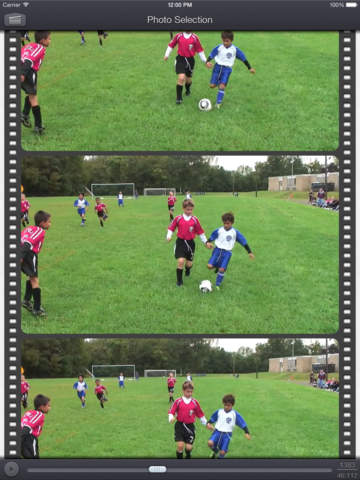
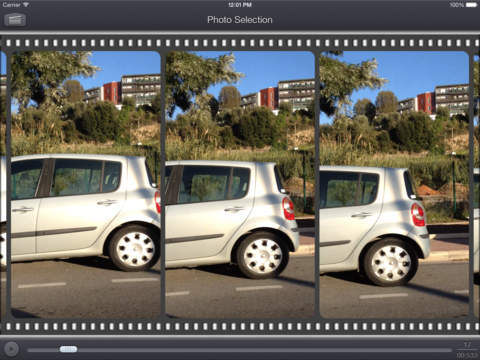
An animated and original interface allows you to precisely select a picture from all the ones contained in the video.
It is also possible to view the video (possibly in full screen) and to directly target a specific time.
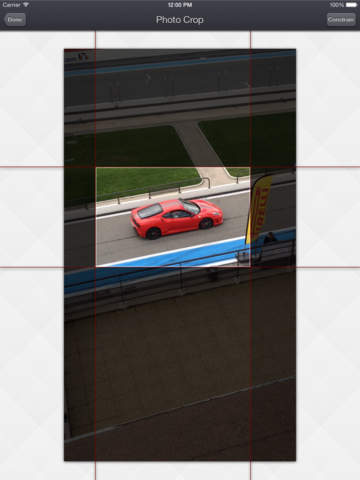
Once the image is selected, you will be able to view it (possibly in full screen), to eventually crop it (keeping the most interesting part of it) and to export it (to PNG, JPEG or HEIC files) in different ways:
• archive it in the camera roll of your iDevice
• send it by email
• retrieve it via iTunes file sharing (or the File app)
• copy it (and thus paste it into other applications)
• print it
• open it directly in another application supporting image import.
• and even send it as a tweet or to facebook !
HD Images exported using Video 2 Photo have the highest possible resolution and quality.
Their resolution being the exact same one than the videos they are extracted from (a 1920 x 1080 video will produce 1920 x 1080 images)
An exclusive batch export feature allows you to export multiple images from a source video at the same time.
If needed, some power user settings, located in the settings application, allows to change some parameters like the output file format (png/jpeg/heic), the associated meta-data, and some behaviors of the application.
This application can run, on your iPhone and your iPad, as a standalone application, or as an Action Extension (from the compatible applications like the Photo app).
Portrait and Landscape orientations are supported in all screens.
Dark mode of iOS13 is supported.
You will find the original and intuitive user interface, common to all our videos applications.
These applications have been featured many times by Apple and various websites.
iPhone Screenshots
(click to enlarge)
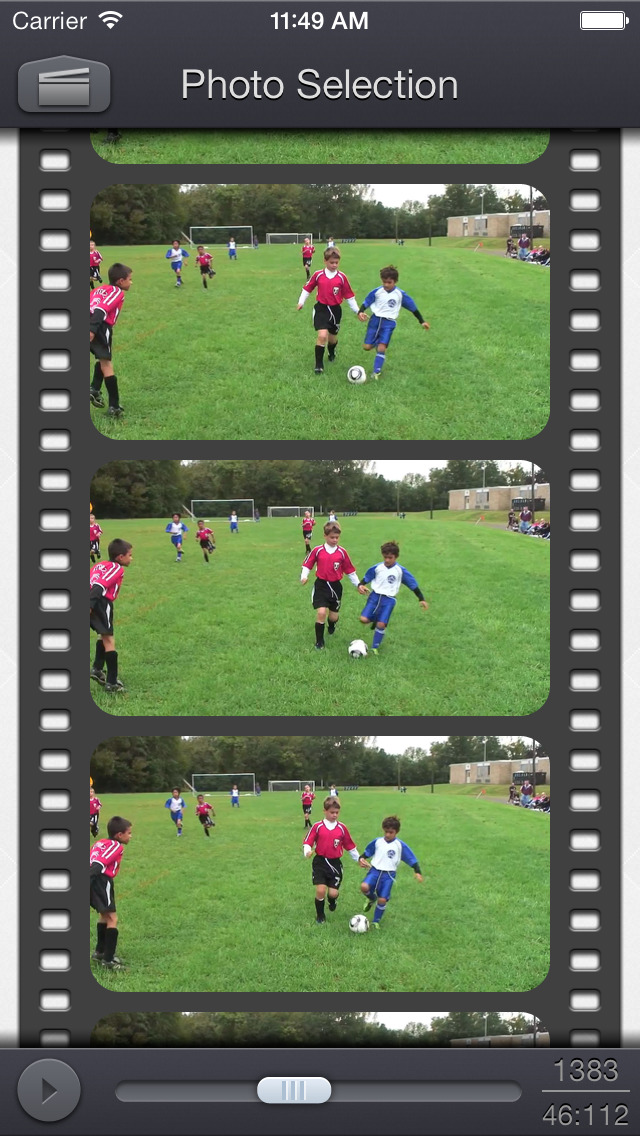

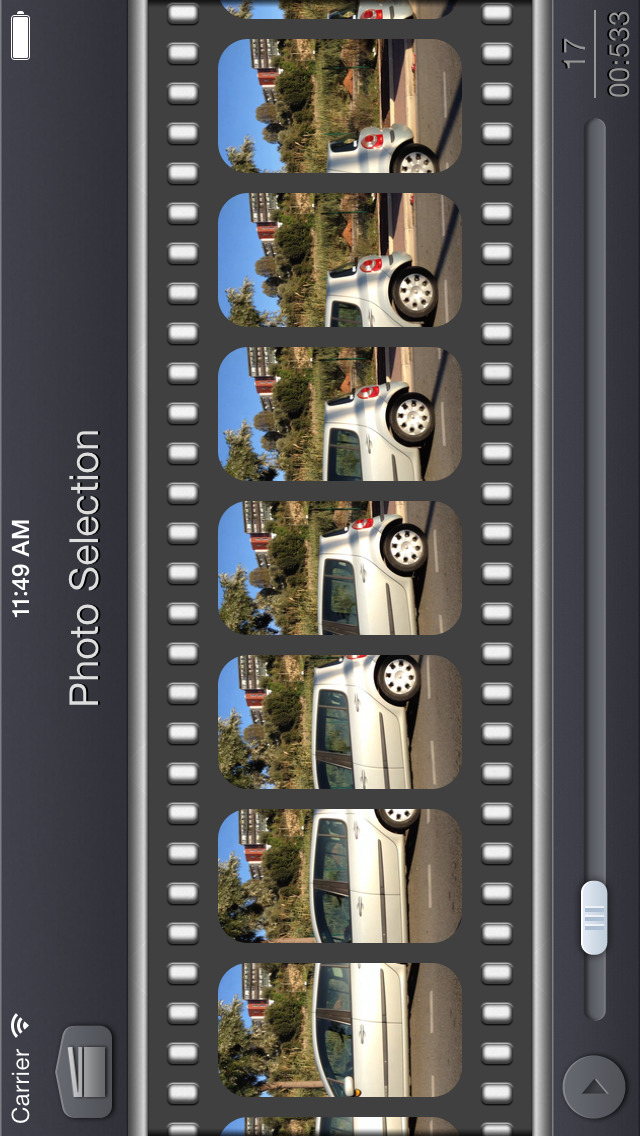


iPad Screenshots
(click to enlarge)


App Changes
- June 28, 2012 Initial release
- June 29, 2012 Price increase: FREE! -> $1.99
- October 01, 2012 New version 1.3
- October 10, 2012 New version 1.3.1
- November 28, 2012 New version 1.4
- December 14, 2012 Price decrease: $1.99 -> FREE!
- December 17, 2012 Price increase: FREE! -> $1.99
- March 20, 2013 Price decrease: $1.99 -> FREE!
- March 22, 2013 Price increase: FREE! -> $1.99
- May 01, 2013 New version 1.5
- June 28, 2013 Price decrease: $1.99 -> FREE!
- June 30, 2013 Price increase: FREE! -> $1.99
- October 03, 2013 New version 1.6.1
- October 03, 2013 Price decrease: $1.99 -> FREE!
- October 08, 2013 Price increase: FREE! -> $1.99
- February 19, 2014 Price decrease: $1.99 -> FREE!
- February 21, 2014 Price increase: FREE! -> $1.99
- September 11, 2014 Price decrease: $1.99 -> FREE!
- September 13, 2014 Price increase: FREE! -> $1.99
- October 21, 2014 New version 1.7
- April 27, 2015 New version 1.8
- December 12, 2015 New version 2.0
- February 22, 2016 New version 2.1
- July 07, 2016 New version 2.2
- June 14, 2019 New version 5.0
- June 14, 2019 Price increase: $1.99 -> $2.99
- June 14, 2019 Price increase: $1.99 -> $2.99
- June 15, 2019 Price increase: $1.99 -> $2.99
- June 15, 2019 Price increase: $1.99 -> $2.99
- June 15, 2019 Price increase: $1.99 -> $2.99
- June 16, 2019 Price increase: $1.99 -> $2.99
- August 16, 2019 New version 5.0.2
- September 26, 2019 New version 5.1
- October 21, 2019 New version 5.2
- November 04, 2019 New version 5.2.1
- December 17, 2019 New version 5.3.1
- January 14, 2020 New version 5.3.2
- December 10, 2020 New version 5.4
- August 06, 2021 New version 5.4.1
- September 16, 2023 New version 5.8.1
- November 03, 2023 New version 5.8.2
Other Apps From Francis Bonnin