

What's New
Fix for the 'New Document' button not working in some cases
App Description
Byword makes writing easier on your iPhone and iPad.
# Key features of Byword
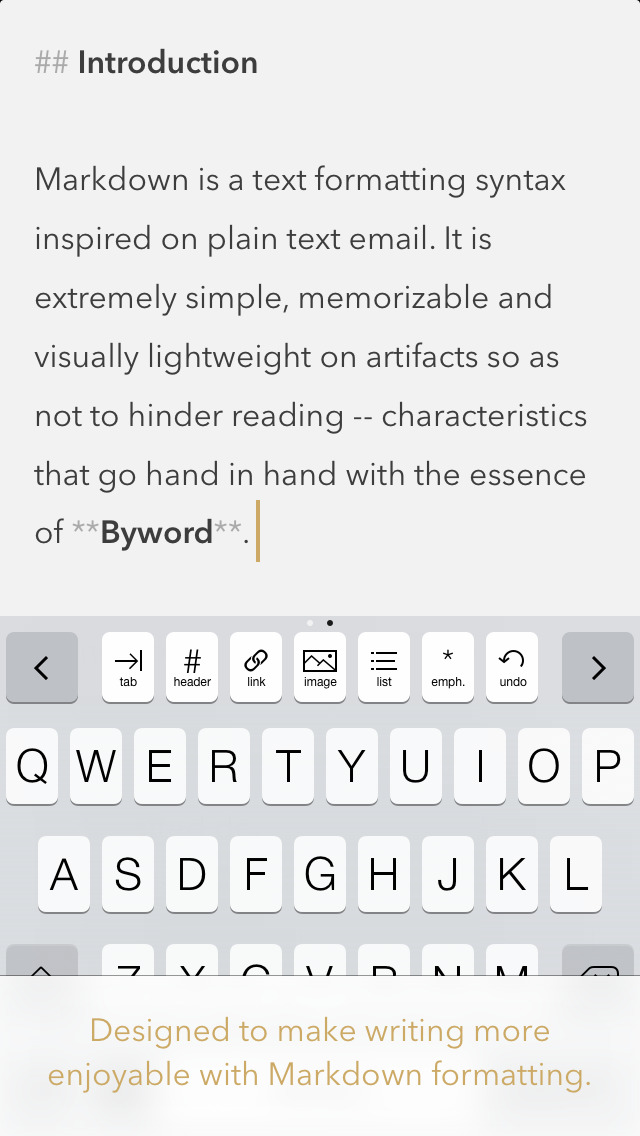
- Designed to make writing with Markdown easier
- Sync text documents across all your Mac, iPhone, iPad devices
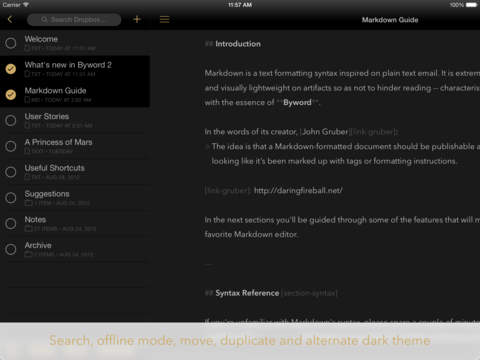
- Take all documents offline to access them anytime
- Filter documents by searching all text (Find & Replace inside documents coming soon)
- Alternate dark theme for extra comfort in low-light situations
- The most complete Markdown support including footnotes, tables and cross-references
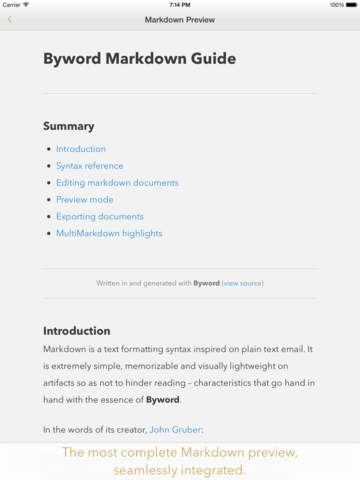
- Export Markdown documents to PDF and HTML documents
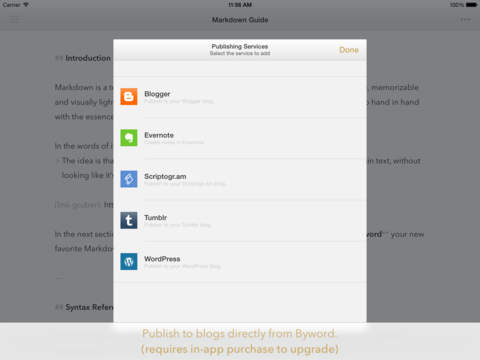
- Publish to Medium, WordPress, Tumblr, Blogger and Evernote
# Optimized for iOS 13
- Dark mode support to match iOS preference;
- Search documents directly from iOS Spotlight;
- Multitasking and split screen on iPad;
- Shortcuts to create new document and access most recent documents right from application icon.
# Blog publishing
Publish to Medium, WordPress, Tumblr, Blogger and Evernote from Byword. Publishing your story with Byword is as simple as:
1. Write in Byword
2. Open Tools and select Publish
3. Confirm metadata
4. Publish
# More features
- List continuations
- TextExpander snippet expansion
- Word and character counters with live update
- Extensive VoiceOver support for visual impaired users
- Spell and Grammar checking and Dictionary lookup
- Keyboard shortcuts for formatting and navigating between screens
Here are some ways to use Byword in your life:
- For posting to your blog without using clunky web interfaces and risking losing your work
- For research, meeting and class notes
- To write that important email without being distracted
- To capture ideas and notes and have them available in all devices
# Rich text warning
Byword for iOS only works with plain text formats. Supported file extensions are: txt, text, md, mmd, rmd, markdown, markdn, mdown, mkdn, markd and fountain.
# Support
We are proud to provide a super friendly customer support. If you need help and/or have suggestions, please contact us using the mediums below.
Twitter: http://twitter.com/bywordapp
Email: [email protected]
Web: http://bywordapp.com
iPhone Screenshots
(click to enlarge)


iPad Screenshots
(click to enlarge)

App Changes
- March 10, 2012 Initial release
- March 14, 2012 Price decrease: $4.99 -> $2.99
- April 05, 2012 New version 1.0.1
- April 14, 2012 New version 1.0.2
- April 27, 2012 New version 1.0.3
- August 31, 2012 New version 1.1
- September 19, 2012 New version 1.1.1
- June 04, 2013 New version 2.0
- June 08, 2013 New version 2.0.1
- July 03, 2013 Price increase: $2.99 -> $4.99
- July 12, 2013 New version 2.0.2
- July 31, 2013 New version 2.0.3
- September 20, 2013 New version 2.1
- October 09, 2013 New version 2.1.1
- November 19, 2013 New version 2.1.2
- December 19, 2013 New version 2.1.3
- March 21, 2014 New version 2.1.4
- March 31, 2014 New version 2.1.5
- April 04, 2014 New version 2.1.6
- August 30, 2014 New version 2.2
- October 03, 2014 New version 2.3
- October 03, 2014 Price increase: $4.99 -> $5.99
- October 08, 2014 Price decrease: $5.99 -> $2.99
- November 06, 2014 New version 2.3.1
- November 13, 2014 New version 2.3.2
- November 20, 2014 New version 2.3.3
- March 05, 2015 Price increase: $2.99 -> $5.99
- April 26, 2015 New version 2.3.4
- October 31, 2015 New version 2.5
- December 19, 2015 New version 2.5.1
- March 25, 2016 New version 2.6
- June 22, 2016 New version 2.6.1
- July 29, 2016 New version 2.6.2
- November 05, 2016 New version 2.6.4
- December 20, 2016 New version 2.8
- December 21, 2016 Price decrease: $5.99 -> $2.99
- January 04, 2017 Price increase: $2.99 -> $5.99
- June 13, 2019 New version 2.8.5
- August 16, 2019 New version 2.8.6
- October 09, 2019 New version 2.9
- October 21, 2019 New version 2.9.1
- November 04, 2019 New version 2.9.2
- July 14, 2020 New version 2.9.3
Other Apps From Metaclassy, Lda