


What's New
An improved interface for camera settings.
App Description
Video doesn't lie. Get Coach's Eye today and see your performance improve immediately!
•••••••••••••••••••••••
“Coach’s Eye is an innovative way for anyone to gain the competitive edge by studying the performances of elite athletes and translate that to their performances.”
—ALLYSON FELIX: 4x Gold Medalist, USA Track & Field
“Coach's Eye allows us to film and analyze players right on the ice. It is a great tool to use for parents, athletes or coaches to help see their performance in practices and in games!”
—MARCO MARCIANO: Professional Goalie Coach
“Coach’s Eye has removed a barrier to great coaching, and athletes anywhere in the world can now receive feedback from their coaches.”
—DREW DILLON: ProjectLift
•••••••••••••••••••••••
Coach's Eye is the world's leading video platform for coaches and athletes who need to review athlete technique. Coach's Eye delivers state of the art coaching and content management tools on your mobile devices anytime, anywhere.
Record your players and instantly show them how to improve. Refine your pitcher's fastball, analyze your golf swing, easily break down a volleyball serve, improve soccer skills, or even demonstrate proper weightlifting form. Every coach, parent and athlete needs the edge Coach's Eye delivers.
•••••••••••••••••••••••
BASIC TOOLS
• Capture videos at 60, 120 or 240 FPS with newer Apple devices.
• Video camera zoom during recording with newer Apple devices.
• Import video from your device’s Camera Roll, Dropbox, & more.
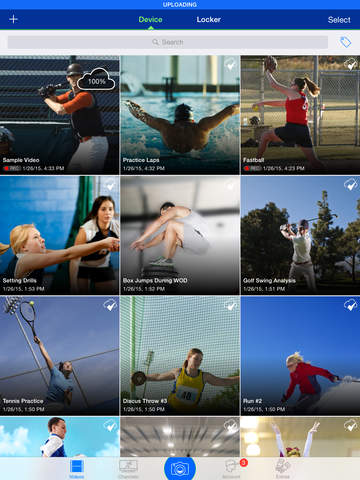
• Organize videos with tagging.
• Instantly review video on the spot.
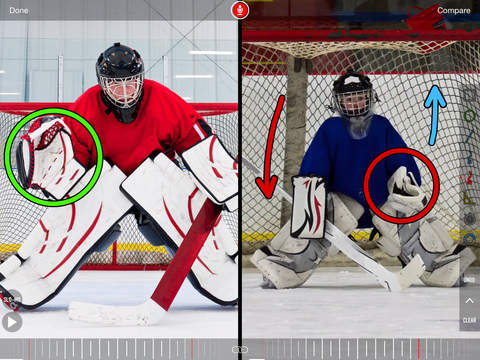
• Compare two videos side-by-side.
• Zoom and pan videos to see just the details that matter.
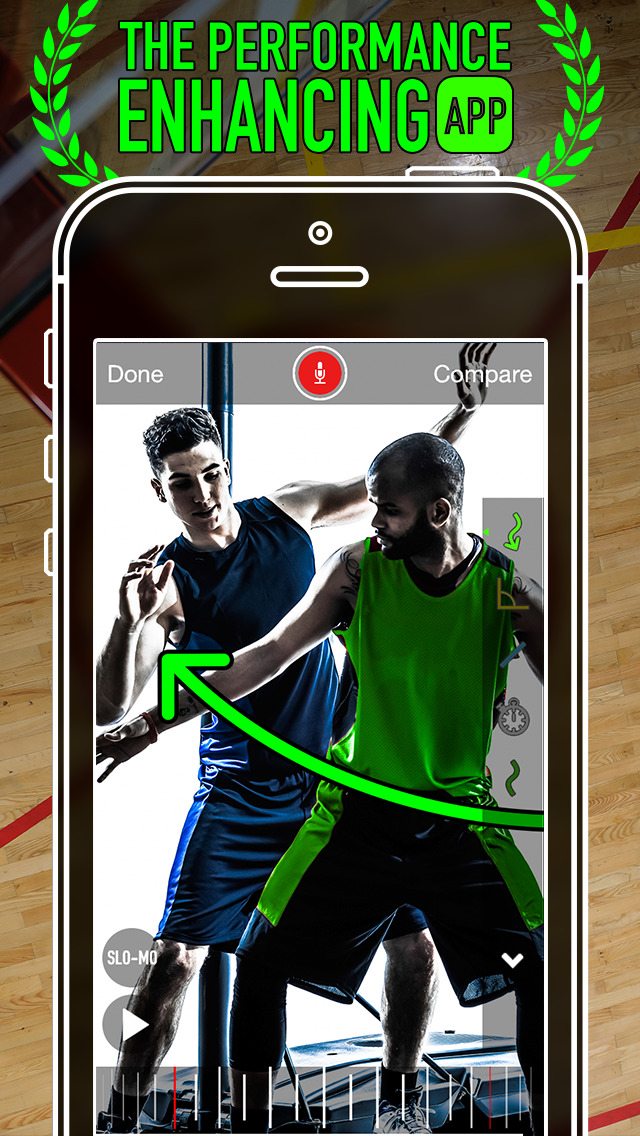
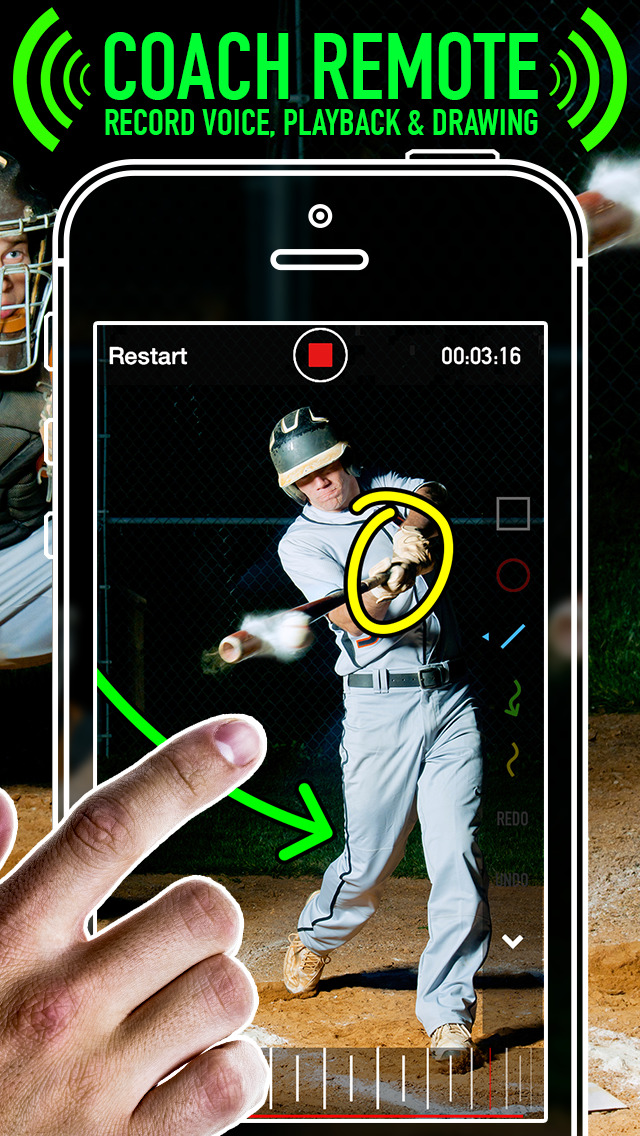
• Draw on videos using lines, arrows, circles, squares, and freehand tools.
• Create videos with audio commentary, annotations, and slow-motion.
• Quickly share videos via email, SMS, YouTube and Facebook.
•••••••••••••••••••••••
PREMIUM TOOLS (IN-APP PURCHASES)
• Angle tool: Draw multiple angles while reviewing video.
• Timer tool: Add timers to see elapsed time and calculate splits.
• Spotlight tool: Focus on the most important parts of your video.
•••••••••••••••••••••••
EXCLUSIVE PRO VIDEOS (IN-APP PURCHASES)
• USA Track & Field videos from Ashton Eaton, Allyson Felix, David Oliver & more.
• Professional goalies Marc-André Fleury, Jonathan Bernier and coach Marco Marciano.
•••••••••••••••••••••••
VIP MEMBERSHIP (Subscription)
Get access to industry leading video tools and content management services for one low monthly price.
• Free up space on your local device without losing your videos.
• Access your videos anywhere, from any device.
• Cross platform license to state-of-the-art mobile coaching tools.
•••••••••••••••••••••••
Individual Account Plans
•••••••••••••••••••••••
FREE
• 2 GB of free cloud storage for sharing videos.
• Unlimited unlisted video sharing up to 2 GB free storage limit.
• Register up to 5 personal devices with your account.
VIP MEMBERSHIP (IN-APP SUBSCRIPTION - $120/yr)
• 150 GB cloud storage.
• HD sharing.
• HD cloud backup.
• HD export.
• Create lockers to organize and store content.
• Access videos from any of your mobile devices or the web.
• All premium tools and effects.
•••••••••••••••••••••••
Payment will be charged to your iTunes Account at confirmation of purchase. Subscriptions will automatically renew each year. Payment will be charged to your iTunes account within 24-hours prior to the end of the current period. You can turn off auto-renew at any time from your iTunes Account Settings. No cancellation of your subscription is allowed during the active subscription period.
Privacy Policy: https://www.techsmith.com/privacy-policy.html
Terms of Use: https://www.coachseye.com/tos.pdf
Have questions or suggestions? Email us at: [email protected]
iPhone Screenshots
(click to enlarge)



iPad Screenshots
(click to enlarge)



Apple Watch Screenshots
(click to enlarge)


App Changes
- November 16, 2011 Price increase: $0.99 -> $4.99
- November 23, 2011 Price decrease: $4.99 -> $1.99
- December 01, 2011 Price increase: $1.99 -> $4.99
- December 09, 2011 New version 1.0.1
- December 18, 2011 New version 1.1
- January 24, 2012 New version 1.2
- February 03, 2012 New version 1.2.1
- March 07, 2012 New version 1.3
- March 21, 2012 New version 1.4
- April 04, 2012 New version 1.5
- May 23, 2012 New version 2.0
- June 15, 2012 New version 2.1
- August 11, 2012 New version 2.2
- August 25, 2012 New version 2.3
- September 27, 2012 New version 2.4
- October 19, 2012 New version 2.5
- November 14, 2012 New version 2.6
- November 14, 2012 Price decrease: $4.99 -> $2.99
- November 22, 2012 Price increase: $2.99 -> $4.99
- December 15, 2012 New version 2.7
- December 21, 2012 Price decrease: $4.99 -> $1.99
- January 02, 2013 Price increase: $1.99 -> $4.99
- March 30, 2013 New version 3.0
- April 05, 2013 New version 3.0.1
- April 15, 2013 New version 3.0.2
- May 23, 2013 New version 3.1
- May 24, 2013 Price decrease: $4.99 -> $0.99
- May 28, 2013 Price increase: $0.99 -> $4.99
- May 30, 2013 New version 3.2
- June 23, 2013 New version 3.3
- August 14, 2013 New version 3.4
- September 04, 2013 New version 3.4.1
- September 12, 2013 New version 3.4.2
- October 02, 2013 New version 3.4.3
- October 07, 2013 New version 3.4.4
- November 08, 2013 Price decrease: $4.99 -> $0.99
- November 13, 2013 Price increase: $0.99 -> $4.99
- November 13, 2013 Price decrease: $4.99 -> $0.99
- November 14, 2013 Price increase: $0.99 -> $4.99
- December 20, 2013 Price decrease: $4.99 -> $1.99
- January 02, 2014 Price increase: $1.99 -> $4.99
- March 27, 2014 New version 4.0
- April 04, 2014 New version 4.0.1
- April 25, 2014 New version 4.1
- May 16, 2014 New version 4.2
- June 27, 2014 New version 4.3
- June 27, 2014 Price decrease: $4.99 -> $1.99
- July 10, 2014 New version 4.3.1
- July 10, 2014 Price increase: $1.99 -> $4.99
- July 19, 2014 New version 4.4
- July 25, 2014 New version 4.4.1
- September 07, 2014 New version 4.5
- September 18, 2014 New version 4.5.1
- October 06, 2014 New version 4.5.2
- November 11, 2014 New version 4.6
- December 27, 2014 Price decrease: $4.99 -> $2.99
- January 08, 2015 Price increase: $2.99 -> $4.99
- February 11, 2015 New version 4.7
- February 21, 2015 New version 4.7.1
- February 26, 2015 New version 4.8
- March 06, 2015 New version 4.8.1
- April 21, 2015 New version 4.9
- May 03, 2015 Price decrease: $4.99 -> $1.99
- May 10, 2015 Price increase: $1.99 -> $4.99
- May 28, 2015 New version 4.9.1
- July 28, 2015 New version 5.0
- August 15, 2015 New version 5.0.1
- October 03, 2015 New version 5.0.2
- October 11, 2015 New version 5.1
- October 21, 2015 New version 5.1.1
- November 11, 2015 New version 5.2.0
- December 21, 2015 Price decrease: $4.99 -> $0.99
- December 22, 2015 New version 5.3.0
- January 04, 2016 Price increase: $0.99 -> $4.99
- January 05, 2016 New version 5.3.1
- January 24, 2016 New version 5.3.2
- February 14, 2016 New version 5.3.3
- July 13, 2016 New version 5.3.4
- September 16, 2016 New version 6.0
- December 22, 2016 New version 6.0.1
- December 05, 2018 New version 6.2
- June 13, 2019 New version 6.4
- January 21, 2020 New version 6.4.1
- July 14, 2020 New version 6.4.3
- October 23, 2020 New version 6.4.5
- December 09, 2020 New version 6.4.6
- August 05, 2021 New version 6.5.1
Other Apps From TechSmith Corporation