
What's New
• New undoable image history stored with saved pages and auto-saved projects
• Big request: books can now be saved as single multi-page PDFs
• User request: images can be frozen with a new lock icon in the upper left corner of each cell
• Projects saved as much smaller files
• Some BackZap backgrounds could cause out-of-memory exit (OOM)
• Fixed a potential bug with SuperFX previews and other bugs fixed
• Updated documentation to include BackZap
App Description
"The Best App for Making Comics: ComicBook!" - Mac|Life
ComicBook! is YOUR Creative Superpowers!
Transform the ordinary to share-worthy extraordinary easy as: B.A.M!
Arm yourself with the best graphic effects, 105 inspiring layouts, 374 hand-drawn* comic Stickers, 12 caption and text tools, and auto-content from Flickr, and you have the superpowers to Rule the Universe - in Your stories!
TOP-SELLING COMIC BOOK CREATION APP
AWARDED iTUNES BEST PHOTO APP OF 2011
WAS APP OF THE WEEK WORLDWIDE
YOUR IMAGES YOUR WAY
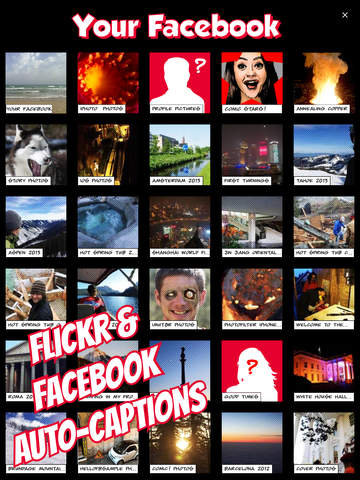
Import images from your library and Flickr
Capture a new image
Scale, rotate & position imported images
SUPERFX (optional)
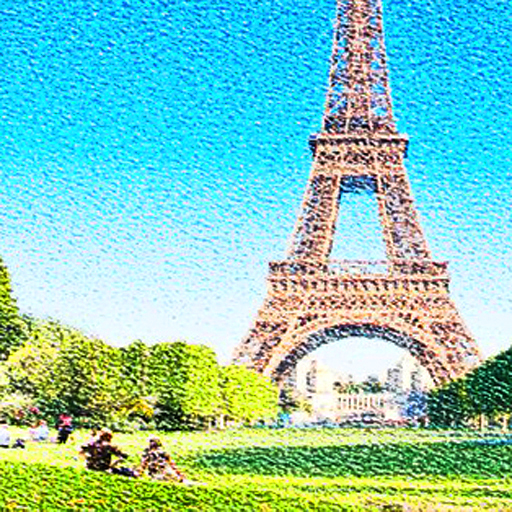
Best image to comic effects and true to image
8 auto styles, each with optional detail settings
All have 4 CMYK halftone options
All have 4 screen halftone options
All have 4 line halftone options
FX BUILDER
From classic comic to Manga
Each has 5 variations
Each of those has 4 line options
All have 4 CMYK halftone options
All have 4 digital halftone options
10 LEGACY IMAGE FX FILTERS
Automatic "Classic" style
Adjustable Comic style
Photo Adjustment filter
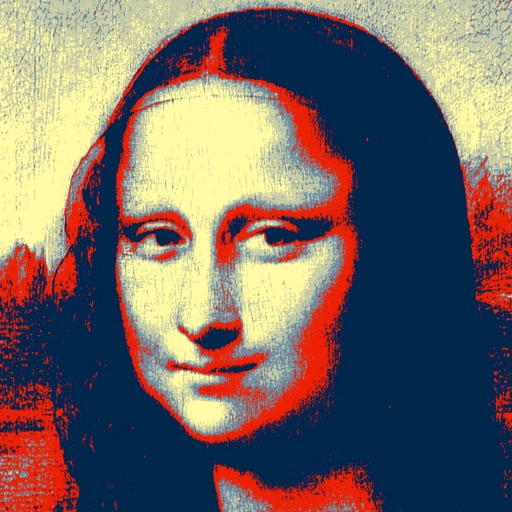
Noir, Sinkcity, Poster, Moody, Rock & Hope Effects
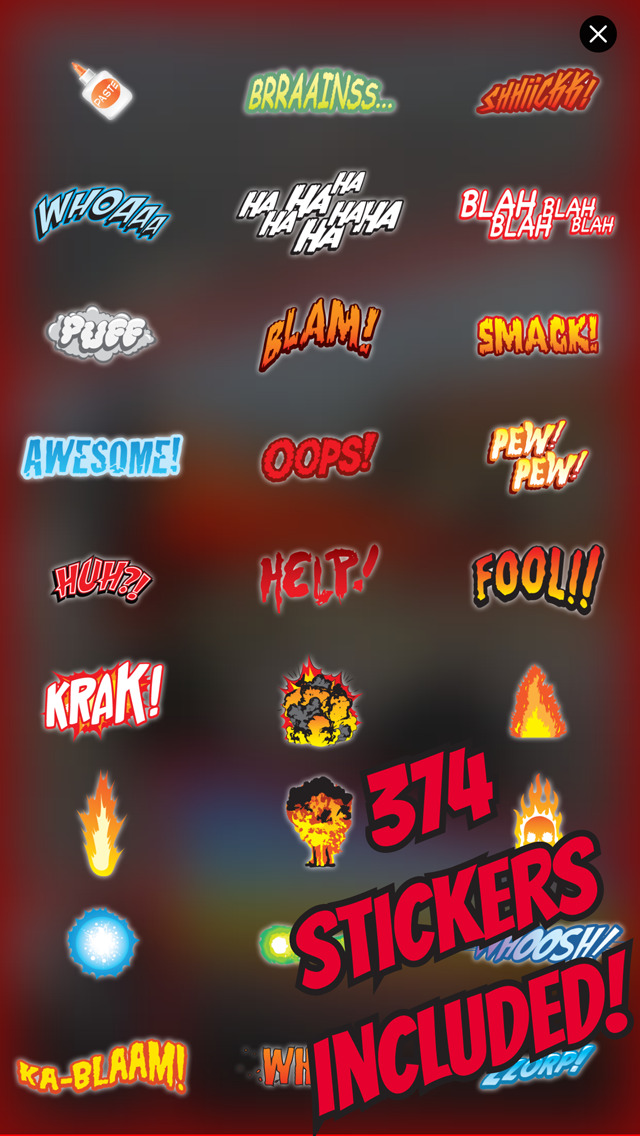
374 AWESOME STICKERS INCLUDED
Vast majority lovingly hand-drawn by Joanna Mulder!
Paste PNG and JPG images as custom stickers
Position, Mirror (flip), scale & rotate stickers
Optional drop shadow and transparency
500+ additionally available
11 CAPTION TOOLS
"Messy" option for drawn look; each is unique!
Captions have small, medium & large fonts
Customizable caption background colors
Customizable caption text colors
Curved pointers with hints
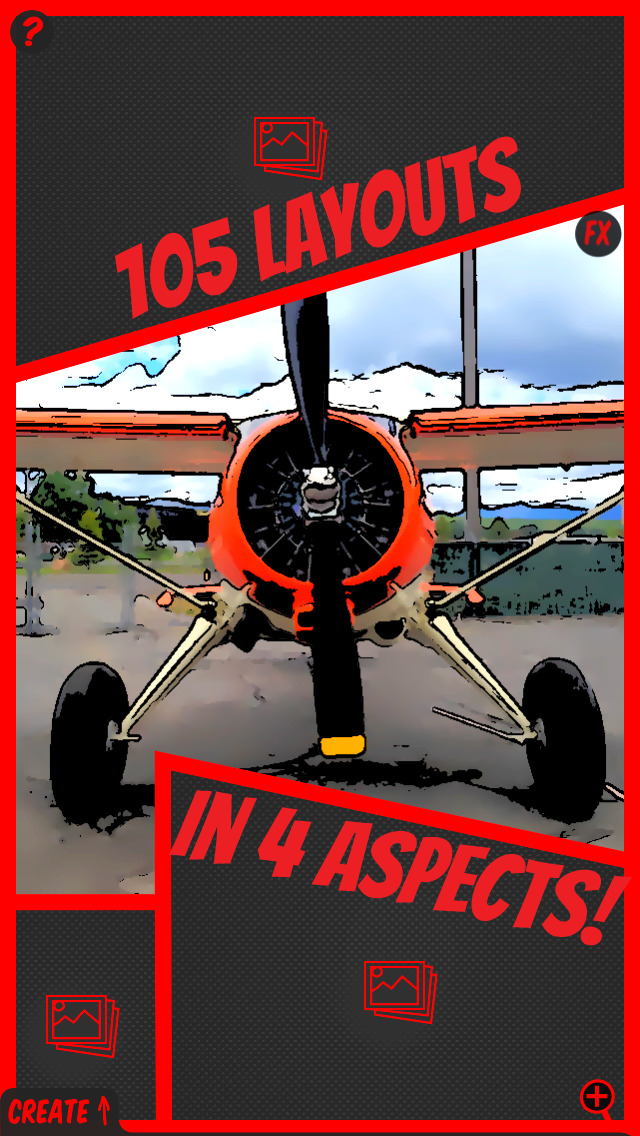
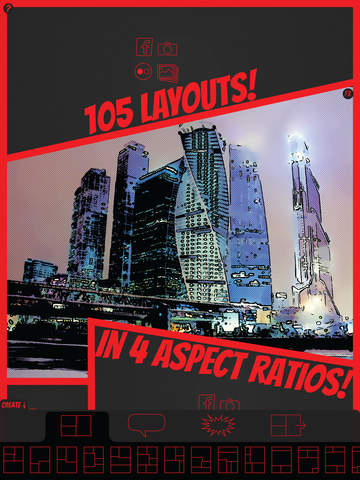
105 LAYOUTS INCLUDED
Selectable aspect ratio (1:1, 3:2, 4:3 and 16:9)
15 Fun Photo Portrait Layouts
15 Classic Portrait Layouts
15 Classic Landscape Layouts
15 Vintage Portrait Layouts
15 Vintage Landscape Layouts
15 Modern Portrait Layouts
15 Modern Landscape Layouts
BUILT-IN SHARING
Twitter sharing
Facebook sharing
Instagram sharing
Email JPG or PDF files
Direct printing support
10 COMIC FONTS INCLUDED
Fonts feature bold & international characters
Title text tool in 6 colors and 3 sizes
SAVING
Save to photo library
Save to editable** PDF files
PDF files can be copied to your computer
Open PDF files in any app that supports PDF
Graphical project manager to save & restore projects
EVEN MORE
Set default font, font size, etc.
Parental controls
Tooltips
Comprehensive online help and Quick Start
Native Retina iPhone and iPad resolution
SuperFX is available on devices with A12 and M1 and later processors as an in-app purchase with a free 2-week trial.
Compared to our previous ComicBook! effects, SuperFX is a game-changer. It offers significant visual enhancements and improved resolution, and the SuperFX styles are fully automatic. They optionally have three different detail options, each with three different halftone types, including CMYK and an all-new line screen.
Our SuperFX effects are high-definition and generated directly on the user's device, ensuring complete privacy and the ability to use them without an internet connection.
At our core, we believe in preserving the original traits of a photo while adding cutting-edge effects. Unlike other generative AI, our models do not alter personalities or hallucinate objects. Additionally, we trained our models on ethically sourced and homemade datasets.
*The one and only Joanna Mulder lovingly drew the vast majority of our 374 included stickers
**PDF files are only editable in external applications such as Adobe Illustrator and Inkscape.
We commit to continuously improving ComicBook! 2, and we encourage everyone to suggest ideas for future updates free of charge!
Connect with us @3DTOPO on Twitter and Instagram!
Rascal the cat images compliments of @rascal_wild
Terms of Use (EULA): https://www.apple.com/legal/internet-services/itunes/dev/stdeula/
iPhone Screenshots
(click to enlarge)



iPad Screenshots
(click to enlarge)



App Changes
- July 28, 2011 Initial release
- August 02, 2011 New version 1.0.2
- August 28, 2011 Price decrease: $1.99 -> $0.99
- August 31, 2011 Price increase: $0.99 -> $1.99
- September 11, 2011 Price decrease: $1.99 -> $0.99
- September 12, 2011 Price increase: $0.99 -> $1.99
- September 27, 2011 Price decrease: $1.99 -> $0.99
- September 28, 2011 Price increase: $0.99 -> $1.99
- October 14, 2011 Price decrease: $1.99 -> $0.99
- October 17, 2011 Price increase: $0.99 -> $1.99
- October 29, 2011 Price decrease: $1.99 -> $0.99
- November 03, 2011 Price increase: $0.99 -> $1.99
- November 26, 2011 Price decrease: $1.99 -> $0.99
- December 01, 2011 Price increase: $0.99 -> $1.99
- December 20, 2011 Price decrease: $1.99 -> $0.99
- December 22, 2011 Price increase: $0.99 -> $1.99
- January 19, 2012 Price decrease: $1.99 -> $0.99
- January 23, 2012 Price increase: $0.99 -> $1.99
- February 03, 2012 Price decrease: $1.99 -> $0.99
- February 06, 2012 Price increase: $0.99 -> $1.99
- March 21, 2012 Price decrease: $1.99 -> $0.99
- March 26, 2012 Price increase: $0.99 -> $1.99
- April 21, 2012 Price decrease: $1.99 -> $0.99
- April 28, 2012 Price increase: $0.99 -> $1.99
- May 22, 2012 New version 1.5.0
- June 07, 2012 New version 1.5.1
- June 15, 2012 Price decrease: $1.99 -> $0.99
- June 17, 2012 Price increase: $0.99 -> $1.99
- June 30, 2012 Price decrease: $1.99 -> $0.99
- July 02, 2012 Price increase: $0.99 -> $1.99
- August 18, 2012 Price decrease: $1.99 -> $0.99
- August 21, 2012 Price increase: $0.99 -> $1.99
- August 26, 2012 Price decrease: $1.99 -> $0.99
- August 28, 2012 Price increase: $0.99 -> $1.99
- September 25, 2012 New version 1.6.0
- October 01, 2012 New version 1.6.1
- October 11, 2012 New version 1.6.2
- December 03, 2012 New version 1.7.0
- March 02, 2013 Price decrease: $1.99 -> $0.99
- March 05, 2013 Price increase: $0.99 -> $1.99
- May 22, 2013 Price decrease: $1.99 -> FREE!
- May 24, 2013 Price increase: FREE! -> $1.99
- August 06, 2013 Price increase: $1.99 -> $2.99
- August 10, 2013 Price decrease: $2.99 -> $0.99
- August 14, 2013 Price increase: $0.99 -> $1.99
- September 19, 2013 New version 1.8.0
- October 06, 2013 New version 1.8.1
- February 09, 2014 Price increase: $1.99 -> $2.99
- February 10, 2014 Price decrease: $2.99 -> $1.99
- March 14, 2014 Price increase: $1.99 -> $2.99
- April 15, 2014 Price decrease: $2.99 -> $1.99
- November 04, 2014 New version 2.0.0
- November 04, 2014 Price increase: $1.99 -> $2.99
- December 15, 2014 Price decrease: $2.99 -> FREE!
- December 15, 2014 Price increase: FREE! -> $2.99
- January 27, 2015 New version 2.0.1
- February 10, 2015 New version 2.0.2
- February 21, 2015 New version 2.0.3
- March 04, 2015 Price decrease: $2.99 -> FREE!
- March 06, 2015 Price increase: FREE! -> $2.99
- January 25, 2016 New version 2.1.0
- February 08, 2016 New version 2.1.1
- August 16, 2019 New version 2.5.2
- August 06, 2021 New version 2.9.2
- August 25, 2021 New version 2.9.3
- September 16, 2023 New version 2.9.7
Other Apps From 3DTOPO Inc.