
What's New
- Updated for new iPhone screen sizes
- Fixes for a few different minor UI issues
App Description
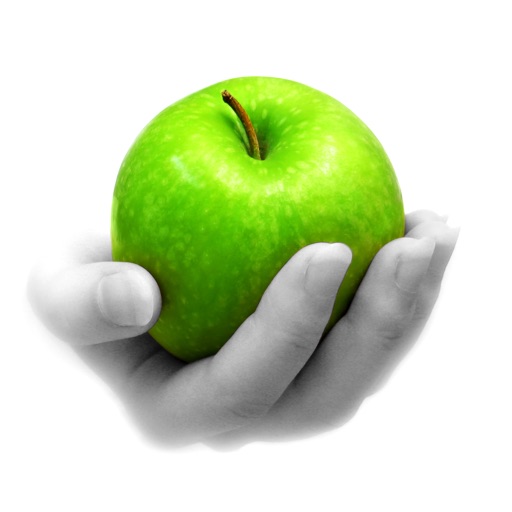
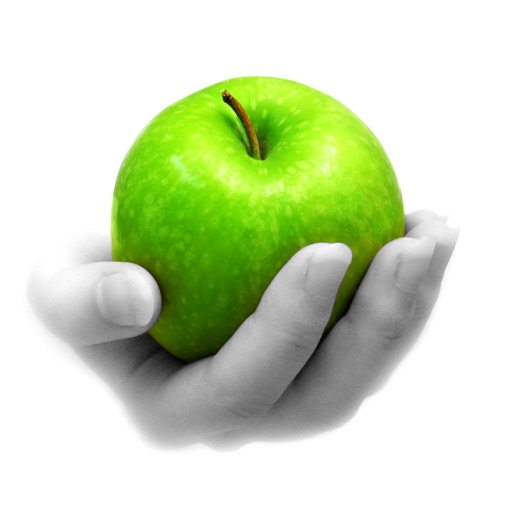
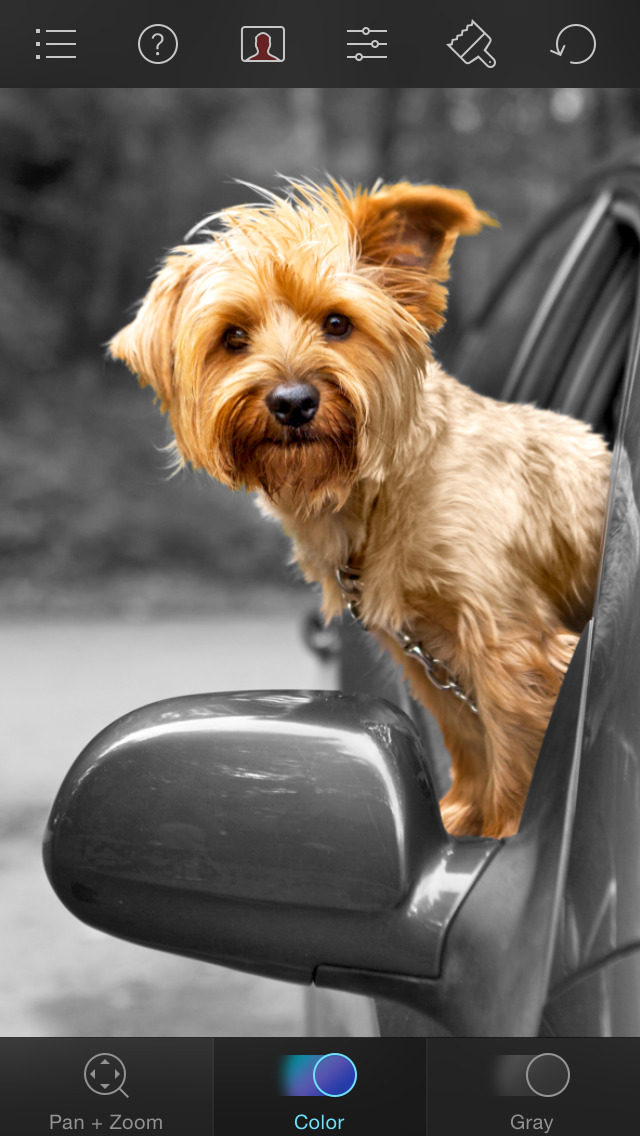
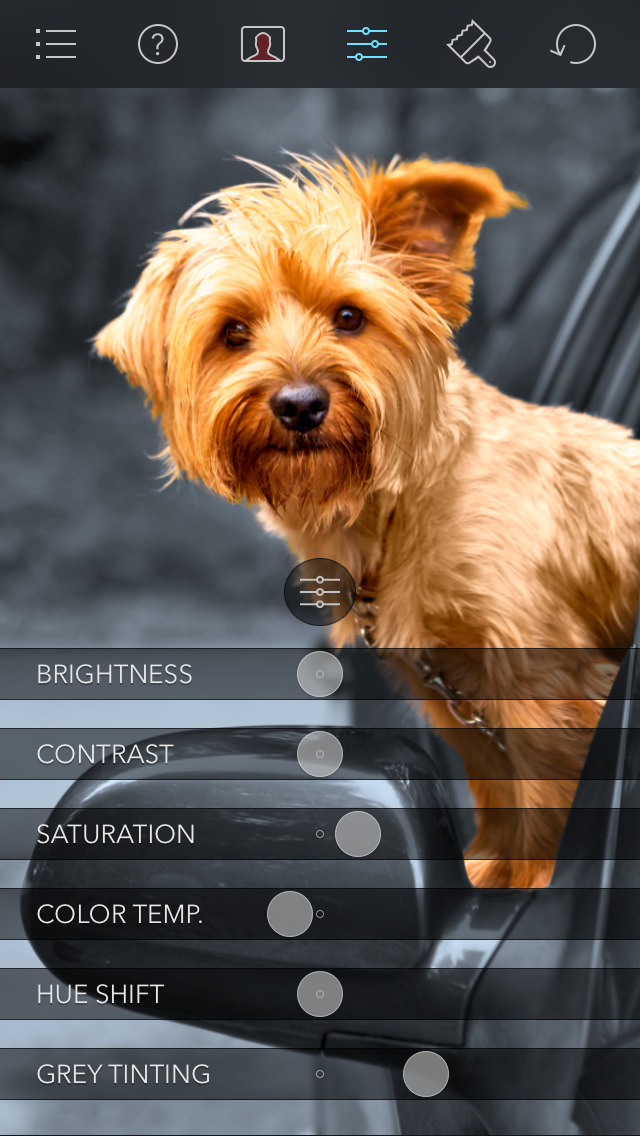
Color Splash lets you give photos a dramatic look by converting them to black and white, while keeping your chosen details in color. This effect draws the viewers' attention to the colored areas, creating striking images.
The intuitive and responsive multi-touch user interface makes Color Splash amazingly easy and fun to use. Use your finger as a brush to "paint" sections of your image black and white, or to bring back the original color. Zooming in and out using the two-finger pinching gesture allows you to work on details with pixel-accuracy.
Features:
- Short tutorial videos explain the use of all features and will have you editing your images in minutes.
- Choose photos to edit from your iPhone photo library or from Dropbox or Flickr.
- Share your edited images on Twitter or Flickr. Email them, or save them to your Dropbox.
- Save multiple sessions to resume your work later.
- Undo any number of accidental brush strokes.
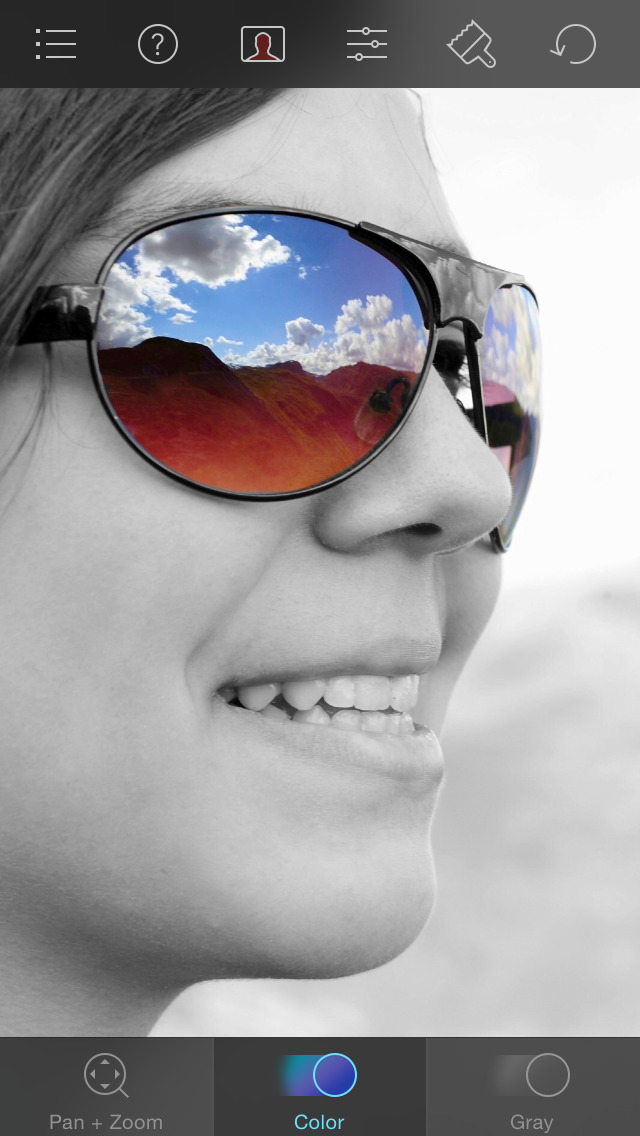
- An alternative view mode highlights the regions that will remain in color with a red tint. This makes it easier to see and adjust the boundaries between color and black & white regions.
- Choose from 4 different brushes (hard or soft edged, opaque or transparent) and adjust the brush size.
- Hide the toolbars in full screen mode.
iPhone Screenshots
(click to enlarge)


App Changes
- May 14, 2011 New version 1.6.1
- April 11, 2011 New version 1.6
- October 29, 2010 Price decrease: $1.99 -> $0.99
- October 11, 2010 Price increase: $0.99 -> $1.99
- October 08, 2010 Price decrease: $1.99 -> $0.99
- October 03, 2010 Price increase: $0.99 -> $1.99
- September 27, 2010 Price decrease: $1.99 -> $0.99
- July 27, 2010 New version 1.5
- May 19, 2010 New version 1.4.2
- March 08, 2010 New version 1.4.1
- March 05, 2010 New version 1.4
- November 28, 2009 Price increase: $0.99 -> $1.99
- November 21, 2009 Price decrease: $1.99 -> $0.99
- June 17, 2009 New version 1.3
- April 15, 2009 New version 1.2
- March 24, 2009 New version 1.1
- July 23, 2011 New version 1.6.2
- October 19, 2011 New version 1.7
- October 25, 2011 New version 1.7.1
- November 10, 2011 New version 1.7.2
- September 19, 2012 New version 2.0
- September 25, 2012 New version 2.0.1
- September 24, 2013 New version 2.0.2
- November 02, 2013 New version 2.1
- March 27, 2014 New version 3.0
- September 16, 2014 Price increase: $0.99 -> $1.99
- September 17, 2014 New version 3.1
- September 19, 2014 Price decrease: $1.99 -> $0.99
- October 24, 2014 New version 3.2
- November 13, 2014 New version 3.2.1
- February 28, 2015 New version 3.3
- May 27, 2015 New version 3.3.1
- June 21, 2015 New version 3.3.2
- September 16, 2015 New version 3.4
- October 14, 2015 New version 3.5
- October 30, 2015 New version 3.5.1
- June 30, 2016 New version 3.5.3
- July 05, 2016 New version 3.5.4
- November 07, 2016 New version 3.6.1
- June 13, 2019 New version 3.9.1
- September 04, 2019 New version 3.10
- September 24, 2019 New version 3.11
- July 14, 2020 Price increase: $0.99 -> $1.99
- October 23, 2020 New version 3.13
Other Apps From Pocket Pixels Inc.