

What's New
• Added KHDC radar (data expected in late March)
• Added spotter name to spotter report detail view
• Added International Bulletins setting for watchOS
• Added icons for new mPING categories
• Fixed missing storm cell detail items
• Fixed a crash on Apple Watch Series 3 devices
• Fixed a bug that prevented button taps on older Apple Watch models
• Optimized sounding list updates
App Description
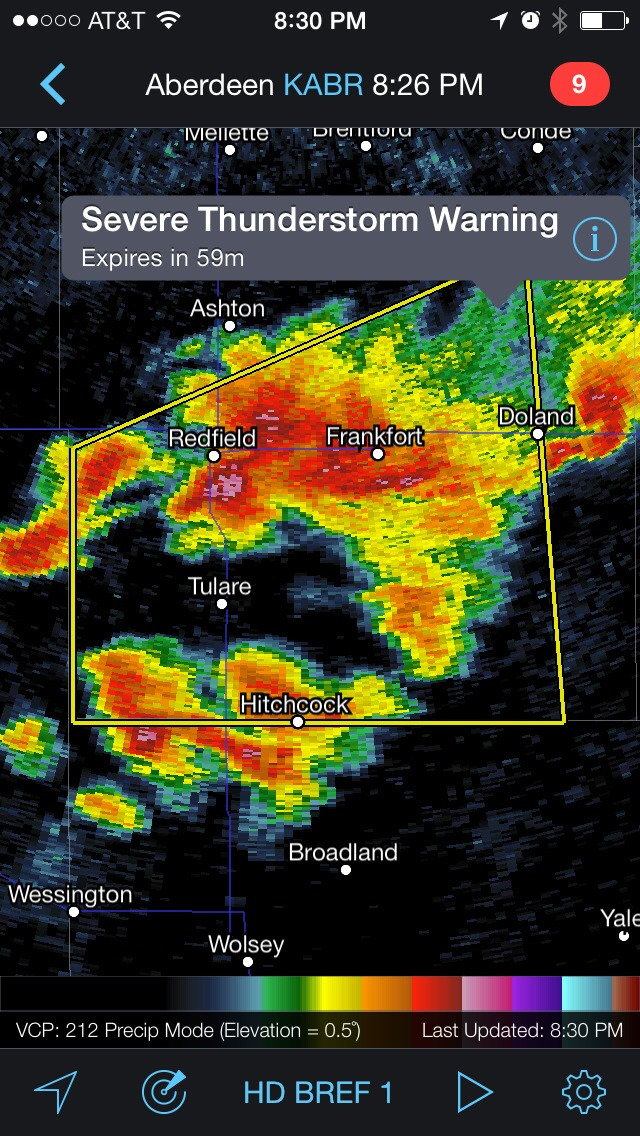
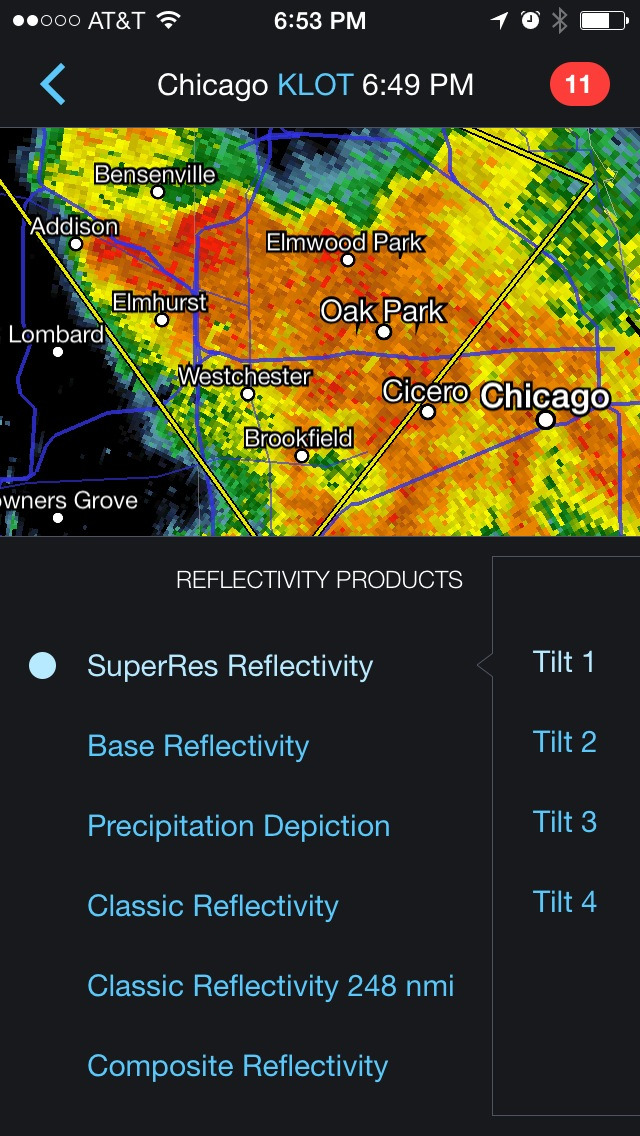
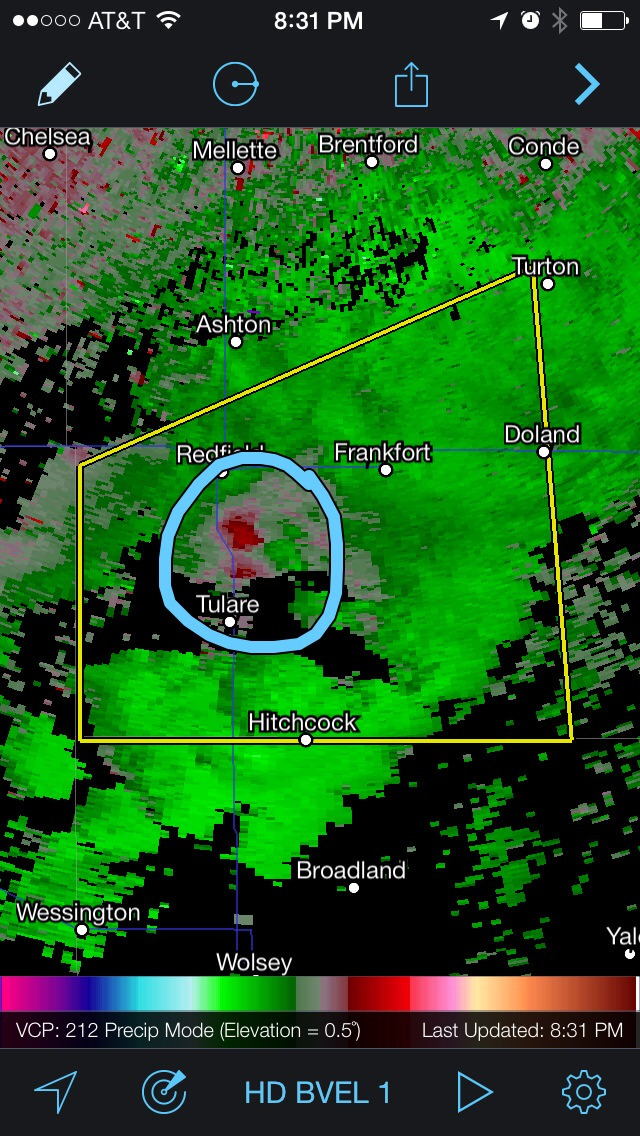
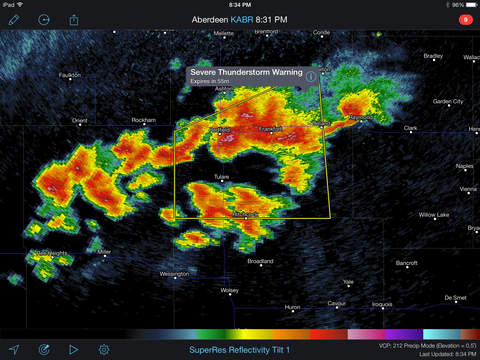
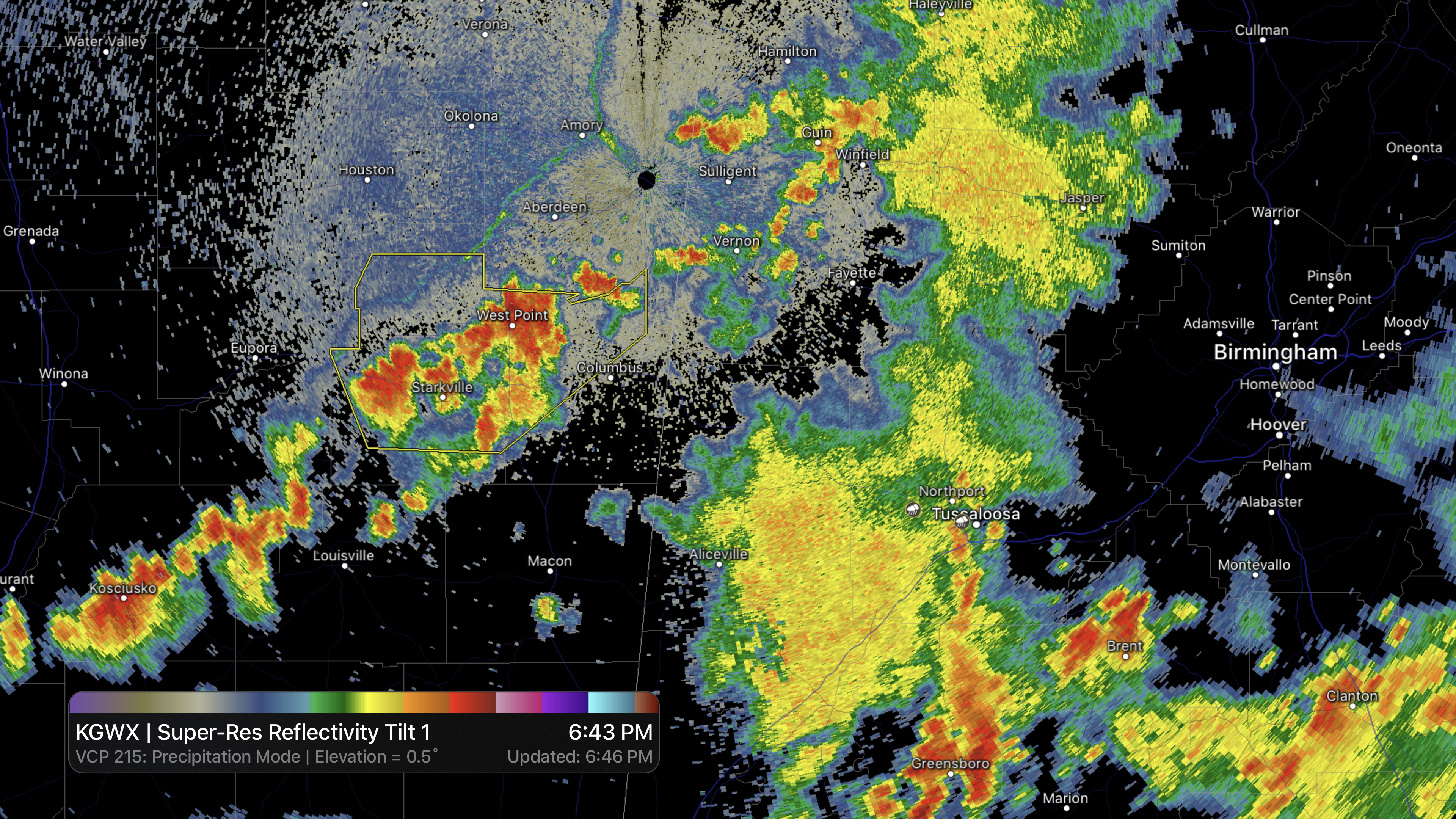
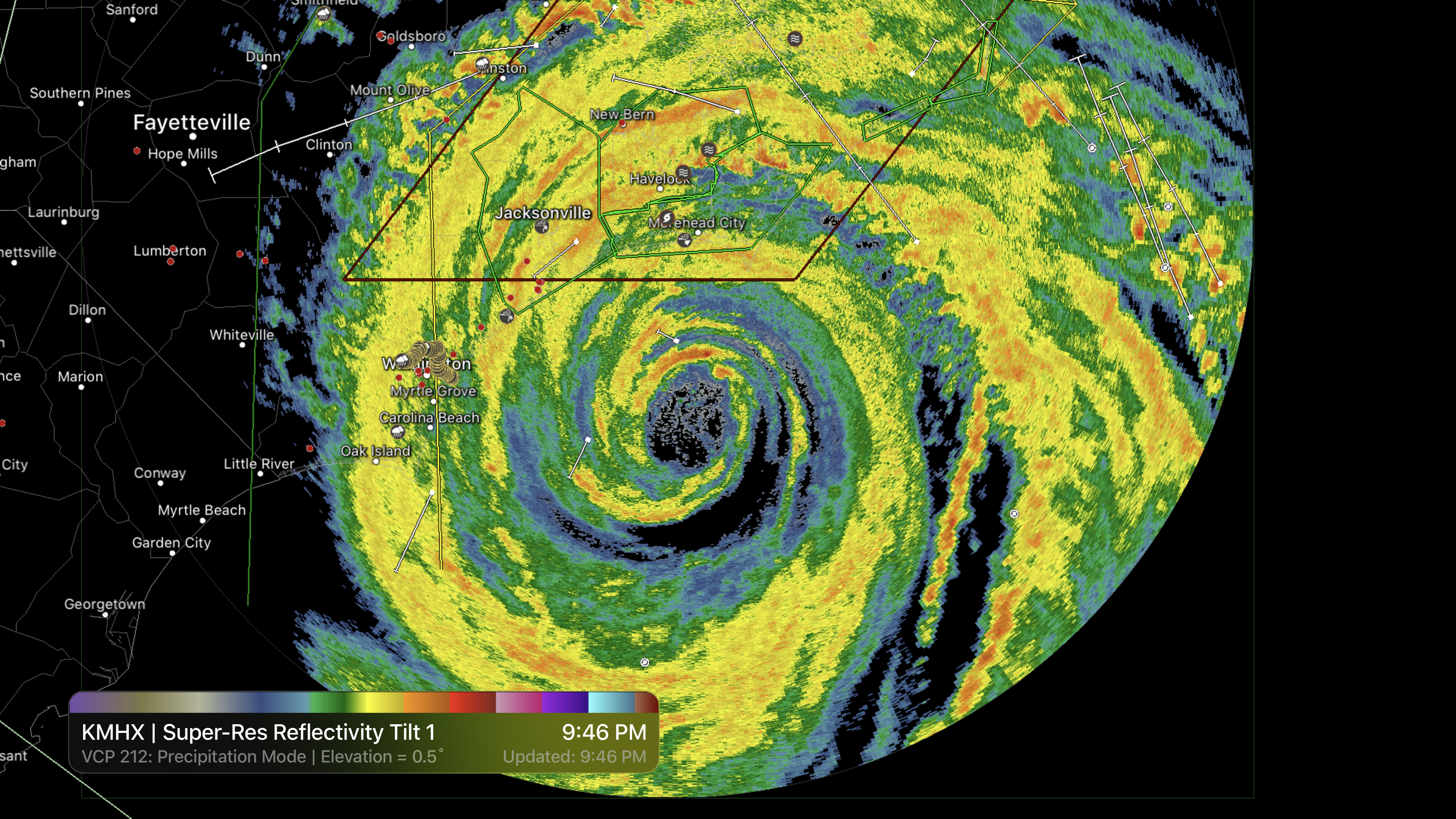
RadarScope is a specialized display utility for weather enthusiasts and meteorologists that allows you view NEXRAD Level 3 and Level 2 radar data along with tornado, severe thunderstorm, flash flood, special marine and snow squall warnings, and predicted storm tracks issued by the U.S. National Weather Service. It can display the latest reflectivity, velocity, dual-polarization, and other products from any NEXRAD or TDWR radar site in the United States, Guam, Puerto Rico, Korea, and Okinawa, as well as data from Environment Canada, Australian Bureau of Meteorology, Finnish Meteorological Institute, and German Weather Service radars. These aren't smoothed images, this is native radar data rendered in its original radial format for a high level of detail.
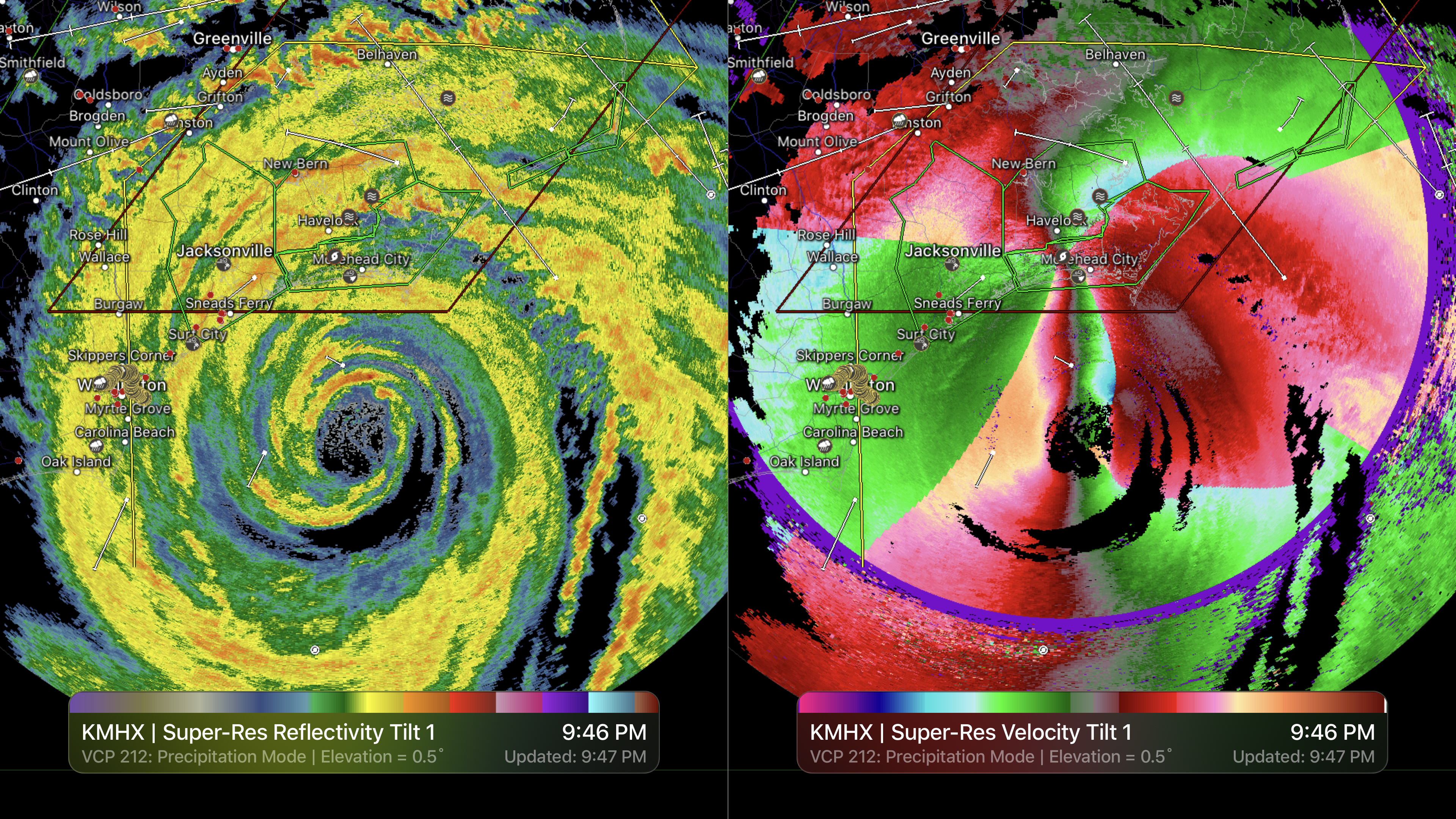
Whether you are scanning reflectivity for a mesocyclone's tell-tale hook echo, trying to pinpoint the landfall of a hurricane's eye wall, or looking for small features like velocity couplets in the storm relative radial velocity product, RadarScope gives you the power to view true radial weather radar data.
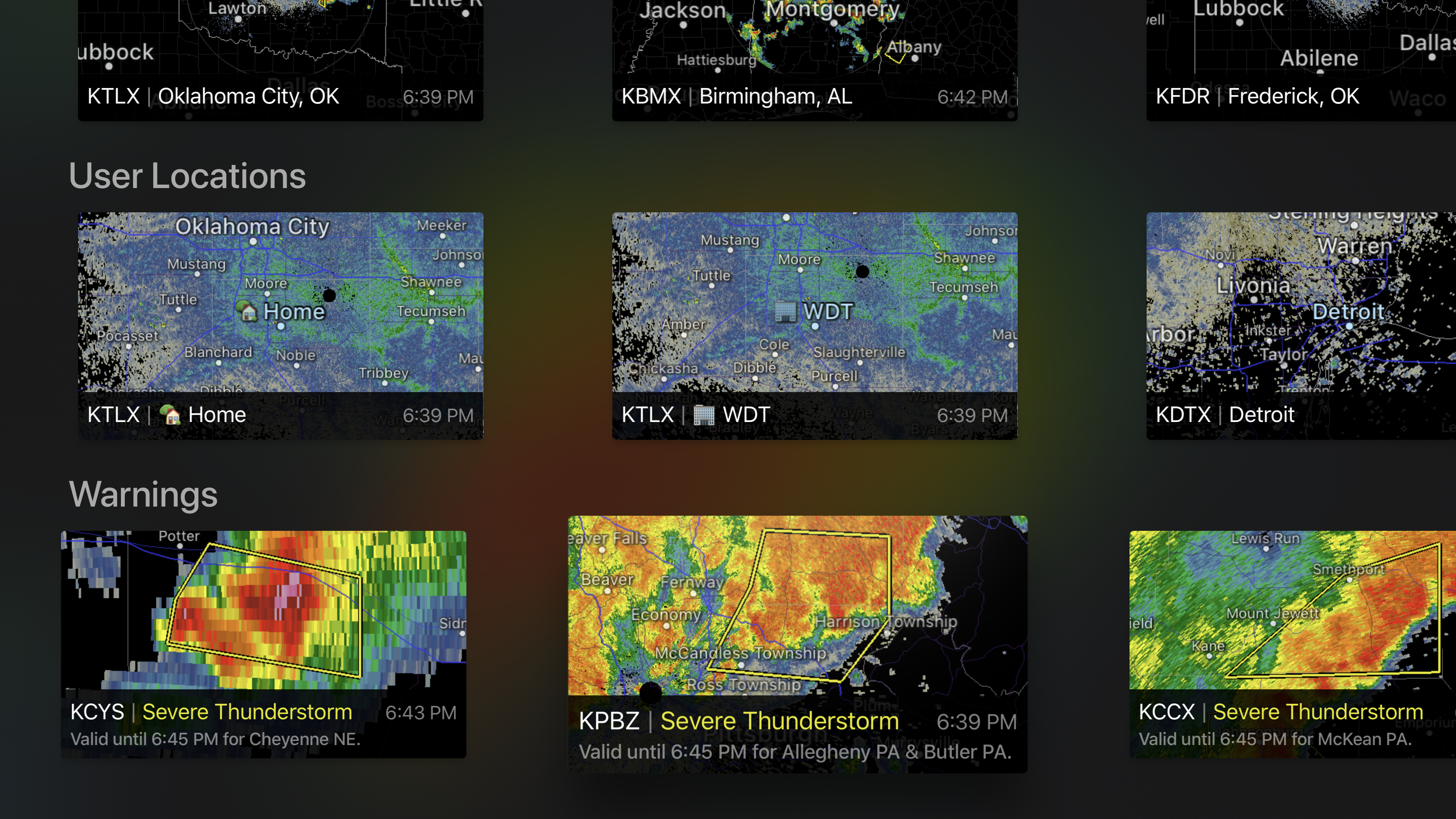
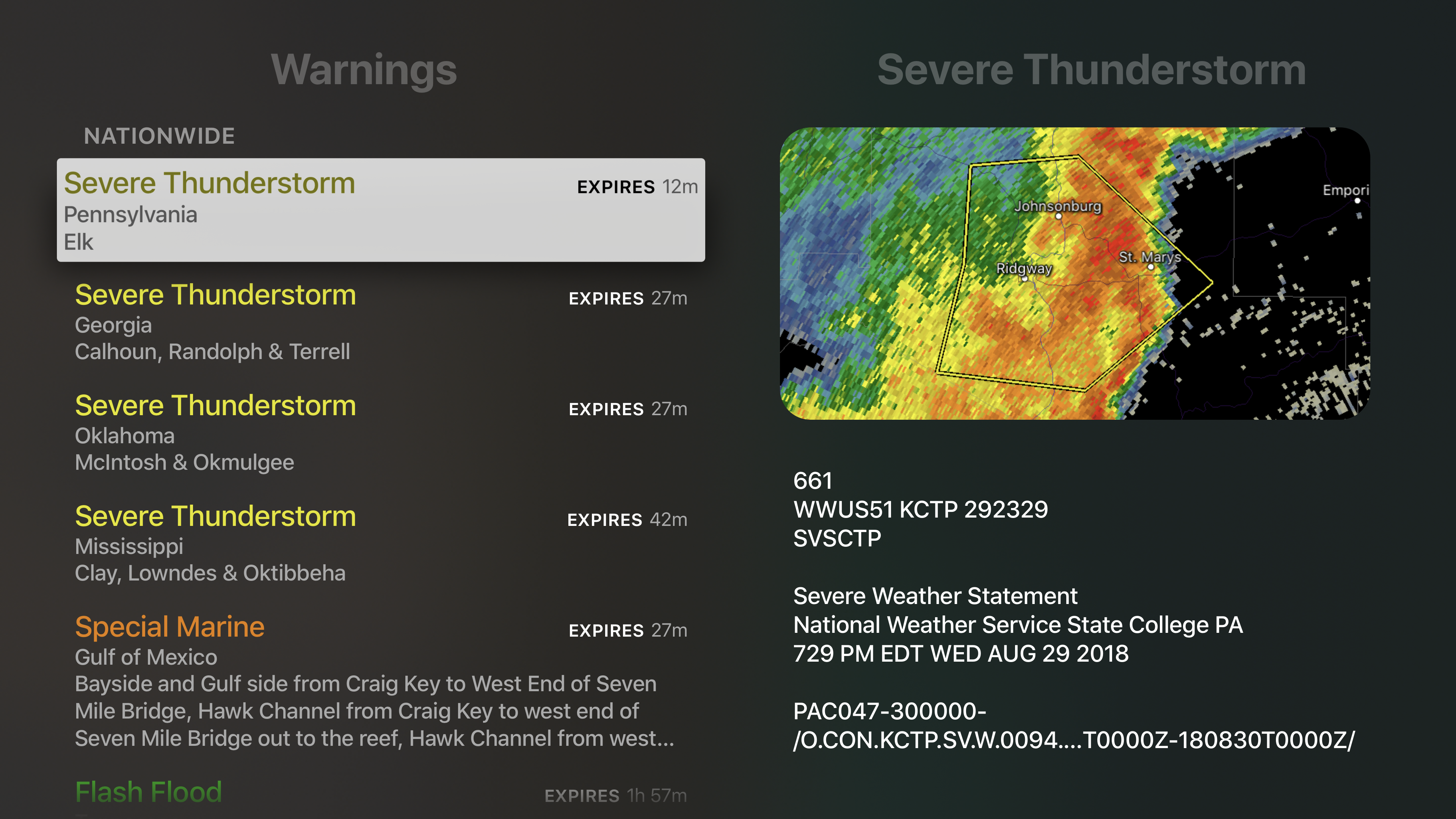
RadarScope displays tornado, severe thunderstorm, flash flood, special marine, and snow squall warnings issued by the U.S. National Weather Service. You can browse the list of active warnings, select a warning to view the details, and even zoom to the selected warning on the map.
Pinch or stretch to zoom in and out. Drag your finger around the map to scroll. Tap the radar sweep button in the toolbar to switch radars. Select one of the 289 different radars in the United States, Canada, Australia, Germany, Korea, Puerto Rico, Guam, or Okinawa. Plot your current location by tapping the location button and optionally report it to the Spotter Network. Tap the play button to download and animate over recent images. Display the names of over 25,000 cities and towns on the map as you zoom and scroll. Tap and hold the color legend to see the data values.
Meanwhile, RadarScope will retrieve and display updated data automatically and intelligently (approximately every 2 to 10 minutes, depending on the radar scan strategy).
You can display radar data from our servers, NOAA's public access web site, or your Allison House subscriber account. Spotter Network members can report their location and view the locations of other spotters.
RadarScope Pro is an optional auto-renewing subscription with two different tiers to choose from.
RadarScope Pro Tier One is an annual subscription that provides access to real-time animated lightning data and up to 30 frames of radar data, including extended loops of super-resolution data. Tier One subscribers can also access a data interrogation tool to quickly determine data values for specific radar pixels and an optional dual-pane mode for viewing two radar products side-by-side.
RadarScope Pro Tier Two is an annual or monthly subscription that combines all the features in Tier One with more advanced features, including 50-frame loops, SPC outlooks, special weather statements, mesoscale discussions, local storm reports, hail size and probability contours, and azimuthal shear contours in the U.S., a 30-day archive of all radar products, a 2-year archive of NEXRAD Level 3 radar products, a full historical archive of NEXRAD Level 2 products, and the ability to use subscription features across multiple platforms.
If you choose to buy the RadarScope Pro subscription, it will charged to your iTunes account. The subscription will be auto-renewed within 24 hours prior to the end of the current period at the same price you originally paid. Subscriptions may be managed and auto-renewal disabled via your iTunes Account Settings after the purchase. Once purchased, the subscription cannot be cancelled during the active subscription period.
DTN is committed to safeguarding your privacy online. Our privacy policy is available for review at: https://www.dtn.com/privacy-policy/
Please visit our web site for more information.
iPhone Screenshots
(click to enlarge)


iPad Screenshots
(click to enlarge)


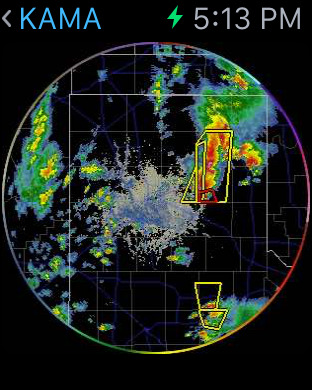
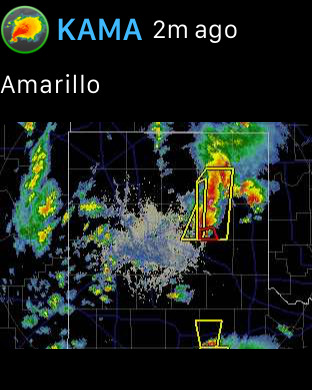
Apple Watch Screenshots
(click to enlarge)


Apple TV Screenshots
(click to enlarge)
App Changes
- April 21, 2011 New version 1.7.1
- February 26, 2011 New version 1.7.0
- July 28, 2010 New version 1.6.0
- May 22, 2010 New version 1.5.1
- April 23, 2010 New version 1.5
- January 09, 2010 New version 1.4.0
- November 05, 2009 New version 1.5.0
- July 03, 2009 New version 1.3.1
- April 27, 2009 New version 1.3.0
- December 17, 2008 New version 1.2.0
- October 09, 2008 New version 1.1
- September 22, 2008 New version 1.0.2
- June 25, 2011 New version 1.7.1
- October 06, 2011 New version 1.8.0
- March 26, 2012 New version 1.8.1
- May 30, 2012 New version 1.9.0
- June 07, 2012 New version 1.9.2
- July 24, 2012 New version 1.9.3
- October 16, 2012 New version 1.10
- October 30, 2012 New version 1.10.1
- March 12, 2013 New version 2.0.0
- April 12, 2013 New version 2.0.1
- April 30, 2013 New version 2.0.2
- July 17, 2013 New version 2.0.6
- September 24, 2013 New version 2.1.0
- October 03, 2013 New version 2.1.1
- November 26, 2013 New version 2.1.2
- July 09, 2014 New version 2.2
- July 23, 2014 New version 2.2.1
- September 11, 2014 New version 2.2.2
- September 22, 2014 New version 2.2.3
- October 22, 2014 New version 2.2.4
- April 09, 2015 New version 2.3
- April 27, 2015 New version 2.3.1
- April 29, 2015 New version 2.3.2
- August 25, 2015 New version 2.4
- September 13, 2015 New version 2.4.1
- November 17, 2015 New version 2.4.2
- December 02, 2015 New version 2.4.3
- March 23, 2016 New version 3.0
- April 27, 2016 New version 3.0.3
- June 30, 2016 New version 3.0.4
- July 12, 2016 New version 3.1
- July 15, 2016 New version 3.1.1
- July 21, 2016 New version 3.1.2
- December 21, 2016 New version 3.1.3
- March 01, 2017 New version 3.3.1
- March 30, 2017 New version 3.3.2
- May 18, 2017 New version 3.4.1
- August 26, 2017 New version 3.5
- September 10, 2017 New version 3.5.1
- March 20, 2018 New version 3.6.1
- October 10, 2018 New version 3.8.4
- February 24, 2019 New version 3.8.8
- June 13, 2019 New version 3.9
- July 19, 2019 New version 3.9.2
- July 24, 2019 New version 3.9.3
- August 27, 2019 New version 3.10
- November 18, 2019 New version 3.11
- December 17, 2019 New version 3.12
- December 24, 2019 New version 3.12.1
- April 09, 2020 New version 3.13.1
- October 24, 2020 New version 4.0.5
- February 15, 2021 New version 4.1
- March 13, 2021 New version 4.2
- April 24, 2021 New version 4.2.2
- April 28, 2021 New version 4.3
- June 08, 2021 New version 4.4
- June 21, 2021 New version 4.4.2
- June 28, 2021 New version 4.4.3
- October 25, 2021 New version 4.5
- October 25, 2021 New version 4.5.1
- October 27, 2021 New version 4.5.2
- December 11, 2021 New version 4.5.3
- March 07, 2022 New version 4.6
- April 25, 2022 New version 4.6.1
- May 18, 2022 New version 4.6.2
- May 22, 2022 New version 4.6.3
- June 06, 2022 New version 4.7
- June 10, 2022 New version 4.7.1
- June 25, 2022 New version 4.7.2
- October 25, 2022 New version 5.0
- November 05, 2022 New version 5.0.2
- November 30, 2022 New version 5.0.3
- December 19, 2022 New version 5.0.4
- February 16, 2023 New version 5.0.5
- February 27, 2023 New version 5.0.6
- March 22, 2023 New version 5.0.7
- April 25, 2023 New version 5.0.8
- August 10, 2023 New version 5.0.9
- September 12, 2023 New version 5.1
- October 03, 2023 New version 5.1.1
- November 02, 2023 New version 5.1.2
- November 14, 2023 New version 5.1.3
- December 10, 2023 New version 5.1.4
- January 09, 2024 New version 5.2.1
- February 28, 2024 New version 5.2.2
Other Apps From Base Velocity, LLC